
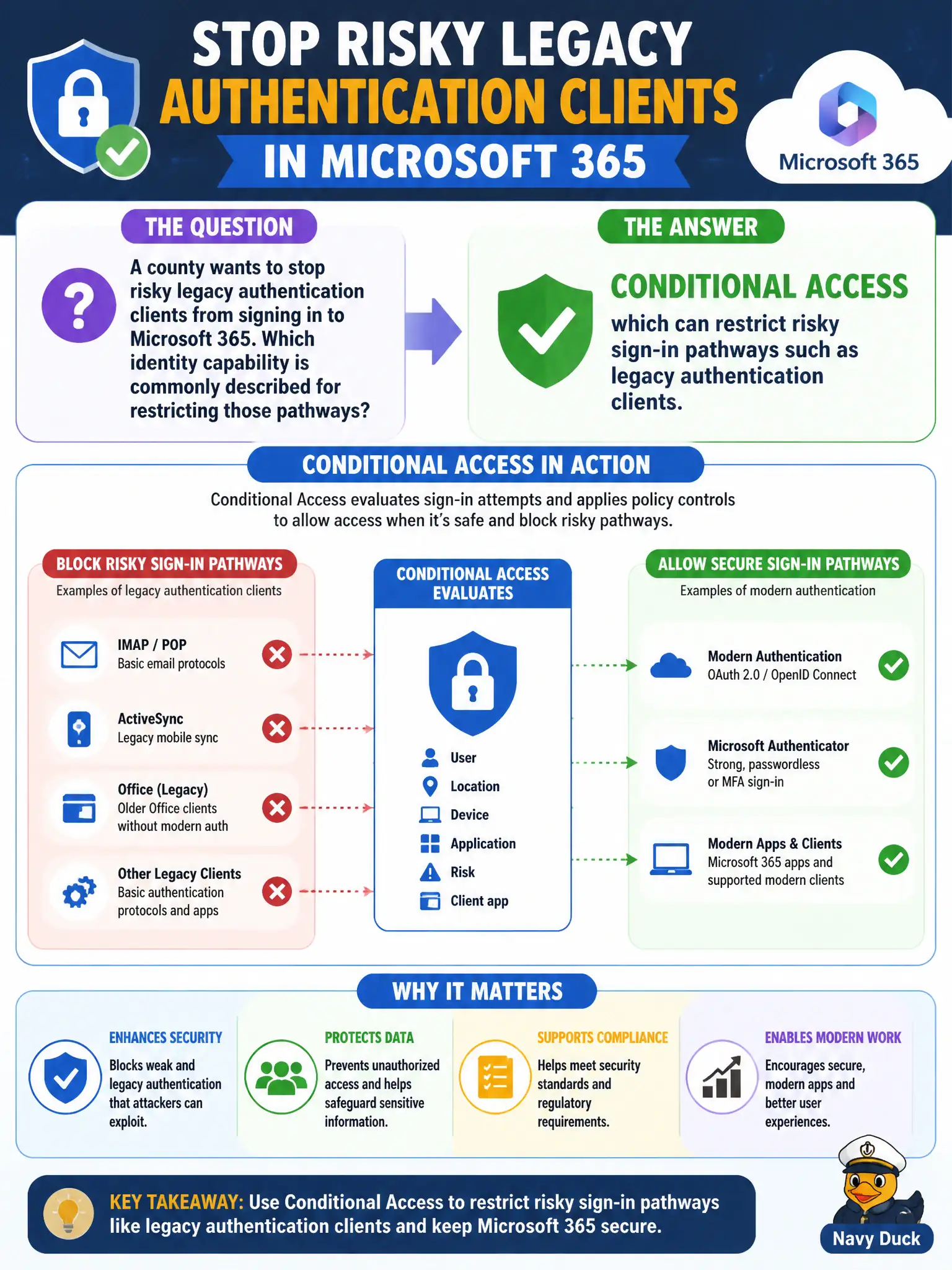
A county wants to stop risky legacy authentication clients from signing in to Microsoft 365. Which identity capability is commonly described for restricting those pathways?
Select an answer to reveal the explanation.
Short Explanation
Legacy auth clients are the side door that often skips modern protections. Conditional Access can shut that pathway down. Adaptive access is the fundamentals label for that control.
Full Explanation
Conditional Access can restrict risky sign-in pathways such as legacy authentication clients, which is the identity capability commonly described when a county wants to stop those clients from signing in to Microsoft 365. Legacy protocols often cannot enforce modern MFA challenges cleanly, so blocking or limiting them through Conditional Access is a standard fundamentals hardening story. Municipal tenants benefit because older mail clients and scripts are frequent sources of avoidable risk.
Microsoft Loop workspaces organize collaborative components rather than block legacy authentication. Power Automate approval flows alone, without identity access policy, are not the legacy-auth control plane. OneNote ink replay records handwriting rather than authentication protocols.
An exam caveat is that blocking legacy authentication can break older municipal line-of-business integrations, so inventory and remediation should precede a hard block. Operationally, identify legacy auth sign-ins in Entra logs, notify affected city departments, implement Conditional Access to block legacy authentication for in-scope users, and validate modern clients still connect while legacy attempts fail as intended.