
After several failed logons, a city employee’s Microsoft 365 account is locked. Which Entra ID capability can let that employee unlock or reset access without calling the help desk?
Select an answer to reveal the explanation.
Short Explanation
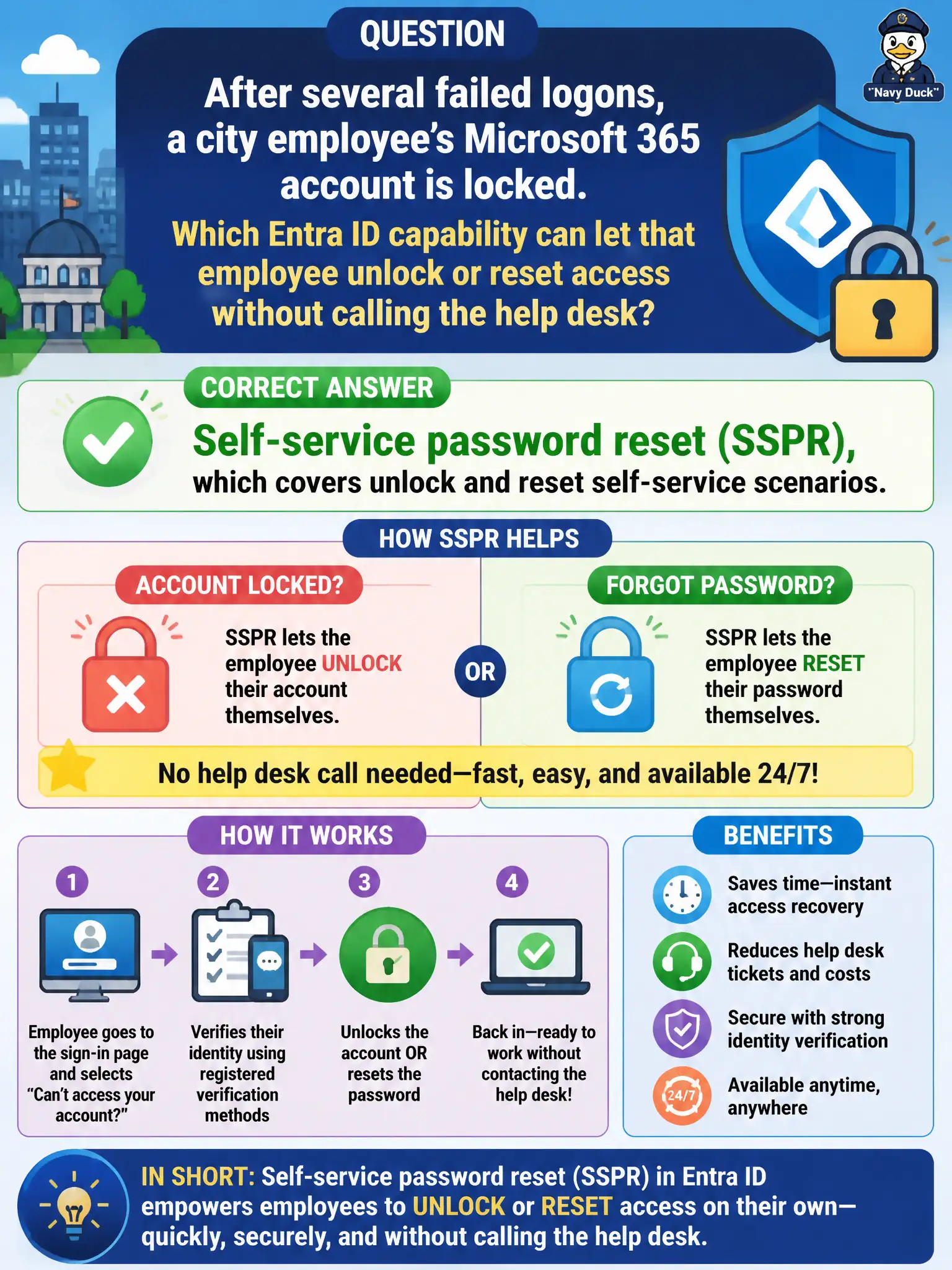
Locked out after bad guesses? SSPR can get the employee back in with registered methods—no ticket required. Unlock and reset are both in that self-service family.
Full Explanation
Self-service password reset (SSPR) covers unlock and reset self-service scenarios, which is the Entra ID capability that can let a city employee unlock or reset access after failed logons without calling the help desk. When lockouts hit during busy permitting hours, SSPR keeps staff productive if they previously registered authentication methods such as an authenticator app or phone. MS-900 maps unlock and reset self-service clearly to SSPR rather than to collaboration canvases, device scorecards, or meeting lobby settings.
Microsoft Whiteboard templates aid collaboration drawing rather than account unlock. Endpoint Analytics scorecards report device experience and do not unlock Entra ID accounts. Teams meeting lobby settings control meeting entry rather than password unlock.
An exam caveat is that account lockout and password reset policies must allow SSPR to succeed; if users lack registered methods, the help desk remains the only path. Operationally, reproduce a test lockout with a pilot municipal account that has registered methods, complete SSPR unlock or reset, confirm Microsoft 365 sign-in works again, and only then advertise the self-service path citywide through intranet guidance.