
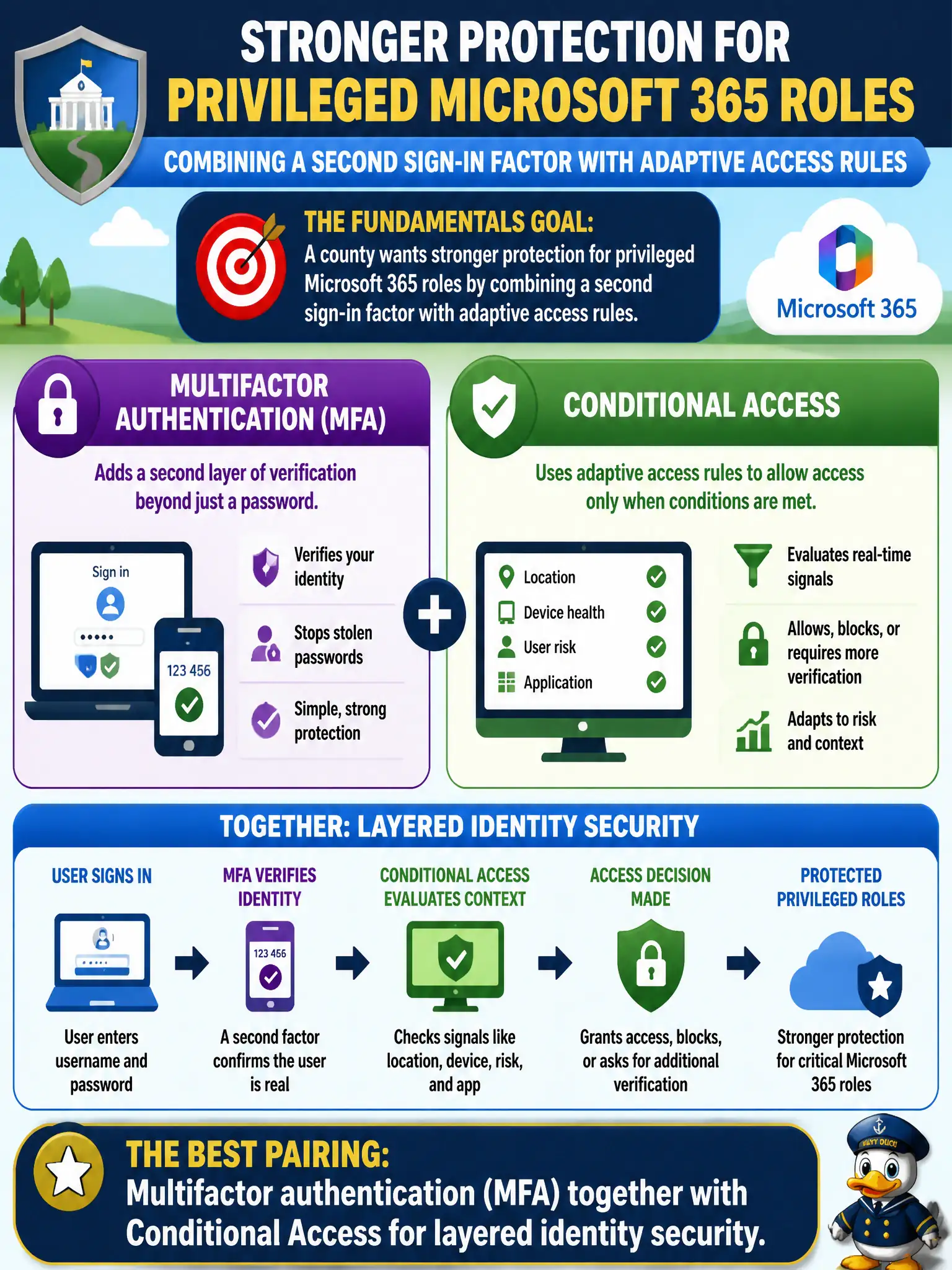
A county wants stronger protection for privileged Microsoft 365 roles by combining a second sign-in factor with adaptive access rules. Which pairing best matches that fundamentals goal?
Select an answer to reveal the explanation.
Short Explanation
Privileged roles deserve more than one trick. MFA proves who you are harder; Conditional Access decides whether this sign-in looks safe enough. Stack them and the county’s admin story gets much tougher to abuse.
Full Explanation
Multifactor authentication (MFA) together with Conditional Access provides layered identity security for privileged Microsoft 365 roles, matching a county that wants a second sign-in factor plus adaptive access rules. MFA raises the bar for credential theft, while Conditional Access can require that stronger authentication specifically for admin roles, privileged portals, or risky sign-ins. Municipal security programs should treat that pairing as complementary rather than optional ornamentation.
Microsoft To Do personal tasks and Stream video encoding settings do not protect privileged roles. OneDrive Known Folder Move and PowerPoint presenter coach address file backup and presentation assistance, not privileged-role security. Bookings staff pages and Excel PivotTables are productivity features, not privileged-role controls.
An exam caveat is that privileged identity strategies may also include least-privilege role assignment and separate admin accounts, but at MS-900 describe depth the MFA plus Conditional Access pairing is the expected foundational answer. Operationally, enable MFA for privileged county admins, create Conditional Access policies that require MFA for admin portals and elevated roles, and review sign-in logs to confirm privileged authentications satisfy both controls.