
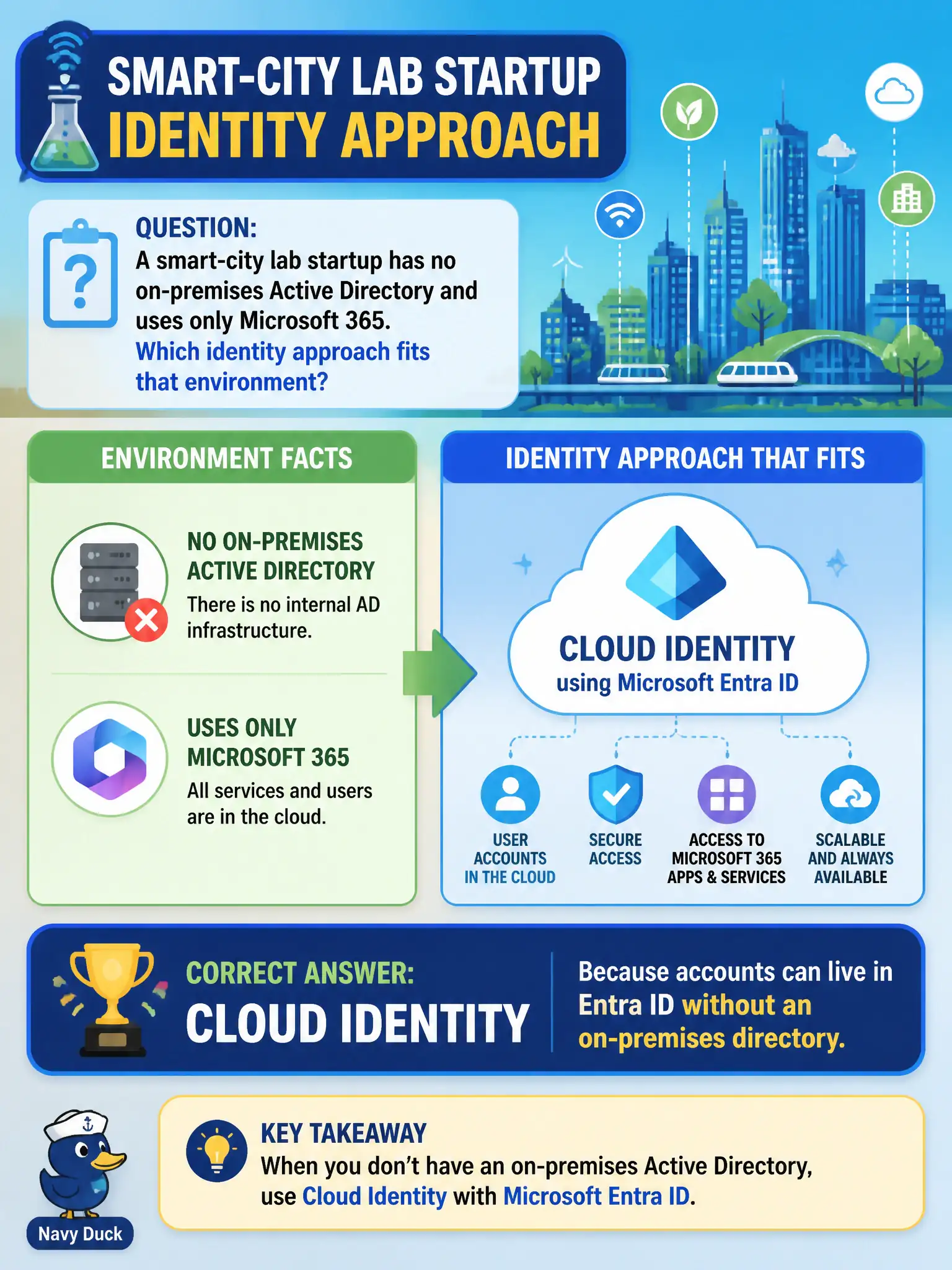
A smart-city lab startup has no on-premises Active Directory and uses only Microsoft 365. Which identity approach fits that environment?
Select an answer to reveal the explanation.
Short Explanation
No server room directory? Then you are not forced into hybrid theater. Cloud identity in Entra ID matches a cloud-only lab. Sign staff up in the cloud and go.
Full Explanation
Cloud identity fits a smart-city lab startup with no on-premises Active Directory because accounts can live in Entra ID without an on-premises directory. Cloud-first municipal innovation labs often prefer this model to avoid domain-controller overhead while still using Outlook, Teams, and SharePoint for daily collaboration across project teams. MS-900 expects candidates to pick cloud identity when the stem explicitly says there is no on-premises AD and Microsoft 365 is the productivity platform in use.
Mandatory hybrid identity sync is incorrect when no on-premises directory exists. On-premises-only AD DS with no Entra ID cannot properly support Microsoft 365 cloud apps as the primary identity path. Defender for Endpoint is endpoint threat protection and is not a substitute for user identity and sign-in.
An exam caveat is that cloud identity tenants should still enable MFA, Conditional Access, and sound lifecycle processes; “cloud-only” is not “control-free.” Operationally, create lab users directly in Entra ID, confirm Microsoft 365 app sign-in works without any Entra Connect server, and record cloud identity as the lab’s official model so future hybrid assumptions are not introduced by accident during later production handoff.