
A vendor tells a municipal IT lead that passwords alone are enough for Microsoft 365 admin accounts. What should the candidate recommend instead as the foundational identity control?
Select an answer to reveal the explanation.
Short Explanation
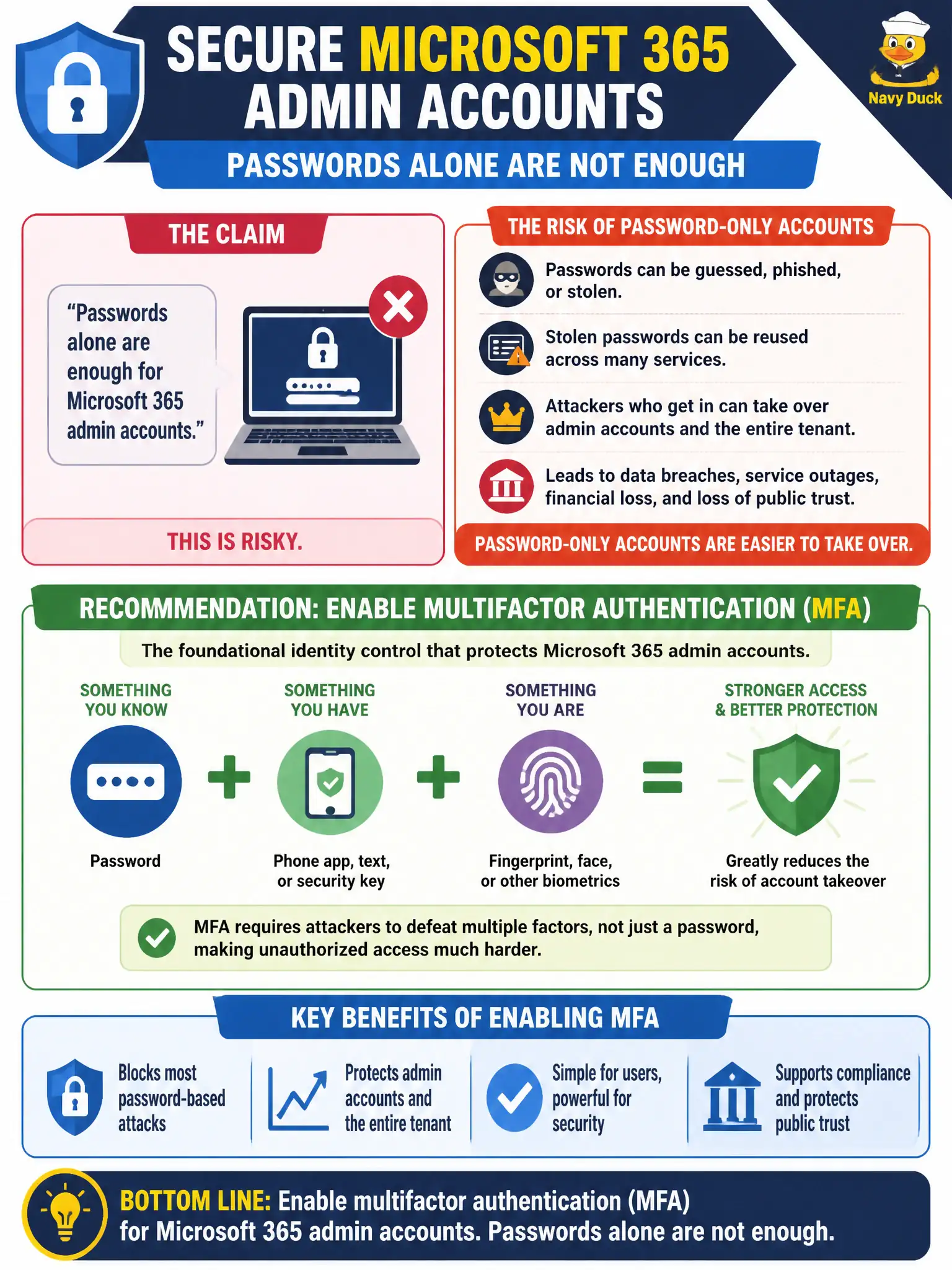
Admin accounts are the master keys to city Microsoft 365. A password alone is a single point of failure; MFA adds another lock. That is the fundamentals answer when someone claims passwords are enough.
Full Explanation
Enabling multifactor authentication (MFA) is the foundational identity control to recommend when a vendor claims passwords alone are enough for Microsoft 365 admin accounts. Password-only privileged accounts are far easier to take over, and municipal Global Administrators or other high-impact roles handle billing, user lifecycle, and service configuration that attackers prize. MS-900 consistently treats MFA as baseline protection for Microsoft 365 identities, especially administrators.
Disabling Entra ID entirely and relying only on local workstation passwords would break Microsoft 365 cloud identity and worsen security. Replacing MFA with SharePoint document libraries does not protect privileged sign-ins; libraries store content, they do not provide second-factor authentication. Microsoft Forms quizzes are not an access control for privileged Microsoft 365 administration.
An exam caveat is that MFA should be paired with least-privilege roles and Conditional Access for admin portals, but MFA remains the first corrective recommendation against password-only admin advice. Operationally, require MFA for all privileged municipal admin accounts immediately, confirm each admin has registered a strong method, and audit any break-glass accounts so emergency access is controlled without leaving everyday admin accounts password-only.