
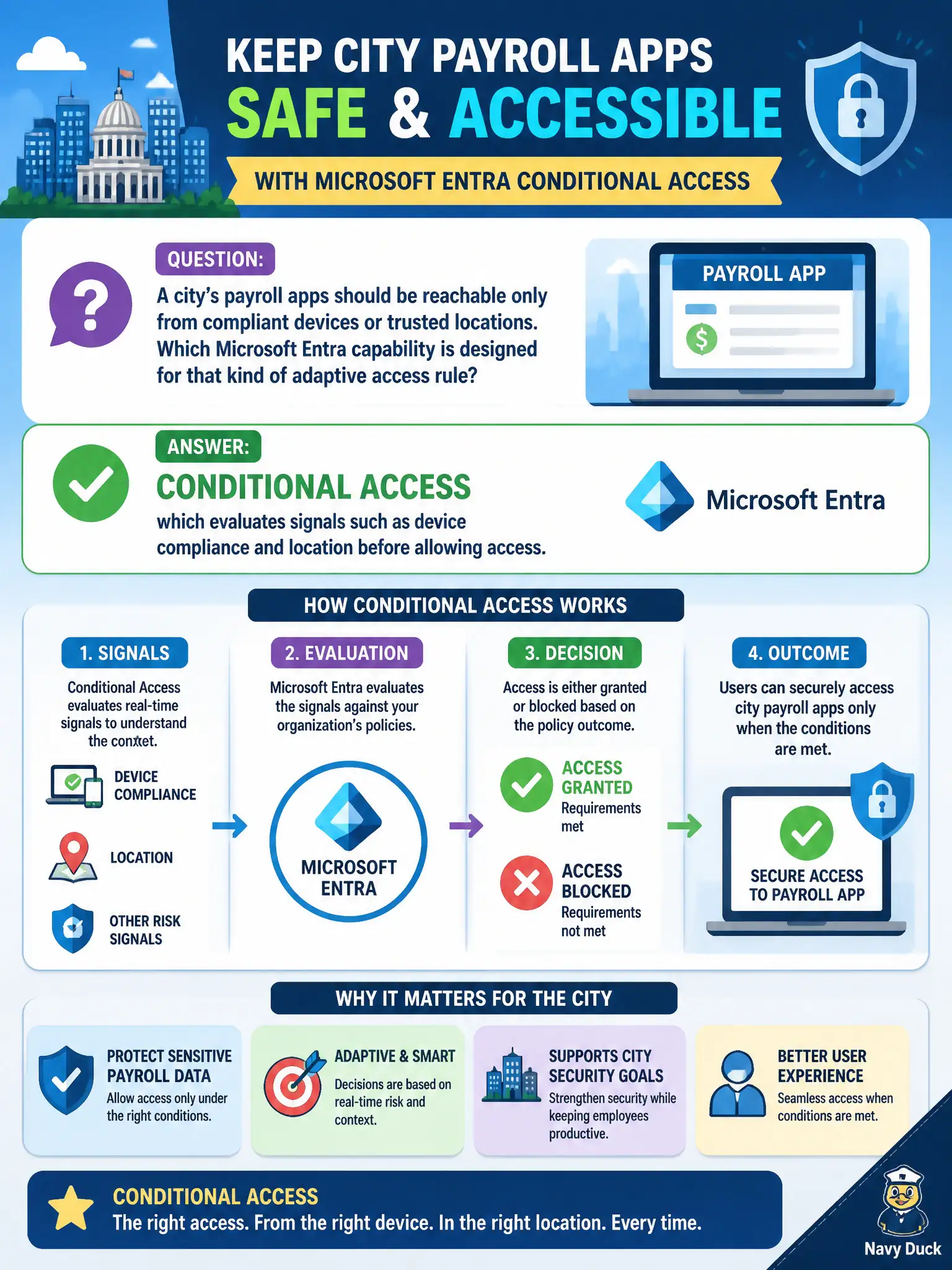
A city’s payroll apps should be reachable only from compliant devices or trusted locations. Which Microsoft Entra capability is designed for that kind of adaptive access rule?
Select an answer to reveal the explanation.
Short Explanation
Conditional Access is the bouncer that checks more than the password—device health, place, and other signals. Payroll only from compliant or trusted contexts is exactly that story. It is identity-driven access, not a network firewall rewrite.
Full Explanation
Conditional Access evaluates signals such as device compliance and location before allowing access, which is the Microsoft Entra capability designed for adaptive rules that keep payroll apps reachable only from compliant devices or trusted locations. For a city payroll system, that adaptive gate reduces risk from unmanaged home PCs or unexpected geographies while still letting authorized finance staff work from approved contexts. MS-900 frames Conditional Access as identity-driven adaptive access, not as a collaboration or naming trivia feature.
Microsoft Stream video hosting stores videos; it does not enforce adaptive sign-in policy for payroll apps. Microsoft Planner task boards organize work items and do not gate app access by risk signals. Office 365 versus Microsoft 365 product naming is a licensing and branding distinction, not an access-control engine.
An exam caveat is that Conditional Access policies require appropriate Entra ID capabilities in many real tenants and depend on accurate device compliance signals from endpoint management; the fundamentals concept still centers on signal-based access decisions. Operationally, draft a Conditional Access policy requiring compliant devices or trusted locations for the payroll cloud app, pilot it with finance users, and verify a noncompliant test device is blocked while a compliant municipal laptop succeeds.