
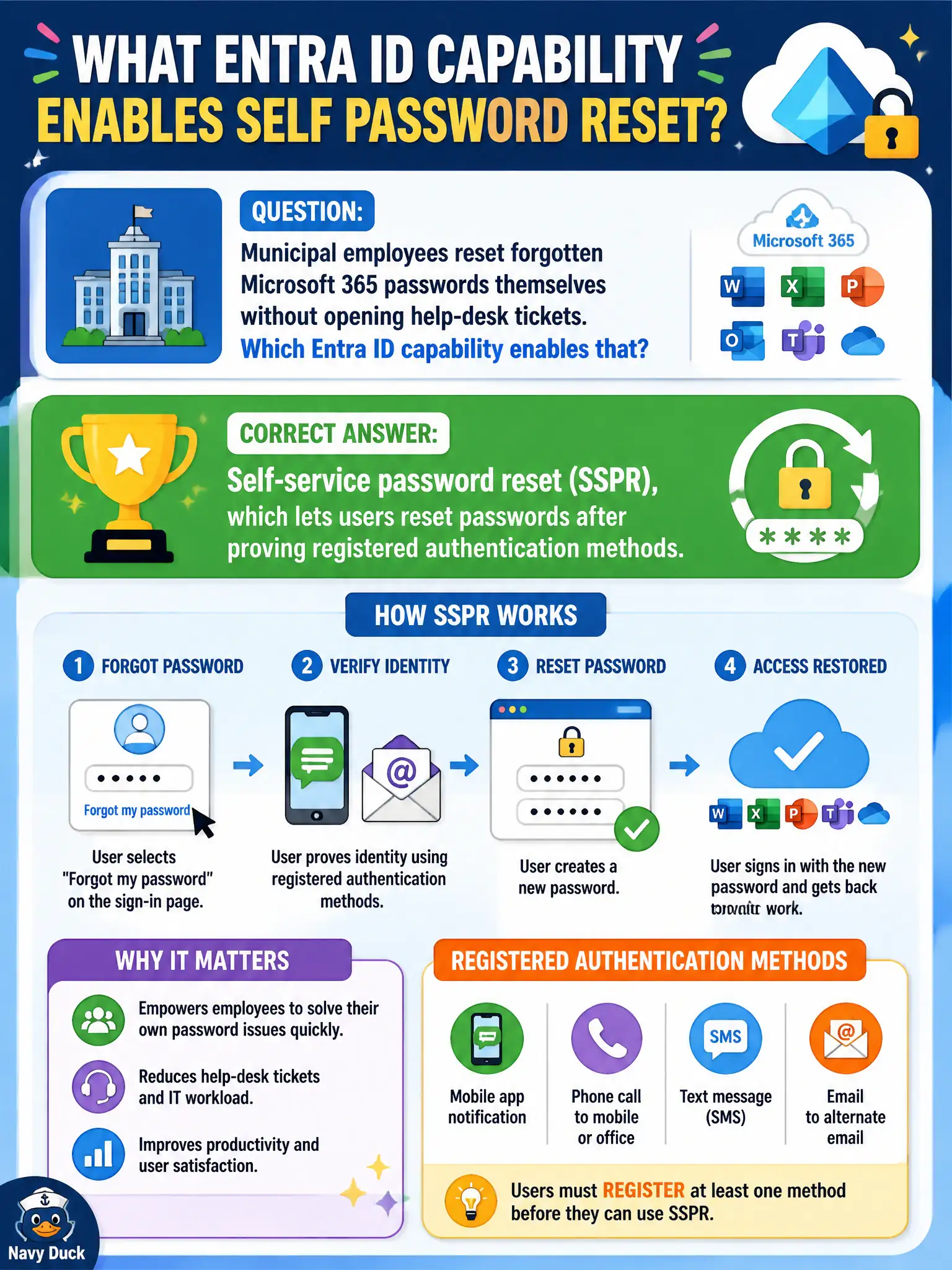
Municipal employees reset forgotten Microsoft 365 passwords themselves without opening help-desk tickets. Which Entra ID capability enables that?
Select an answer to reveal the explanation.
Short Explanation
When staff unlock their own account with a registered phone or email method, IT is not typing resets all morning. That self-serve path is SSPR. Fewer tickets, same Entra ID account.
Full Explanation
Self-service password reset (SSPR) lets users reset passwords after proving registered authentication methods, which is how municipal employees unlock forgotten Microsoft 365 passwords without opening help-desk tickets. SSPR reduces civic help-desk volume on busy Monday mornings and keeps clerks productive when they forget credentials before permit counters open. At MS-900 depth, SSPR is an Entra ID identity self-service capability, not a telephony, labeling, or desktop virtualization feature.
Microsoft Teams Phone provides calling features and does not reset Entra ID passwords. Sensitivity labels in Microsoft Purview classify and protect content; they do not perform credential reset. Azure Virtual Desktop session hosts deliver remote desktops and are unrelated to password self-service.
An exam caveat is that SSPR only works after users register usable authentication methods such as a phone, email, or authenticator app; enabling the feature without registration campaigns leaves employees stuck calling the help desk anyway. Operationally, enable SSPR for in-scope municipal groups, run a registration drive so staff enroll methods before they need a reset, and measure ticket volume for password resets over the following two Mondays to confirm the capability is landing.