
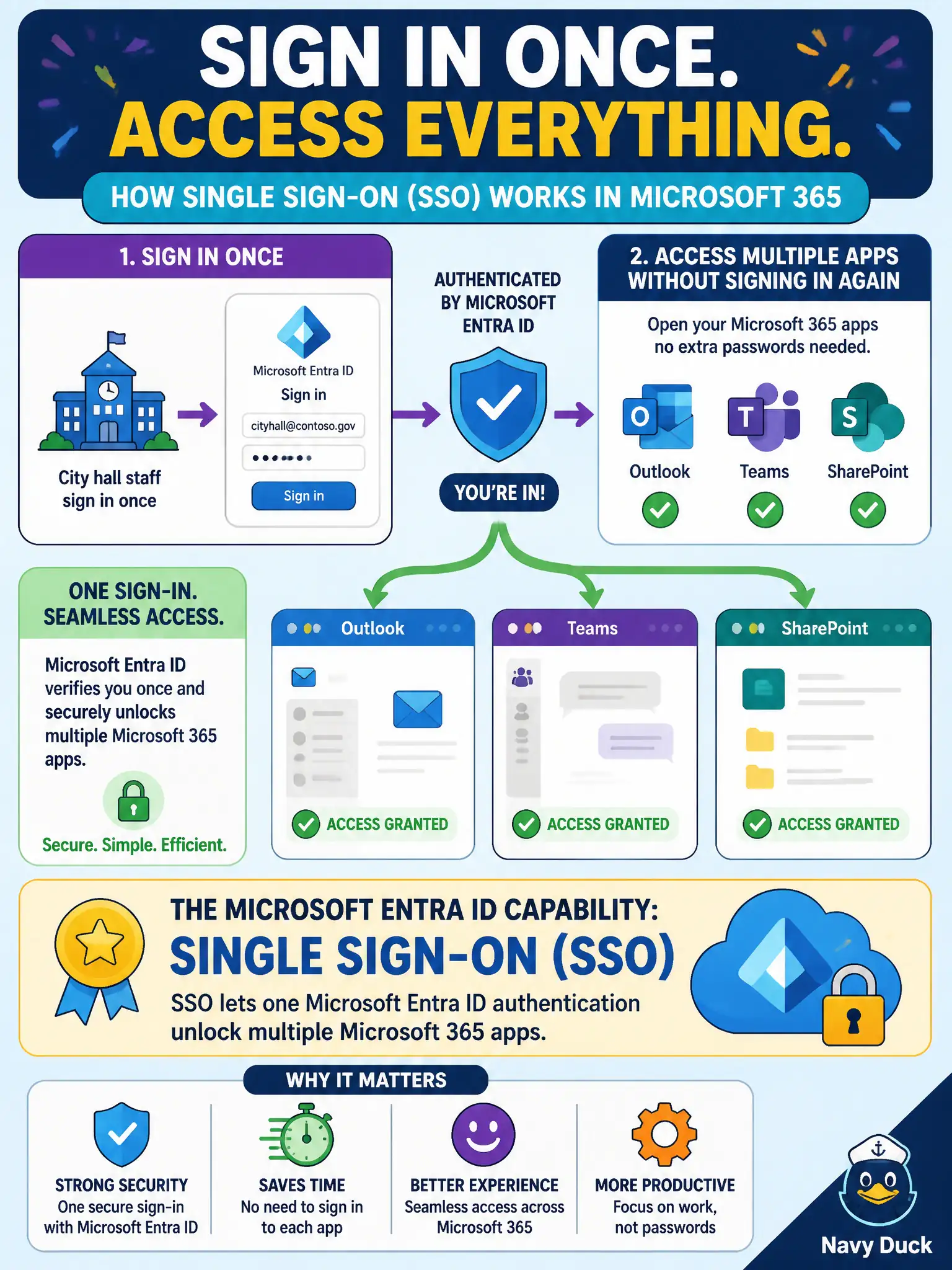
City hall staff sign in once and then open Outlook, Teams, and SharePoint without entering credentials again. Which Microsoft Entra ID capability does that describe?
Select an answer to reveal the explanation.
Short Explanation
Picture one city keycard that opens the mail room, the meeting rooms, and the file cabinets—no separate badge for each. That is SSO with Entra ID for Microsoft 365 apps. Sign in once, then hop across Outlook, Teams, and SharePoint.
Full Explanation
Single sign-on (SSO) is the Microsoft Entra ID capability that lets one authentication unlock multiple Microsoft 365 apps, which matches city hall staff signing in once and then opening Outlook, Teams, and SharePoint without repeated credential prompts. SSO reduces password fatigue for municipal workers and is a core identity benefit of Entra ID with Microsoft 365. Candidates should recognize the user experience—authenticate once, access many cloud apps—as SSO rather than as a device enrollment or password-reset feature alone.
On-premises Active Directory Domain Services alone, with no cloud identity involvement, does not describe the Microsoft 365 cloud SSO experience across Outlook, Teams, and SharePoint. Self-service password reset only addresses forgotten-password recovery and does not itself provide cross-app single sign-on. Windows Autopilot enrolls devices into management and provisioning workflows; it does not provide application single sign-on.
An exam caveat is that hybrid environments may still use on-premises AD DS as an authoritative source that syncs to Entra ID, but the Microsoft 365 app SSO experience is delivered through cloud identity integration, not by pretending Autopilot or SSPR are SSO. Operationally, sign in to Microsoft 365 once with a test municipal account, open Outlook on the web, Teams, and SharePoint in the same session, and confirm additional password prompts do not appear for those apps under normal SSO conditions.