
A city needs a cloud directory for Microsoft 365 sign-in and groups. Which Microsoft 365 identity solution provides that cloud identity and access management?
Select an answer to reveal the explanation.
Short Explanation
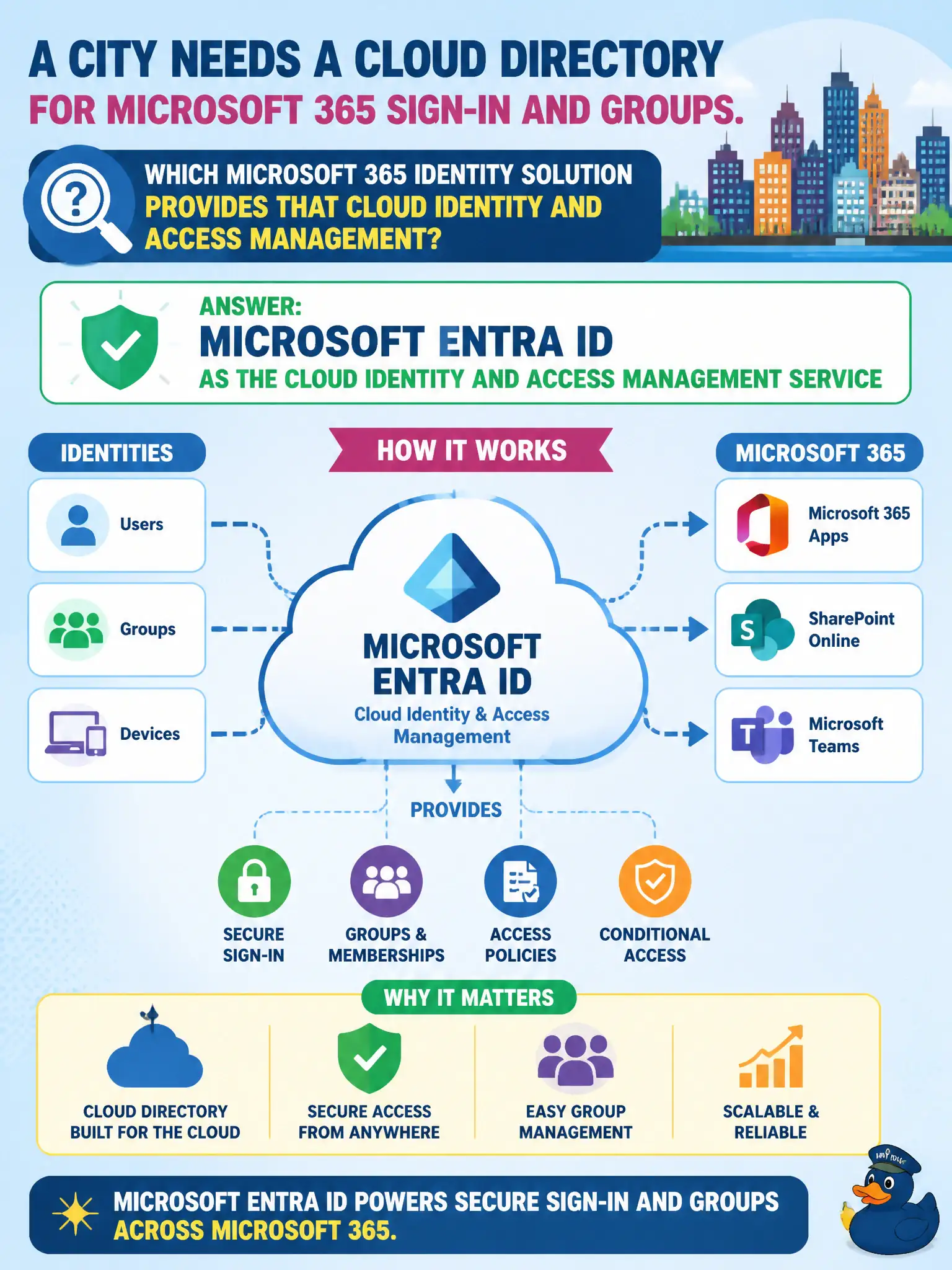
Microsoft 365 sign-in and groups need a real cloud directory—that’s Microsoft Entra ID, the identity front door. Planner buckets and public folders aren’t your user directory. Start identity conversations with Entra ID.
Full Explanation
Microsoft Entra ID is the cloud identity and access management service that provides the cloud directory for Microsoft 365 sign-in and groups. A city that needs organizational accounts, groups, and access control for Microsoft 365 is looking for Entra ID, not a task board or a personal file vault. At MS-900 fundamentals depth, Entra ID is the identity front door for Microsoft 365 services and the control plane that issues and evaluates access for cloud apps used by municipal staff.
Microsoft Planner buckets organize tasks; they are not an identity store for sign-in. Exchange public folders are a legacy collaboration feature and are not the directory for all Microsoft 365 sign-ins. OneDrive personal vaults protect individual files and cannot replace organizational identity and access management for a city workforce.
An exam caveat is terminology evolution: candidates may still see older “Azure AD” wording in some materials, but the current Microsoft 365 fundamentals framing uses Microsoft Entra ID for the cloud identity platform. Operationally, verify municipal users and groups exist in Entra ID, confirm staff can sign in to Outlook, Teams, and SharePoint with those identities, and ensure help-desk runbooks name Entra ID—not Planner or public folders—as the directory source of truth.