
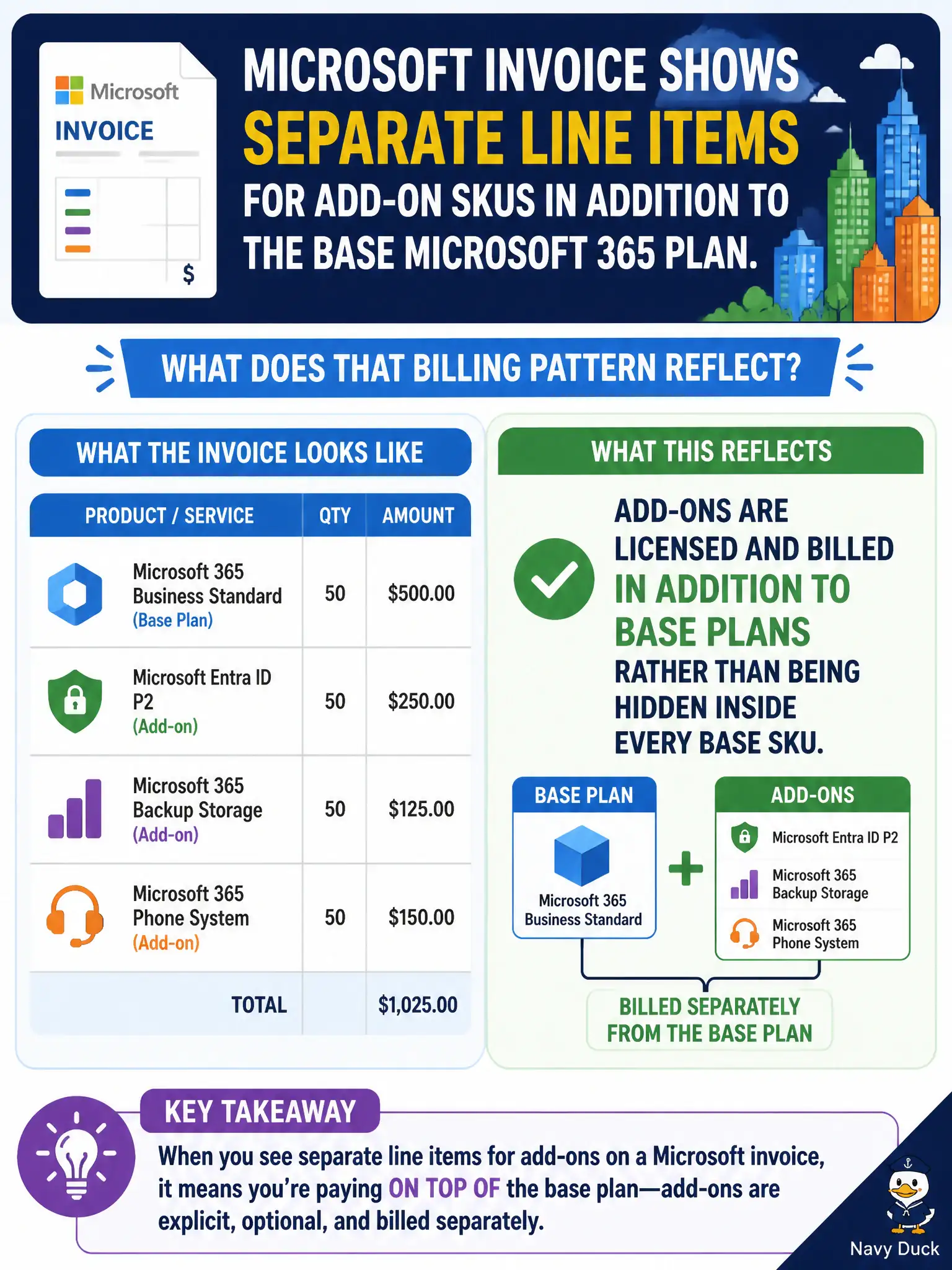
City finance notices separate line items on the Microsoft invoice for add-on SKUs in addition to the base Microsoft 365 plan. What does that billing pattern reflect?
Select an answer to reveal the explanation.
Short Explanation
If you bought the house and then the porch, the bill shows both. Add-ons show up as their own SKUs because they are extra entitlements on top of the base plan.
Full Explanation
Add-ons are licensed and billed in addition to base plans rather than being hidden inside every base SKU. When a city buys a base suite and then Phone System or Visio, invoices commonly show separate add-on lines because those are extra entitlements on top of the foundation.
Add-on SKUs do not always replace the base plan on the next invoice automatically. Microsoft invoices do list add-ons when purchased; they are not universally free for all government tenants. Separate add-on lines do not mean the tenant lost its Microsoft Entra ID directory.
Exam caveat: some higher suites already include features that others buy as add-ons—compare SKU feature tables before buying duplicates. Operational check: reconcile last month’s invoice lines to assigned add-on counts in the admin center and explain any variance to finance. In municipal Microsoft 365 fundamentals scenarios, map the business need to the named capability, reject distractors from a different pillar, and verify the control or commercial setting in the admin or billing experience before reporting risk closed to leadership. In municipal Microsoft 365 fundamentals scenarios, map the business need to the named capability, reject distractors from a different pillar, and verify the control or commercial setting in the admin or billing experience before reporting risk closed to leadership.