
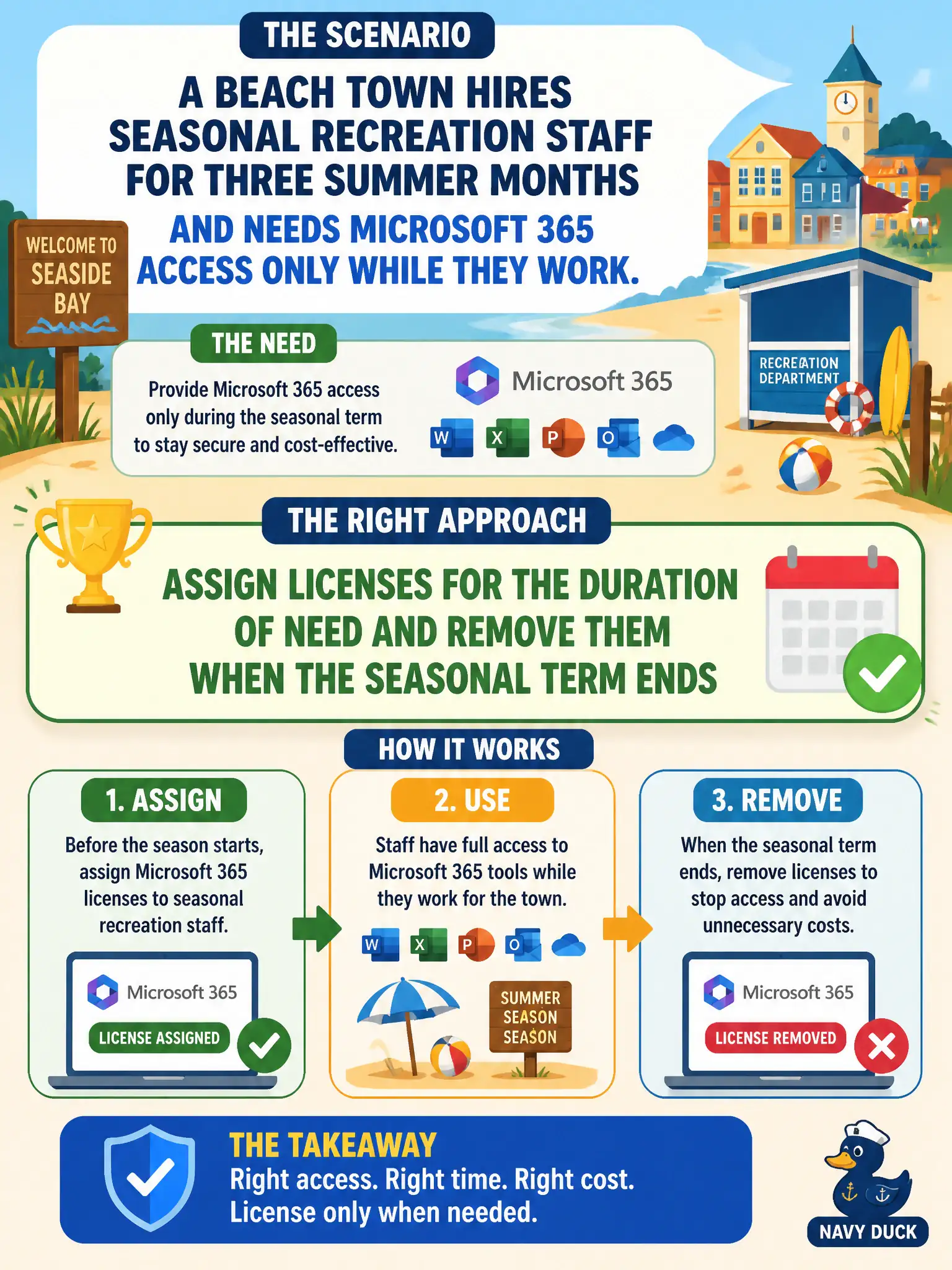
A beach town hires seasonal recreation staff for three summer months and needs Microsoft 365 access only while they work. What license-management approach fits?
Select an answer to reveal the explanation.
Short Explanation
Seasonal workers are like beach umbrellas—you put them out for summer and pack them up in fall. Assign the licenses while they work, then reclaim them when the season ends.
Full Explanation
Seasonal municipal staff should receive licenses for the duration of need and have them removed when the seasonal term ends. Time-boxing entitlements prevents paying year-round for summer-only parks employees.
Purchasing perpetual licenses that can never be unassigned after the first summer misstates cloud subscription licensing flexibility. Issuing licenses only to shared kiosk accounts that all seasonal staff must reuse forever creates accountability and security problems and is not the preferred identity model. Disabling Microsoft 365 Admin center reporting so seasonal seats cannot be tracked hides the problem instead of managing it.
Exam caveat: shared mailbox or kiosk scenarios exist but named user licensing remains the default teaching model. Operational check: tag seasonal accounts with an end date, calendar a reclaim task, unassign licenses on the last day, and confirm available seat counts for next season. In municipal Microsoft 365 fundamentals scenarios, map the business need to the named capability, reject distractors from a different pillar, and verify the control or commercial setting in the admin or billing experience before reporting risk closed to leadership. In municipal Microsoft 365 fundamentals scenarios, map the business need to the named capability, reject distractors from a different pillar, and verify the control or commercial setting in the admin or billing experience before reporting risk closed to leadership.