
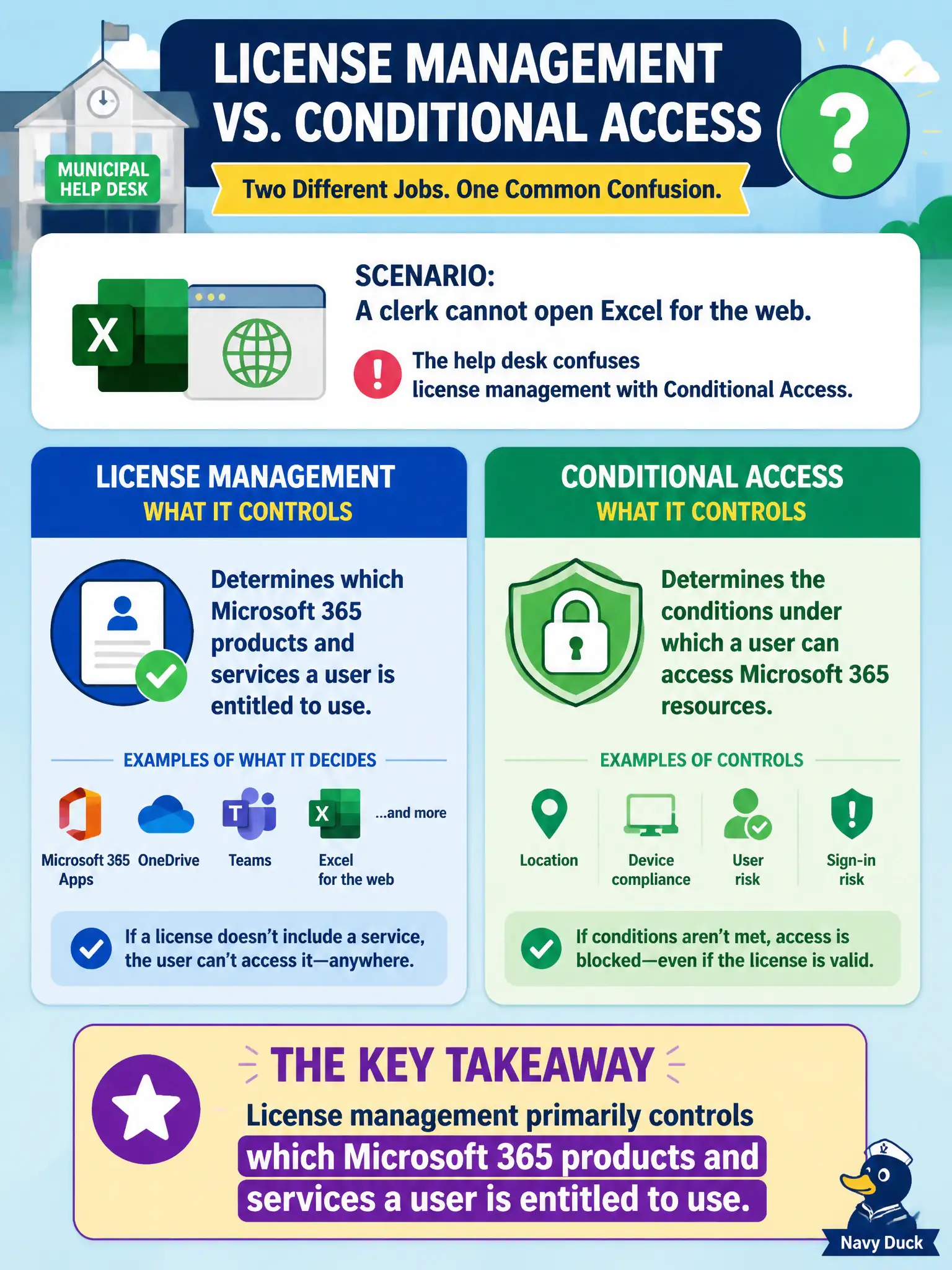
A municipal help desk confuses license management with Conditional Access when a clerk cannot open Excel for the web. What does license management primarily control?
Select an answer to reveal the explanation.
Short Explanation
Licensing is the ticket that says you are allowed into the show. Conditional Access is the bouncer checking how you walk in. Missing Excel because there is no ticket is a license problem first.
Full Explanation
A Microsoft 365 license determines which Microsoft 365 products and services a user is entitled to use. At fundamentals depth, licensing is the entitlement map from purchased SKUs to Word, Exchange, Teams, compliance features, and other service plans available to that account.
Licenses do not decide which public Wi-Fi SSIDs the city library must broadcast. They do not decide which DNS records Azure Front Door must rewrite overnight. They do not decide which network cables Facilities must label in the server room.
Exam caveat: having a license is necessary but configuration (roles, policies, app deployment) still controls actual access. Operational check: open a user’s license and service plan details in the admin center and compare enabled plans to the apps they can sign into. In municipal Microsoft 365 fundamentals scenarios, map the business need to the named capability, reject distractors from a different pillar, and verify the control or commercial setting in the admin or billing experience before reporting risk closed to leadership. In municipal Microsoft 365 fundamentals scenarios, map the business need to the named capability, reject distractors from a different pillar, and verify the control or commercial setting in the admin or billing experience before reporting risk closed to leadership.