
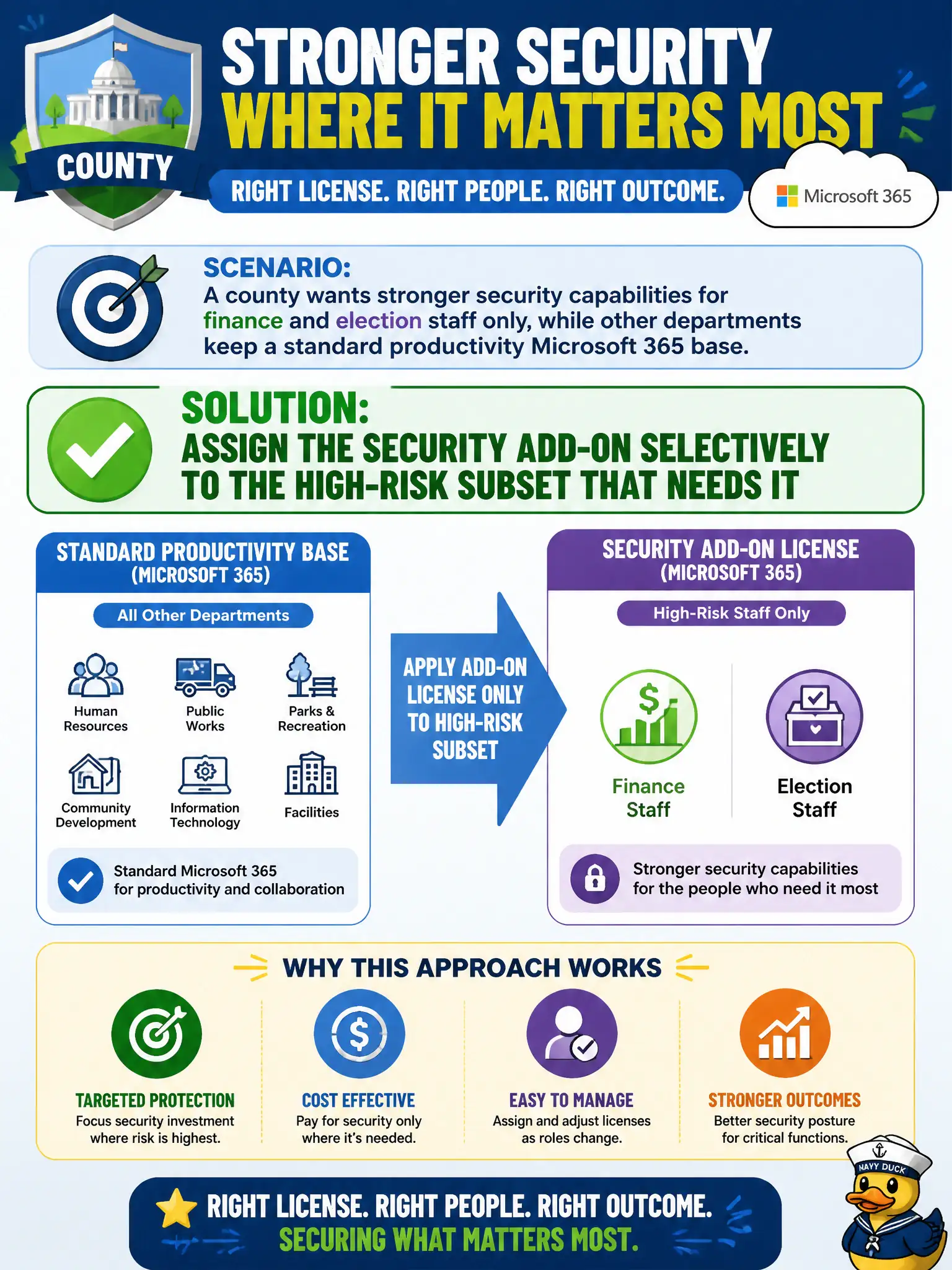
A county wants stronger security capabilities for finance and election staff only, while other departments keep a standard productivity Microsoft 365 base. How should add-on licensing be applied?
Select an answer to reveal the explanation.
Short Explanation
You do not armor the whole fleet when only the armored truck needs plating. Keep the base for everyone who needs productivity, then layer the security add-on on the higher-risk roles.
Full Explanation
Security add-ons should be assigned selectively to the high-risk subset that needs them—for example finance or privileged admins—rather than forcing every identity to consume expensive security SKUs. Selective assignment is core license hygiene for city budgets.
Forcing every citizen guest account to receive the security add-on before email works is usually unnecessary and costly. Removing base productivity licenses from finance so only the security add-on remains breaks the base-plus-add-on model. Publishing the security add-on as a public SharePoint template does not assign licenses.
Exam caveat: some cities standardize a higher suite for all staff; the exam still values understanding selective add-on targeting when that is the scenario. Operational check: define a high-risk security group, assign the add-on only to that group, and verify lower-risk departments keep base licenses without the add-on charge. In municipal Microsoft 365 fundamentals scenarios, map the business need to the named capability, reject distractors from a different pillar, and verify the control or commercial setting in the admin or billing experience before reporting risk closed to leadership. In municipal Microsoft 365 fundamentals scenarios, map the business need to the named capability, reject distractors from a different pillar, and verify the control or commercial setting in the admin or billing experience before reporting risk closed to leadership.