
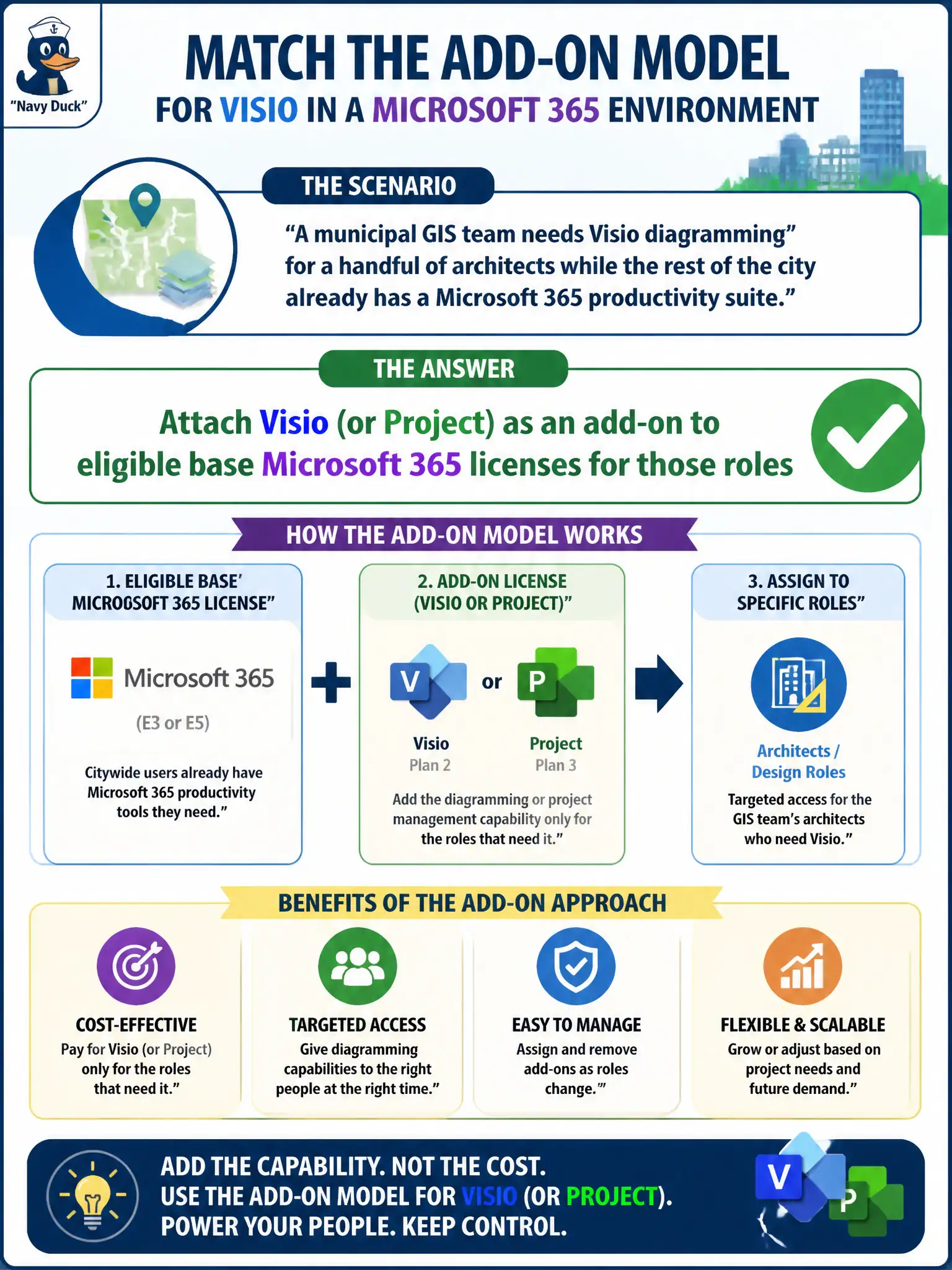
A municipal GIS team needs Visio diagramming for a handful of architects while the rest of the city already has a Microsoft 365 productivity suite. Which licensing approach matches the add-on model?
Select an answer to reveal the explanation.
Short Explanation
Most folks keep the everyday suite; the specialists get Visio or Project clipped on like an extra tool belt. You do not rip out everyone's base license just to draw a flowchart.
Full Explanation
Architects and project managers who need Visio or Project should receive those as add-ons attached to eligible base Microsoft 365 licenses for those roles—not as the sole license for every city employee. Selective add-ons keep costs aligned with job functions.
Issuing Visio as the sole Microsoft 365 license for every city employee over-licenses and likely omits needed suite services. Removing all base licenses to purchase only Project Online for the whole tenant breaks core productivity. Requiring each architect to buy a separate Azure Virtual Machine instead of an app add-on confuses IaaS with desktop app licensing.
Exam caveat: verify product eligibility matrices when assigning Visio/Project add-ons. Operational check: place architects in a security group, assign Visio add-on via group-based licensing, and confirm Visio clients activate while non-members do not consume those seats. In municipal Microsoft 365 fundamentals scenarios, map the business need to the named capability, reject distractors from a different pillar, and verify the control or commercial setting in the admin or billing experience before reporting risk closed to leadership. In municipal Microsoft 365 fundamentals scenarios, map the business need to the named capability, reject distractors from a different pillar, and verify the control or commercial setting in the admin or billing experience before reporting risk closed to leadership.