
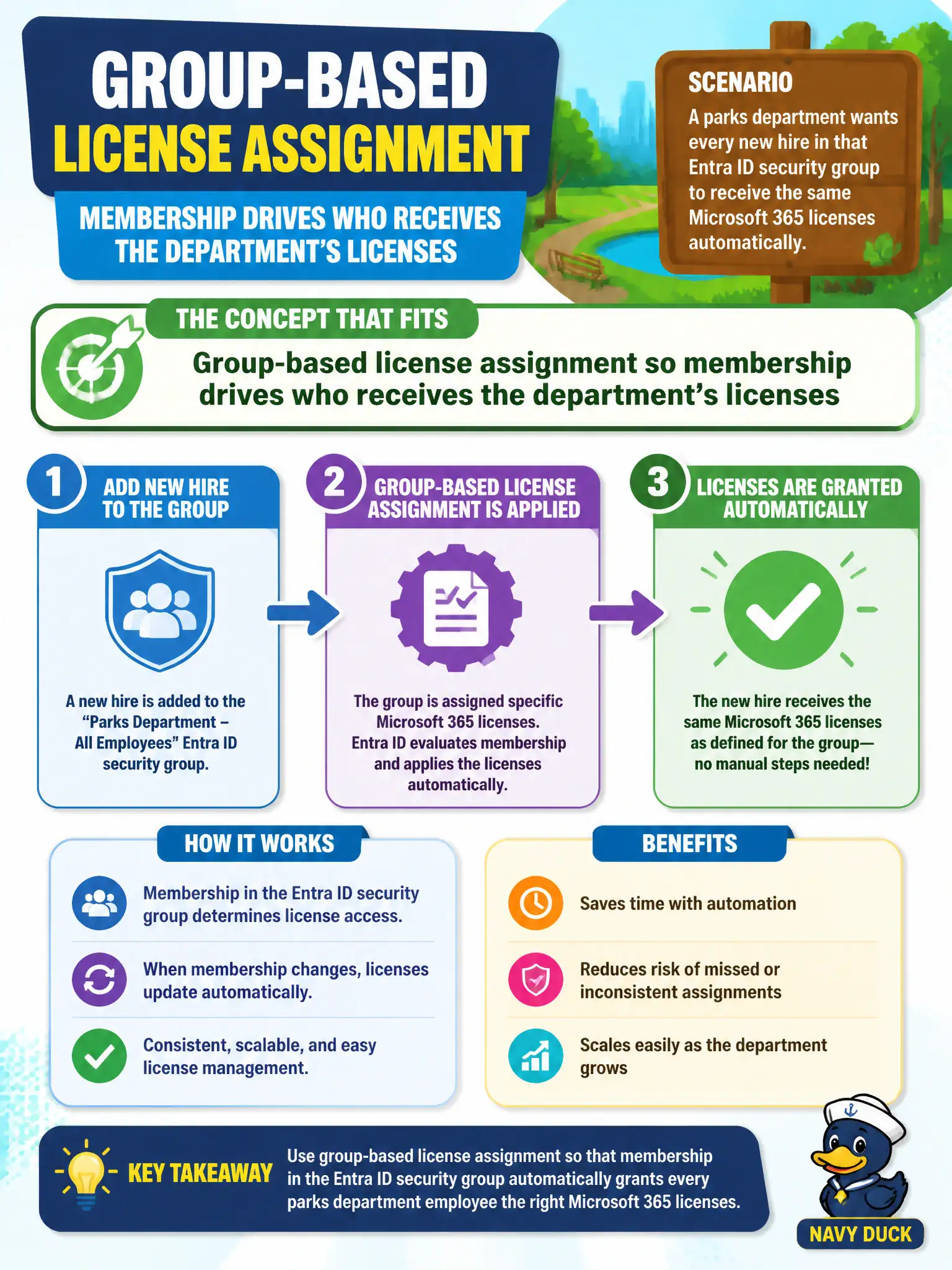
A parks department wants every new hire in that Entra ID security group to receive the same Microsoft 365 licenses automatically. Which license-management concept fits?
Select an answer to reveal the explanation.
Short Explanation
Put people in the parks group and let the group carry the licenses. It is like a badge that also hands out the toolbox—join the group, get the tools.
Full Explanation
Group-based license assignment lets membership drive who receives a department’s licenses—ideal for parks staff onboarding when HR adds users to a department group. Microsoft Entra group licensing reduces manual per-user clicks and keeps municipal license state consistent with org structure.
Manually emailing each license key to new hires with no directory group involvement is not how Microsoft 365 online license assignment works. Disabling all licensing and relying on guest accounts for parks staff fails entitlement needs for full employees. Assigning licenses only through paper purchase orders with no Microsoft 365 admin action never enables services in the tenant.
Exam caveat: nested groups and licensing errors require monitoring; group-based licensing still needs available seats. Operational check: add a test hire to the parks licensing group, confirm the license appears on the user, remove the user from the group, and confirm the license returns to the pool. In municipal Microsoft 365 fundamentals scenarios, map the business need to the named capability, reject distractors from a different pillar, and verify the control or commercial setting in the admin or billing experience before reporting risk closed to leadership.