
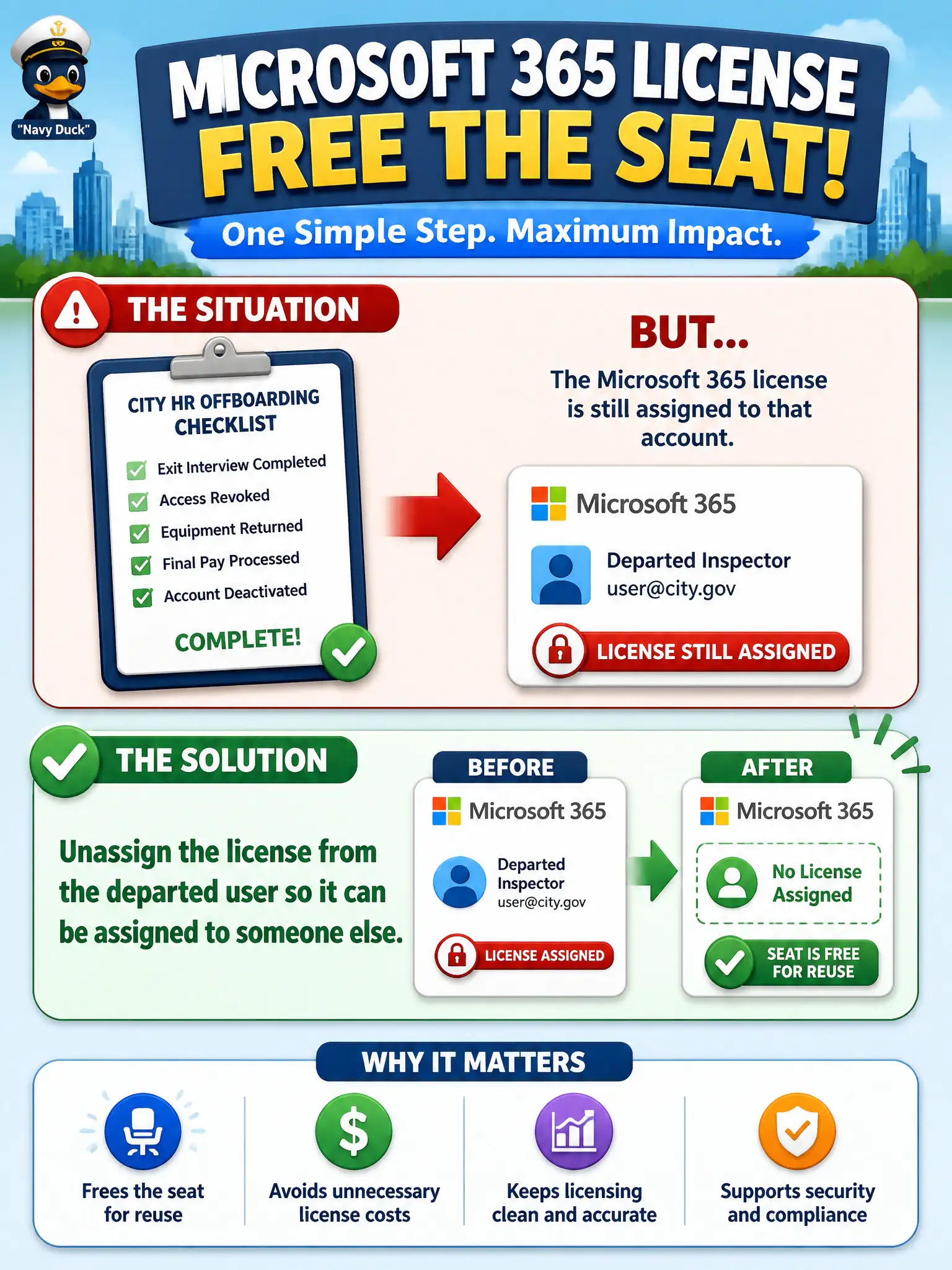
A city HR offboarding checklist finishes for a departed inspector, but the Microsoft 365 license is still assigned to that account. What license-management step frees the seat for reuse?
Select an answer to reveal the explanation.
Short Explanation
When someone leaves, the seat does not magically jump to the next hire. Unassign the license from the old account and you can hand that same entitlement to someone who still needs it.
Full Explanation
When an employee departs, the operational license hygiene step is to unassign the license from the departed user so the seat can be assigned to someone else. Municipal tenants reclaim paid capacity by removing entitlements from accounts that no longer need them—not by destroying the whole tenant.
Deleting the entire Microsoft 365 tenant to reclaim all seats at once is catastrophic overkill. Disabling Conditional Access does not free unused licenses. Converting every user mailbox to a shared mailbox without changing license assignment does not by itself implement proper seat reclamation policy for all license types.
Exam caveat: preserve mailbox data and legal holds before removing access; license removal and account lifecycle are coordinated with HR and records. Operational check: on a departure checklist, block sign-in, confirm holds, unassign licenses, and verify the available license count increases for reassignment. In municipal Microsoft 365 fundamentals scenarios, map the business need to the named capability, reject distractors from a different pillar, and verify the control or commercial setting in the admin or billing experience before reporting risk closed to leadership.