
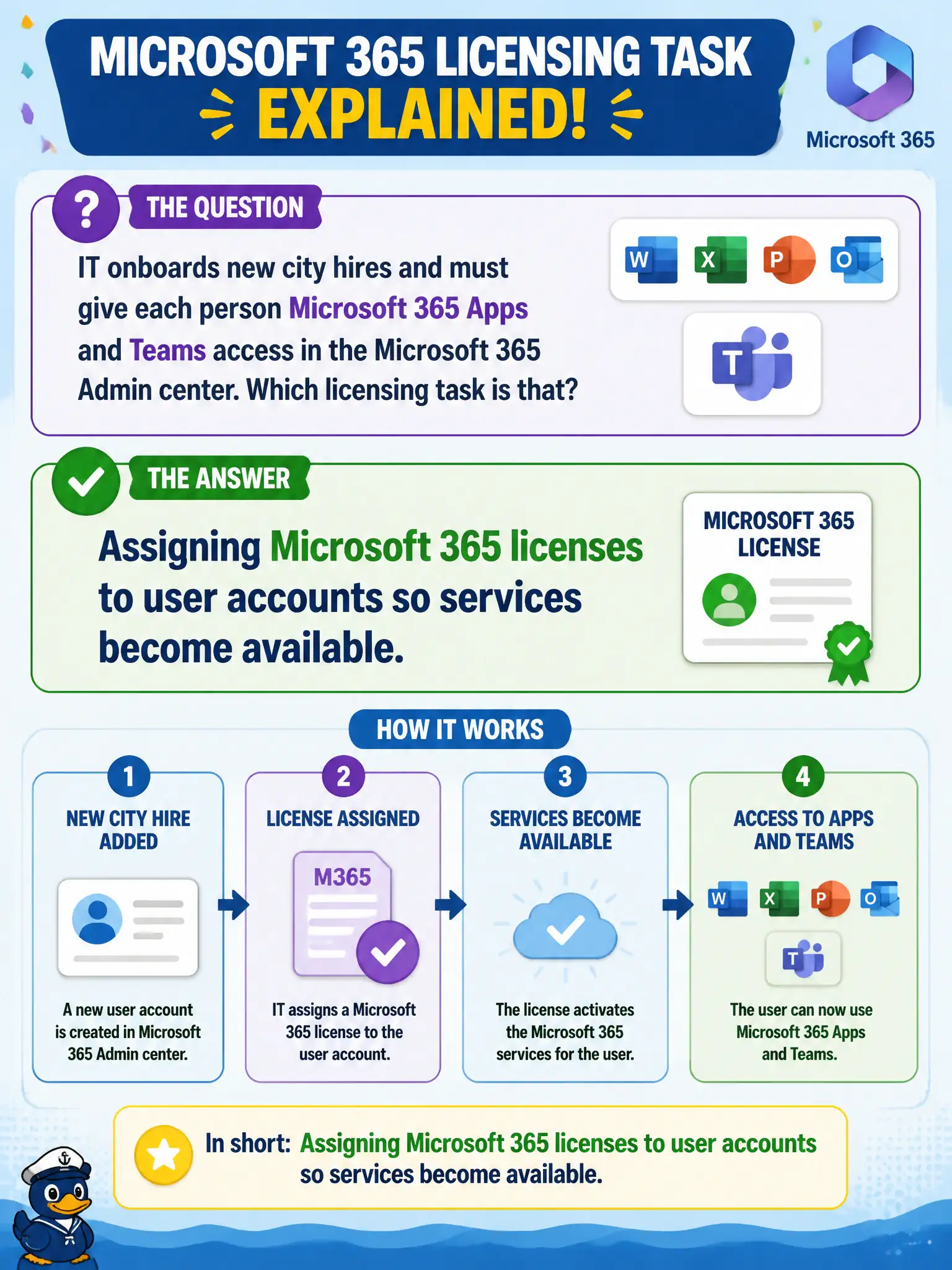
IT onboards new city hires and must give each person Microsoft 365 Apps and Teams access in the Microsoft 365 Admin center. Which licensing task is that?
Select an answer to reveal the explanation.
Short Explanation
New hire, empty seat: someone has to attach the license to the account. That assignment in the Admin center is how the apps light up.
Full Explanation
Making Microsoft 365 services available to people requires assigning Microsoft 365 licenses to user accounts so service plans become active. Purchasing seats is not enough; municipal admins must assign licenses to clerks, engineers, and other staff identities.
Deleting the entire tenant instead of assigning seats is destructive and wrong. Assigning wallpaper only without any service plans does not enable Exchange or Teams. Purchasing ExpressRoute is networking connectivity, not a per-user Microsoft 365 Apps license assignment.
Exam caveat: group-based licensing can automate assignment, but the concept remains license-to-user entitlement. Operational check: pick a test user without Teams, assign the appropriate license, wait for provisioning, and confirm Teams and Exchange become available. In municipal Microsoft 365 fundamentals scenarios, map the business need to the named capability, reject distractors from a different pillar, and verify the control or commercial setting in the admin or billing experience before reporting risk closed to leadership. In municipal Microsoft 365 fundamentals scenarios, map the business need to the named capability, reject distractors from a different pillar, and verify the control or commercial setting in the admin or billing experience before reporting risk closed to leadership.