
The training team teaches new city staff the Microsoft 365 user portal URL on day one rather than the Global Admin center. Why is that appropriate?
Select an answer to reveal the explanation.
Short Explanation
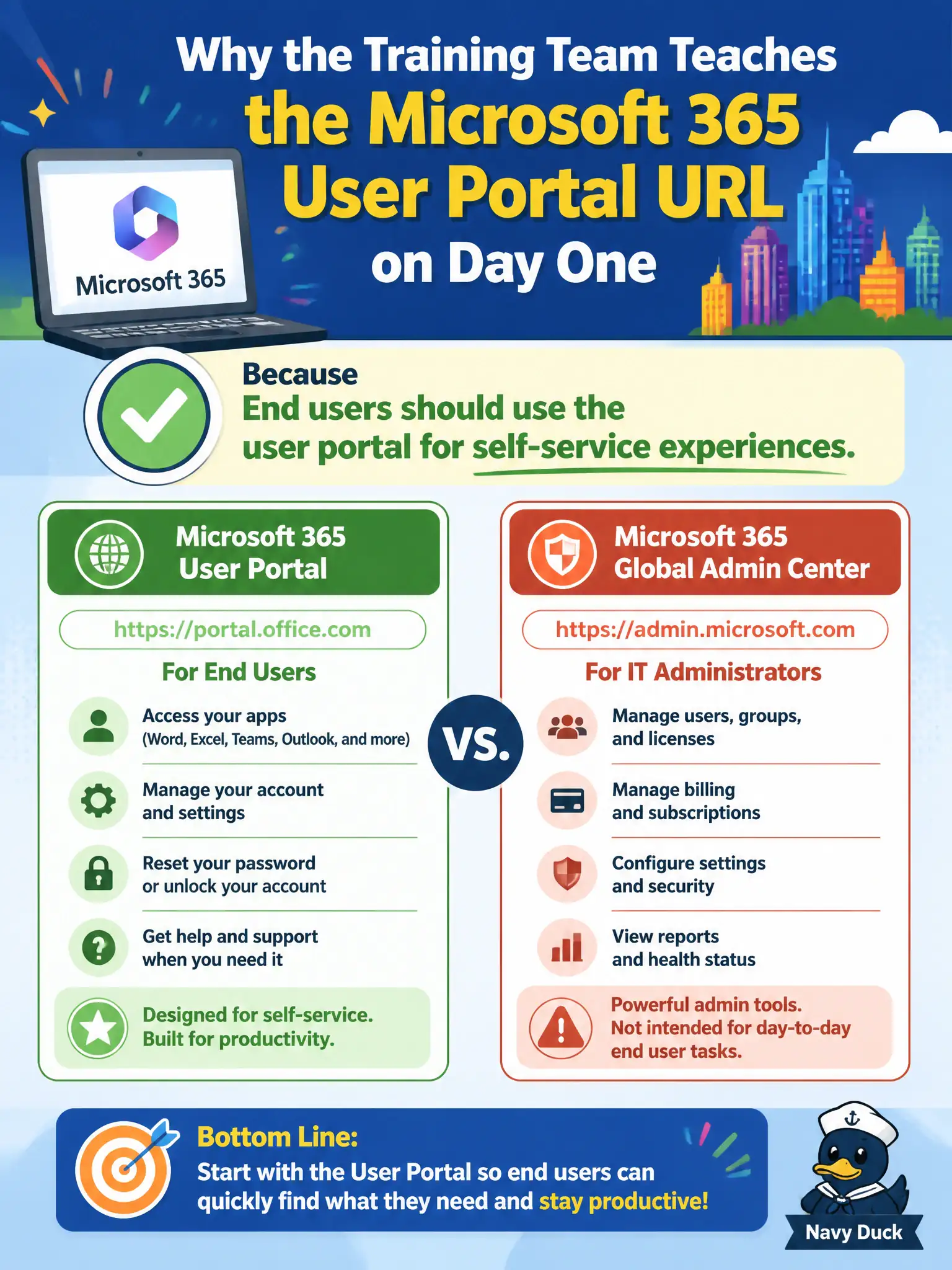
Day-one onboarding points people to the user portal—the front lobby—not the Global Admin vault. Staff need self-service, not the keys to the tenant. Save Admin center access for admins.
Full Explanation
End users should use the Microsoft 365 user portal for self-service experiences, which is why the training team teaches new city staff that URL on day one rather than the Global Admin center. Onboarding should point people to the employee lobby—apps, personal settings, and safe self-service—while reserving privileged admin portals for staff who have approved administrative roles. That practice reduces accidental privilege exposure and help-desk confusion in municipal environments.
Every new hire must not be made Global Administrator on day one; that would create unacceptable security risk. The user portal is not the only place to edit DNS for custom domains; domain DNS and tenant domain administration belong to admin workflows. Staff should not be told never to sign in to any Microsoft 365 website; they need the user portal and apps to do city work.
An exam caveat is that training materials should still explain that a small number of IT roles will later receive Admin center access under least privilege, so staff understand the difference without fearing every Microsoft URL. Operationally, include the user portal URL in the new-hire packet, have each starter pin required municipal apps, and verify trainers are not distributing Global Admin center bookmarks to non-admin cohorts.