
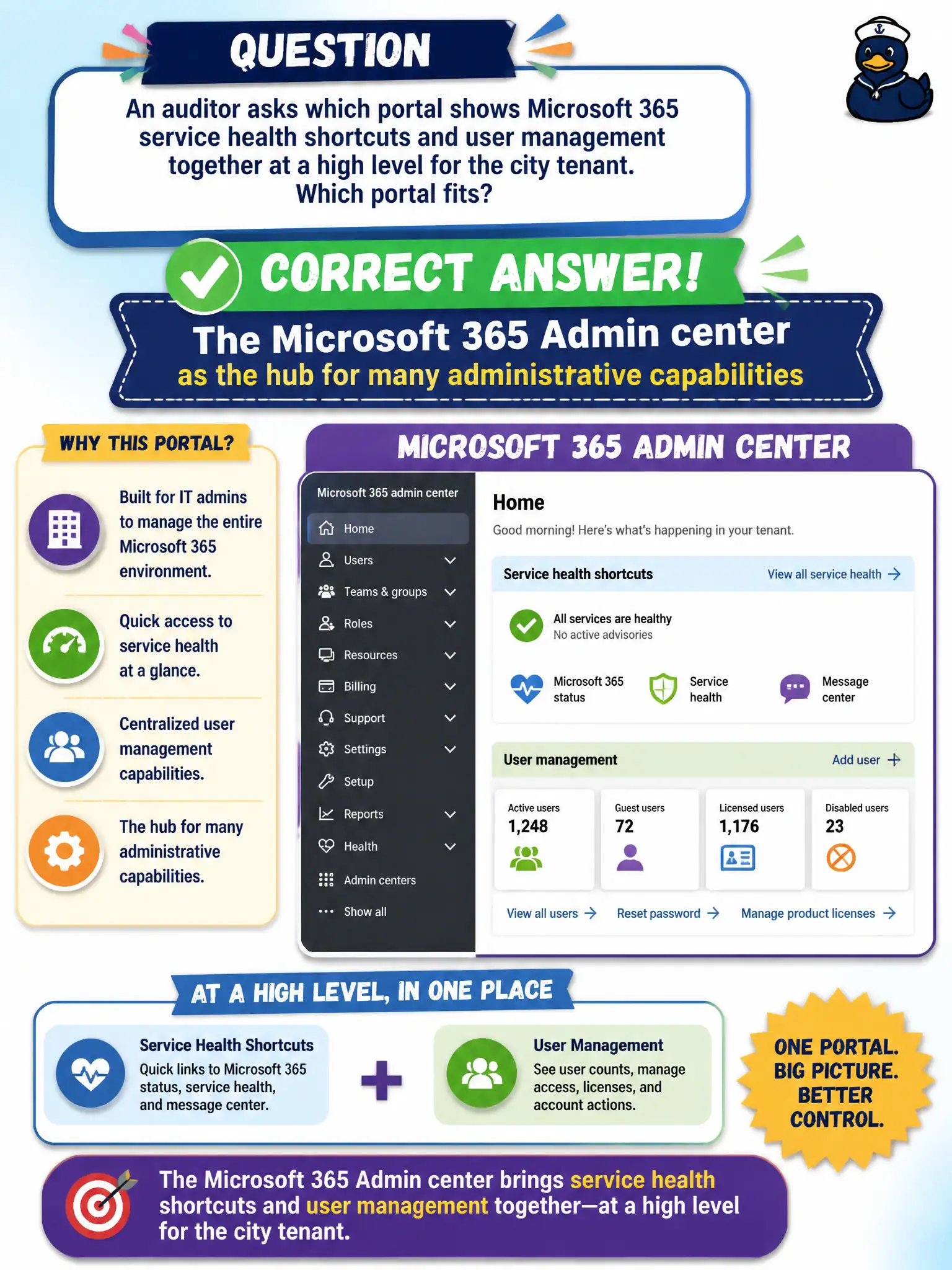
An auditor asks which portal shows Microsoft 365 service health shortcuts and user management together at a high level for the city tenant. Which portal fits?
Select an answer to reveal the explanation.
Short Explanation
Auditors looking for the high-level admin hub—service health shortcuts plus user management—land in the Microsoft 365 Admin center. That’s the control-room portal. Whiteboard and the user portal aren’t that hub.
Full Explanation
The Microsoft 365 Admin center is the hub for many administrative capabilities, including high-level service health shortcuts and user management that an auditor would expect to see together for the city tenant. That hub role is why fundamentals content repeatedly points candidates to the Admin center when the scenario asks for a broad administrative front door rather than an end-user or collaboration-only experience. Auditors assessing municipal IT operations typically start there for common admin surfaces.
The Microsoft 365 user portal is for non-admin self-service and does not serve as the tenant control plane for service health plus user administration. Microsoft Whiteboard is a collaboration canvas, not the sole tenant control plane. A public RSS feed with no authentication is not an admin portal and cannot manage users or surface authenticated service health administration.
An exam caveat is that security, compliance, and workload admin centers still exist for deeper tasks; the Admin center is the common hub, not the only console in the entire Microsoft 365 estate. Operationally, walk the auditor through Admin center home, open service health and active users or user management views, and explain which specialized portals you would open next for Exchange, Teams, or Defender investigations.