
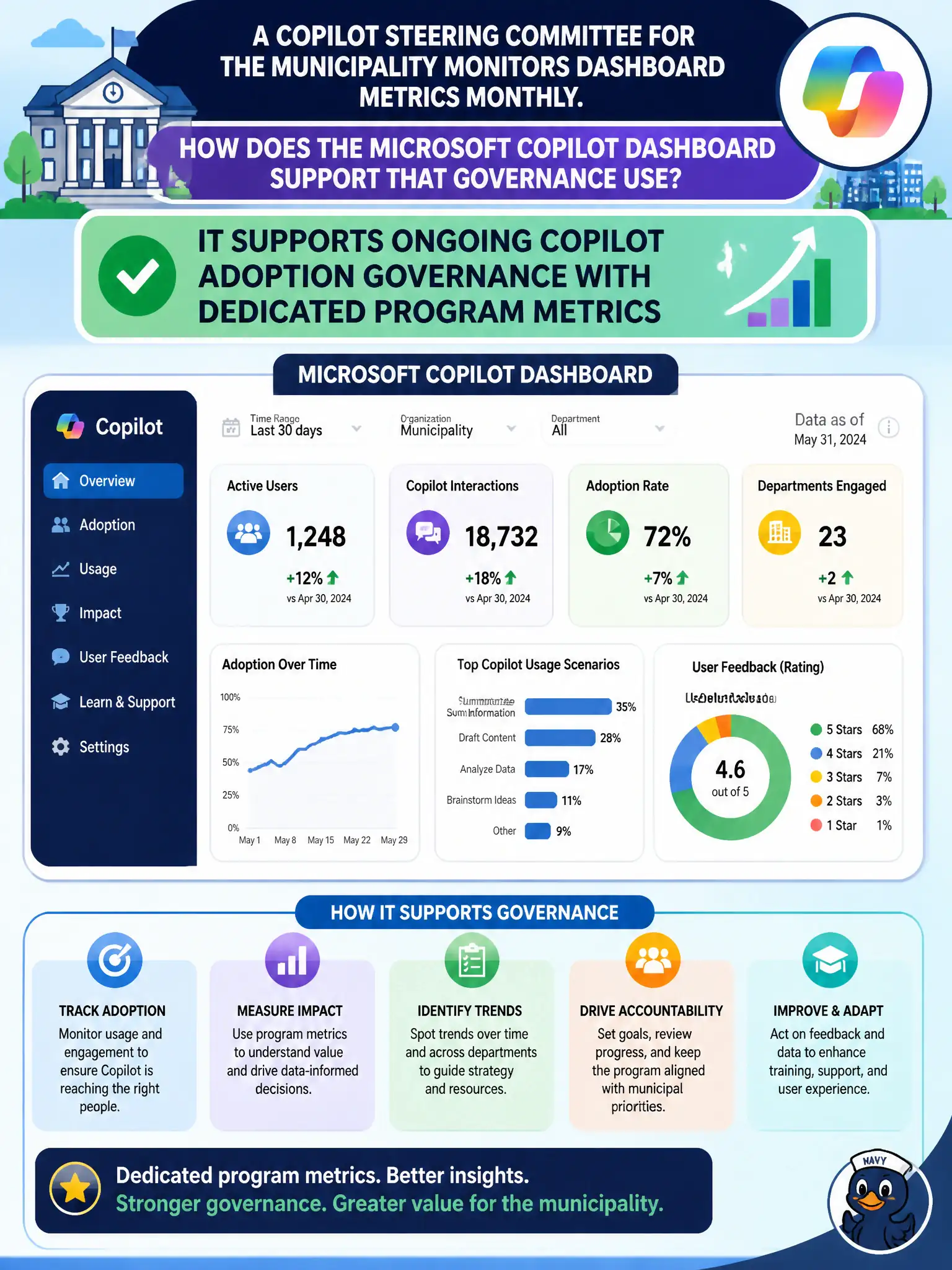
A Copilot steering committee for the municipality monitors dashboard metrics monthly. How does the Microsoft Copilot dashboard support that governance use?
Select an answer to reveal the explanation.
Short Explanation
Monthly steering reviews need a steady Copilot scoreboard, and the Copilot dashboard is that recurring view. It helps govern adoption without turning everyone into Global Admin. Keep using it as the program’s metric home.
Full Explanation
The Microsoft Copilot dashboard supports ongoing Copilot adoption governance with dedicated program metrics, which is how a municipal Copilot steering committee monitors the initiative monthly. Governance needs a recurring, purpose-built scoreboard rather than improvised exports that change format every meeting. That steady program view helps city executives decide where coaching, licensing, or scenario guidance is required.
The dashboard does not remove the need for any security or compliance tools; Secure Score, Defender, Purview, and Conditional Access remain necessary. It does not automatically grant Global Admin to every committee member; access should stay least privilege. It does not only work for on-premises SharePoint Server 2010 farms; Copilot program reporting is a Microsoft 365 cloud-era capability, not a classic SharePoint 2010 feature.
An exam caveat is that governance still combines dashboard metrics with qualitative feedback from departments such as permitting, public health, or finance. Operationally, schedule a monthly Copilot dashboard review, restrict dashboard access to authorized steering members or admins, capture trend notes, and assign follow-up owners when adoption stalls in a municipal department.