
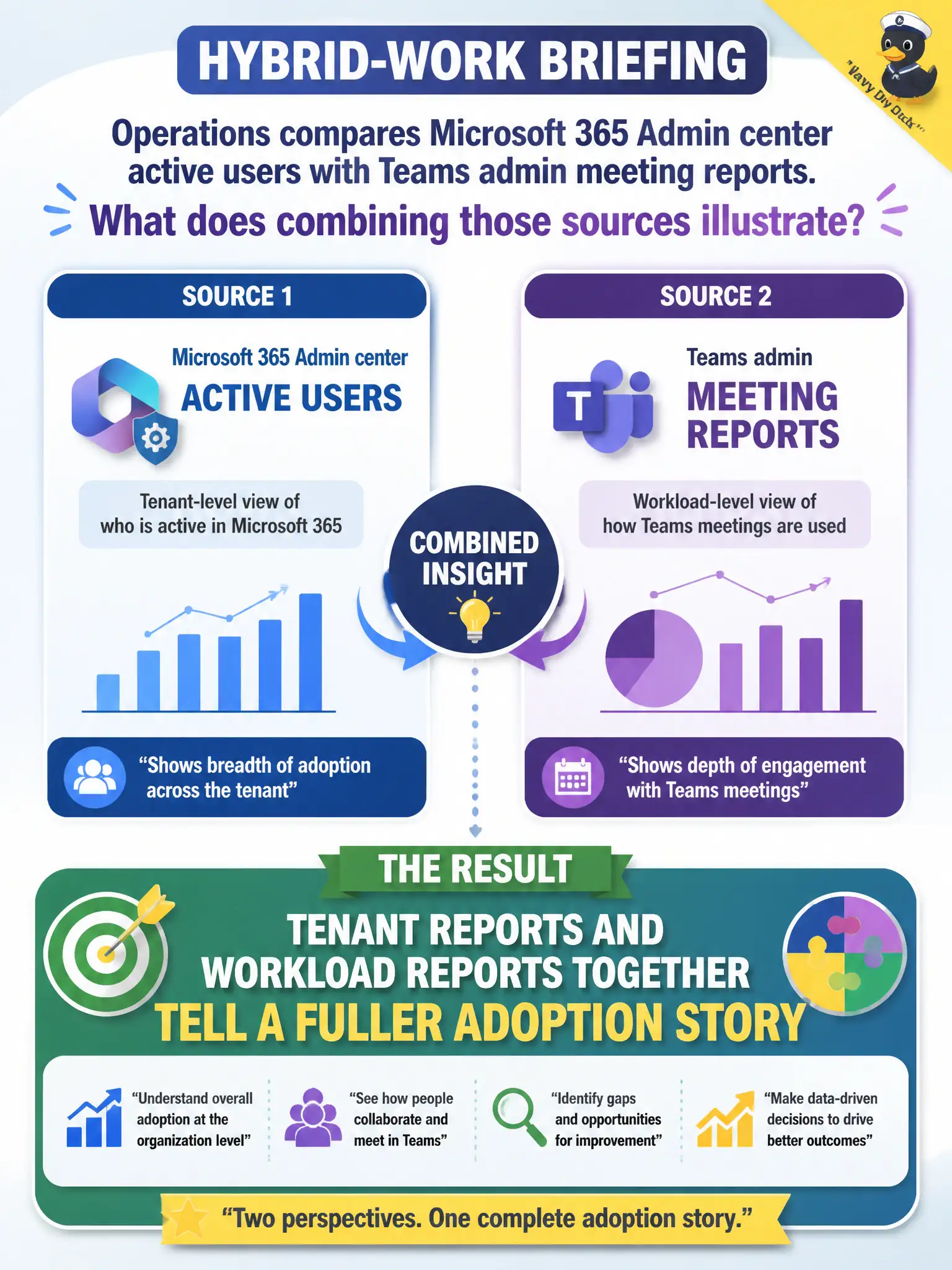
Operations compares Microsoft 365 Admin center active users with Teams admin meeting reports for a hybrid-work briefing. What does combining those sources illustrate?
Select an answer to reveal the explanation.
Short Explanation
Hybrid-work briefings get sharper when you stack the citywide active-user chart with Teams meeting reports—two cameras, one story. Tenant and workload reports complement each other. You’re not limited to a single portal forever.
Full Explanation
Combining Microsoft 365 Admin center active-user reports with Teams admin meeting reports illustrates that tenant reports and workload reports together tell a fuller adoption story for hybrid-work briefings. The citywide active-user view shows broad Microsoft 365 engagement, while Teams meeting reports add collaboration depth that leadership often cares about for remote and hybrid municipal work. MS-900 frequently rewards this complementary-reporting idea rather than a false choice between portals.
It is false that only one report portal may ever be opened in a tenant; administrators routinely use both central and workload reporting. Teams reports do not make Admin center reports permanently invalid; both remain useful at different altitudes. Meeting reports do not replace the need for any identity service; Entra ID remains required for sign-in and access management.
An exam caveat is knowing when depth matters: start with Admin center reports for cross-workload adoption, then open Teams, Exchange, or SharePoint admin reports when the briefing needs product-specific evidence. Operationally, pull Admin center active users and Teams meeting activity for the same reporting week, place both charts in the hybrid-work briefing deck, and note any departments where overall Microsoft 365 activity is high but Teams meeting usage is unexpectedly low for follow-up.