
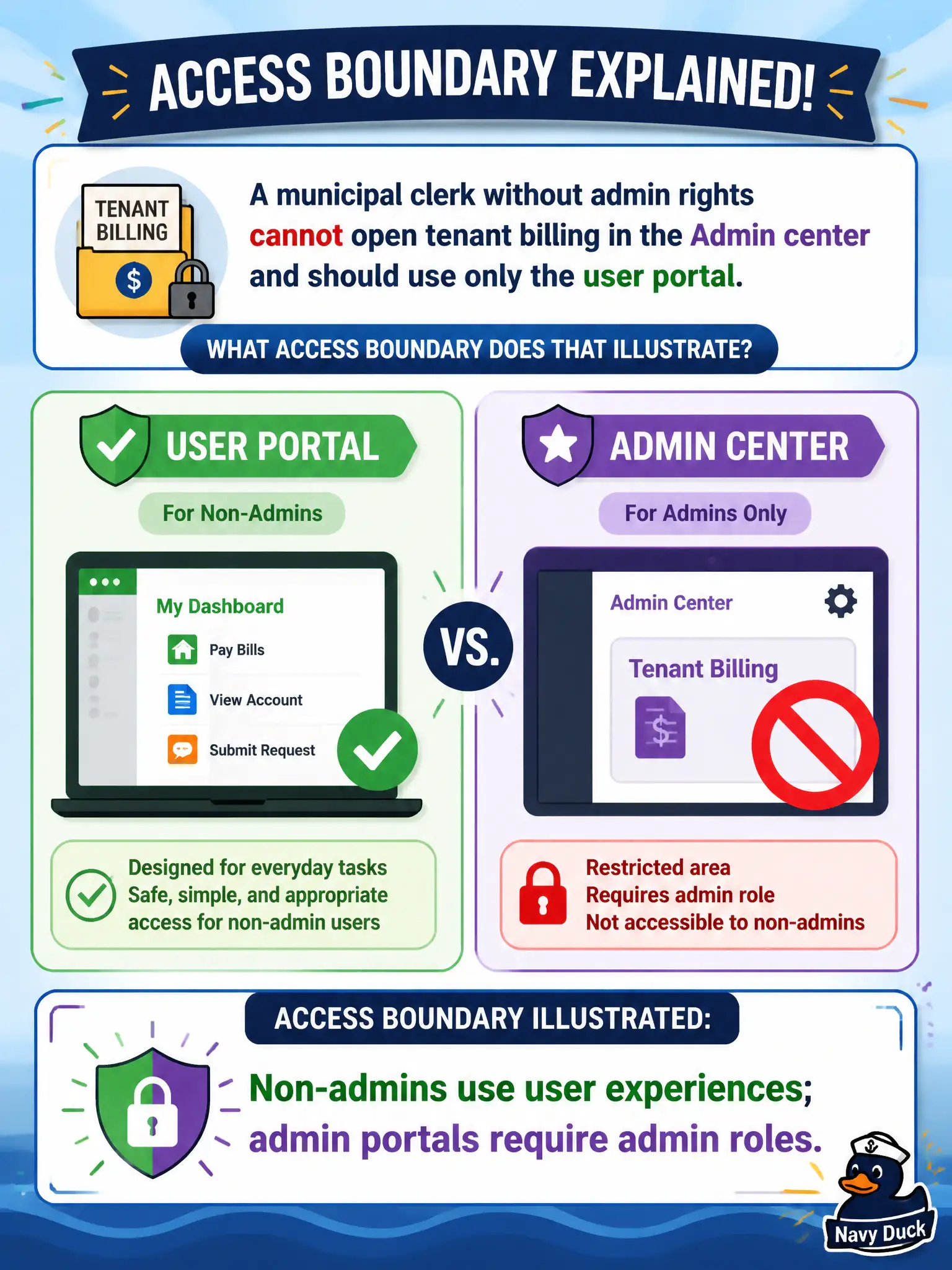
A municipal clerk without admin rights cannot open tenant billing in the Admin center and should use only the user portal. What access boundary does that illustrate?
Select an answer to reveal the explanation.
Short Explanation
No badge, no back office: clerks without admin roles stay in the user portal. Billing and tenant controls sit behind admin roles in the Admin center. That’s the access boundary in plain English.
Full Explanation
Non-admins use user experiences while admin portals require admin roles, which is the access boundary illustrated when a municipal clerk without admin rights cannot open tenant billing in the Admin center and should stay in the user portal. Microsoft 365 relies on role-based access so ordinary civic staff can work productively without seeing billing, license purchases, or other privileged tenant controls. That separation is both a security control and an operational clarity mechanism for help desks.
Every employee does not automatically receive Global Administrator; granting that role broadly would be a severe privilege anti-pattern. Billing pages are not public on the internet without sign-in; they require authenticated admin access. The user portal cannot always change tenant-wide licenses; license administration is an admin-center function for authorized roles.
An exam caveat is that some users may eventually receive limited admin roles for departmental duties, but the default municipal clerk should remain on user experiences until a formal role assignment is approved. Operationally, attempt Admin center billing with a standard clerk account to confirm access is denied, verify the same account can use the Microsoft 365 user portal for apps and settings, and document the boundary in the city’s access onboarding checklist.