
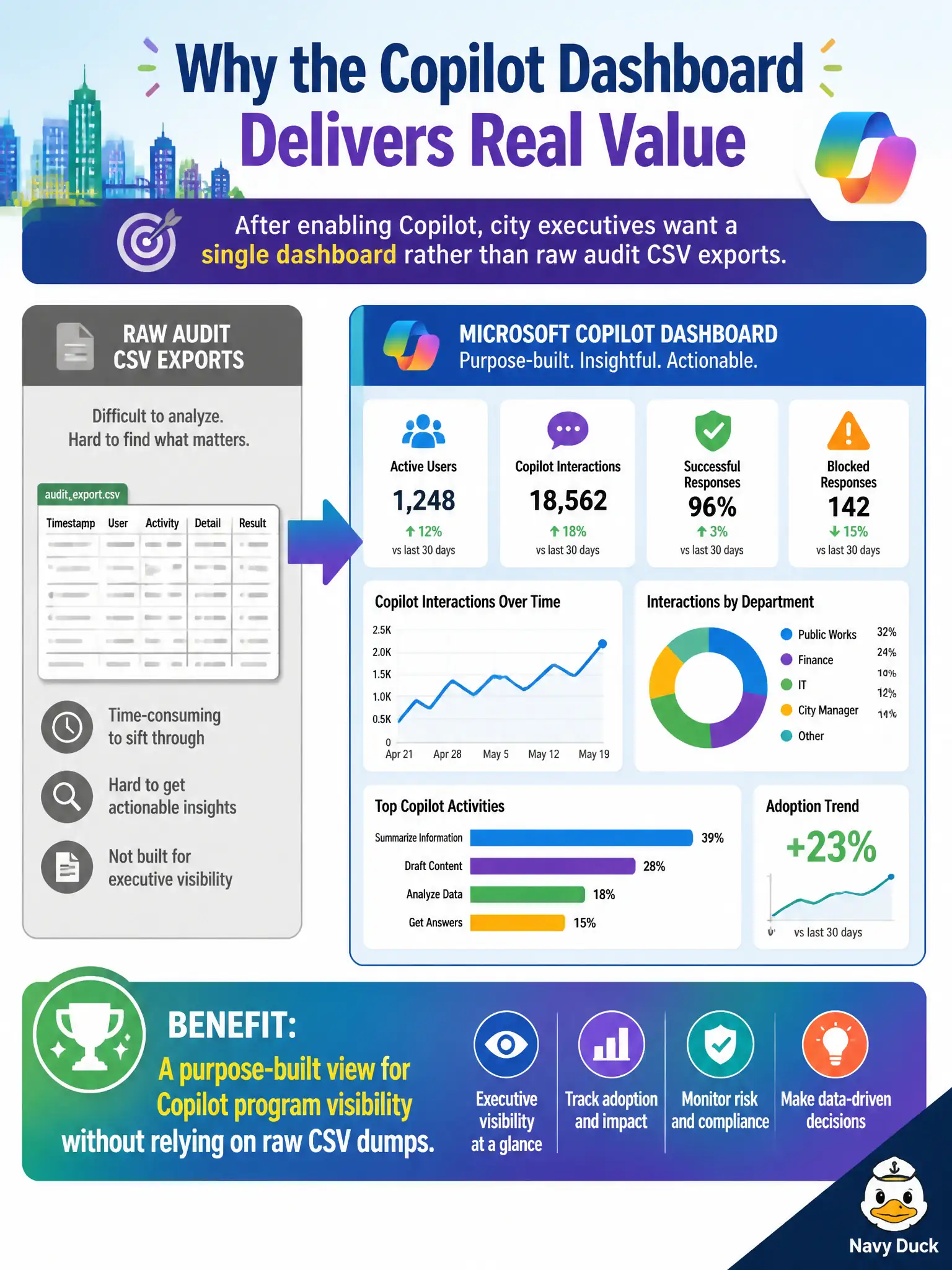
After enabling Copilot, city executives want a single dashboard rather than raw audit CSV exports. Which benefit does the Microsoft Copilot dashboard provide?
Select an answer to reveal the explanation.
Short Explanation
Execs don’t want to drown in CSV spaghetti—they want one Copilot program board. That’s the Copilot dashboard’s job: clear visibility for the initiative. It’s not a new SKU factory or an Exchange installer.
Full Explanation
The Microsoft Copilot dashboard provides a purpose-built view for Copilot program visibility so city executives are not forced to rely on raw audit CSV dumps after enabling Copilot. Executives need a readable program board that summarizes adoption and related impact signals, especially in municipal settings where steering committees meet on fixed cadences and cannot parse ad-hoc exports every week. That is the dashboard’s core benefit at fundamentals depth.
It is not a replacement for all Microsoft 365 service health monitoring; service health still tells operators whether Exchange, Teams, or other services are degraded. It is not an offline-only installer for on-premises Exchange servers; Exchange Online remains cloud mail, and on-premises Exchange installation is unrelated. It does not invent new Microsoft 365 SKUs automatically; licensing catalogs and purchases remain commercial admin processes.
An exam caveat is that dashboard usefulness depends on proper licensing, rollout scope, and admin permissions—empty or partial views usually indicate readiness gaps rather than a broken tenant. Operationally, assign Copilot licenses to the executive pilot group, open the Copilot dashboard with an authorized admin identity, confirm program metrics appear for that cohort, and replace CSV-only briefings with the dashboard snapshot in the monthly steering packet.