
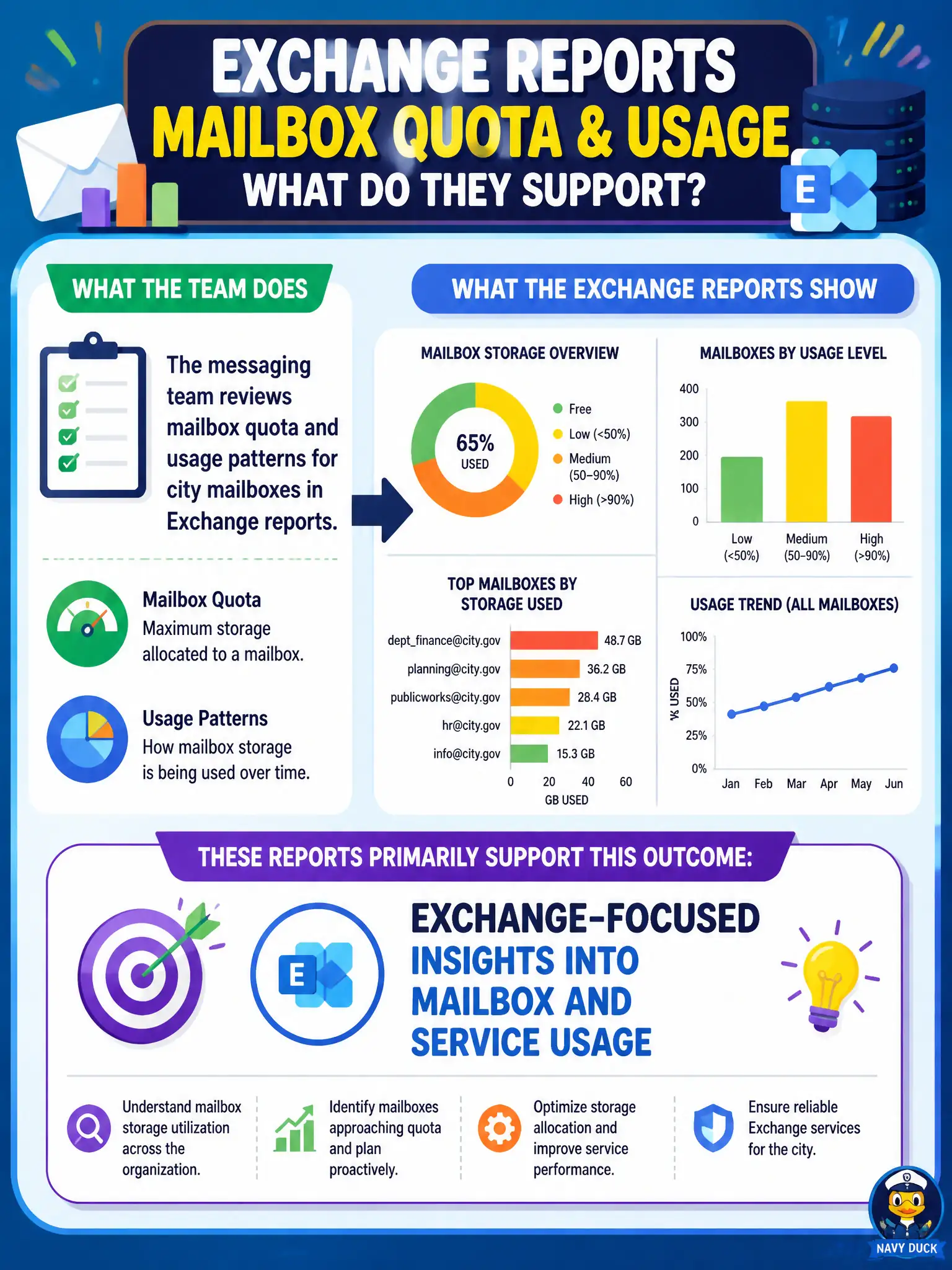
The messaging team reviews mailbox quota and usage patterns for city mailboxes in Exchange reports. Which outcome do those reports primarily support?
Select an answer to reveal the explanation.
Short Explanation
Mailbox quota charts are the post office’s storage gauges—Exchange reports show how mailboxes are filling and being used. They don’t turn mail into SharePoint lists or retire MFA. Stick to usage insight.
Full Explanation
Exchange reports primarily support Exchange-focused insights into mailbox and service usage, which is why a messaging team reviewing mailbox quota and usage patterns for city mailboxes starts there. Those insights help municipal messaging operations see storage pressure and usage trends before clerks hit quota walls during permit season or council packet rushes. MS-900 expects candidates to map mailbox-centric operational questions to Exchange reporting rather than to unrelated security or list features.
Those reports do not mandate conversion of every mailbox to a SharePoint list; mailboxes and lists solve different collaboration problems. They do not replace MFA with mailbox size charts; multifactor authentication remains an identity control independent of storage graphs. They do not delete Conditional Access named locations; access policies are managed in Entra ID Conditional Access, not by viewing mailbox quotas.
An exam caveat is that quota remediation still requires mailbox management actions—reports reveal the problem, administrators apply retention, archive, or cleanup processes afterward. Operationally, open Exchange admin center reports, review mailbox usage and quota patterns for representative city mailboxes, flag outliers above a defined threshold, and open remediation tickets before users start calling the help desk about send failures.