
A Teams governance board for the municipality reviews external access usage through Teams reports at a describe-only level. How do those reports help?
Select an answer to reveal the explanation.
Short Explanation
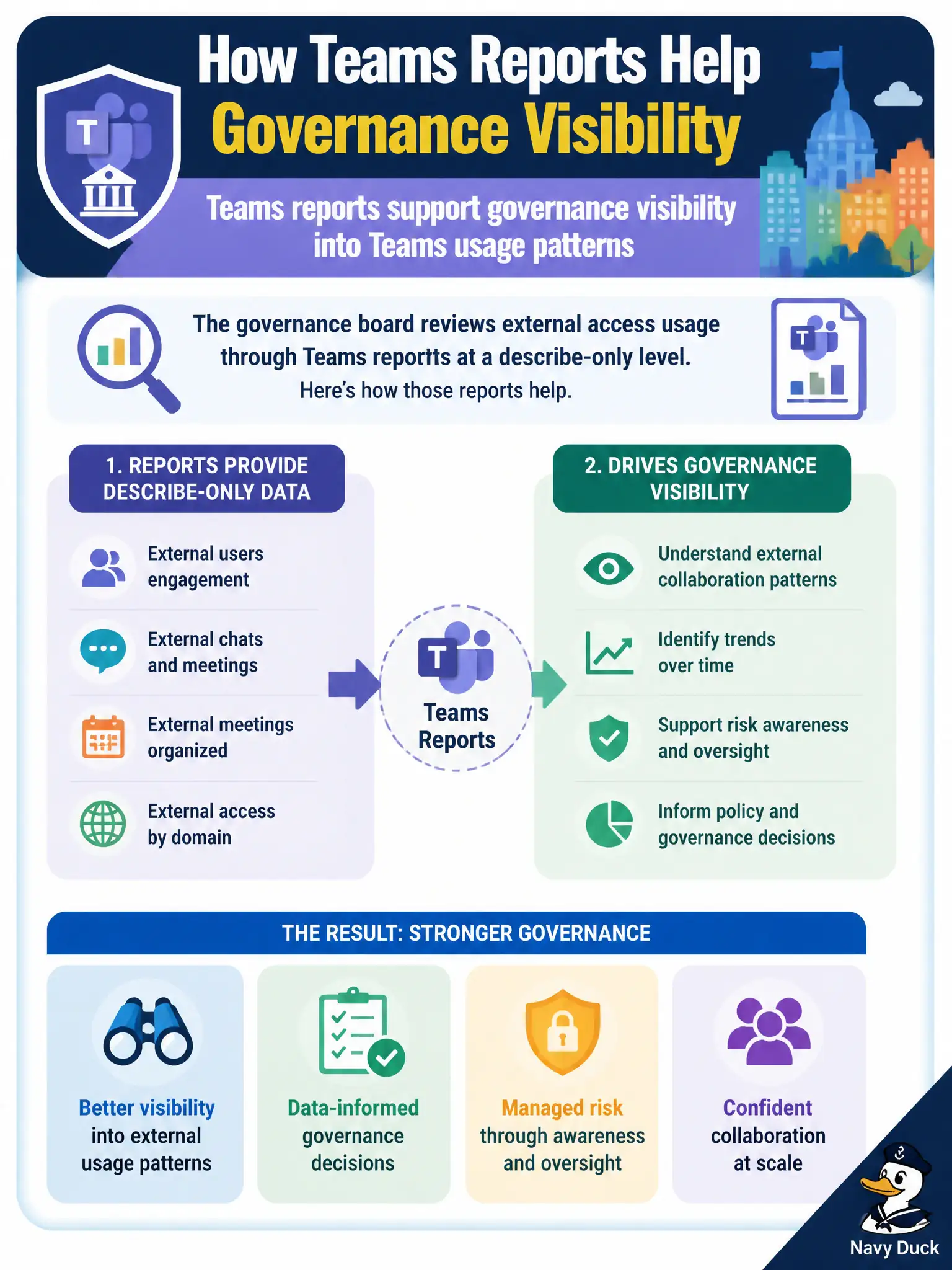
Governance boards need eyes on how Teams is used—including external access patterns—and Teams reports give that visibility. Reports don’t silently flip Entra or Purview switches. Visibility first, then policy decisions elsewhere.
Full Explanation
Teams reports support governance visibility into Teams usage patterns, including describe-level insight useful when a municipal Teams governance board reviews external access usage. Boards responsible for guest collaboration and hybrid work need eyes on how Teams is used so policy discussions are grounded in activity, not guesses. That visibility role is distinct from enforcement engines that actually change identity or compliance configuration.
Teams reports do not permanently disable Microsoft Entra ID for guests; identity lifecycle and guest controls remain Entra ID and related access policies. They do not automatically approve every external domain forever; domain allow/block and external access policies are configured deliberately by administrators. They do not replace Microsoft Purview eDiscovery holds; holds and discovery remain compliance tools when legal or privacy investigations require them.
An exam caveat is that reports inform governance, while Conditional Access, external access policies, and Purview controls enforce outcomes—candidates should not confuse observation with control. Operationally, open Teams admin reporting with a Teams admin role, review external access or usage patterns the governance board requested, and bring the findings to the municipal meeting alongside any recommended policy changes rather than treating the report itself as an automatic policy switch.