
SharePoint intranet owners for the city want to track popular pages through SharePoint admin reporting. What should they expect those workload reports to support?
Select an answer to reveal the explanation.
Short Explanation
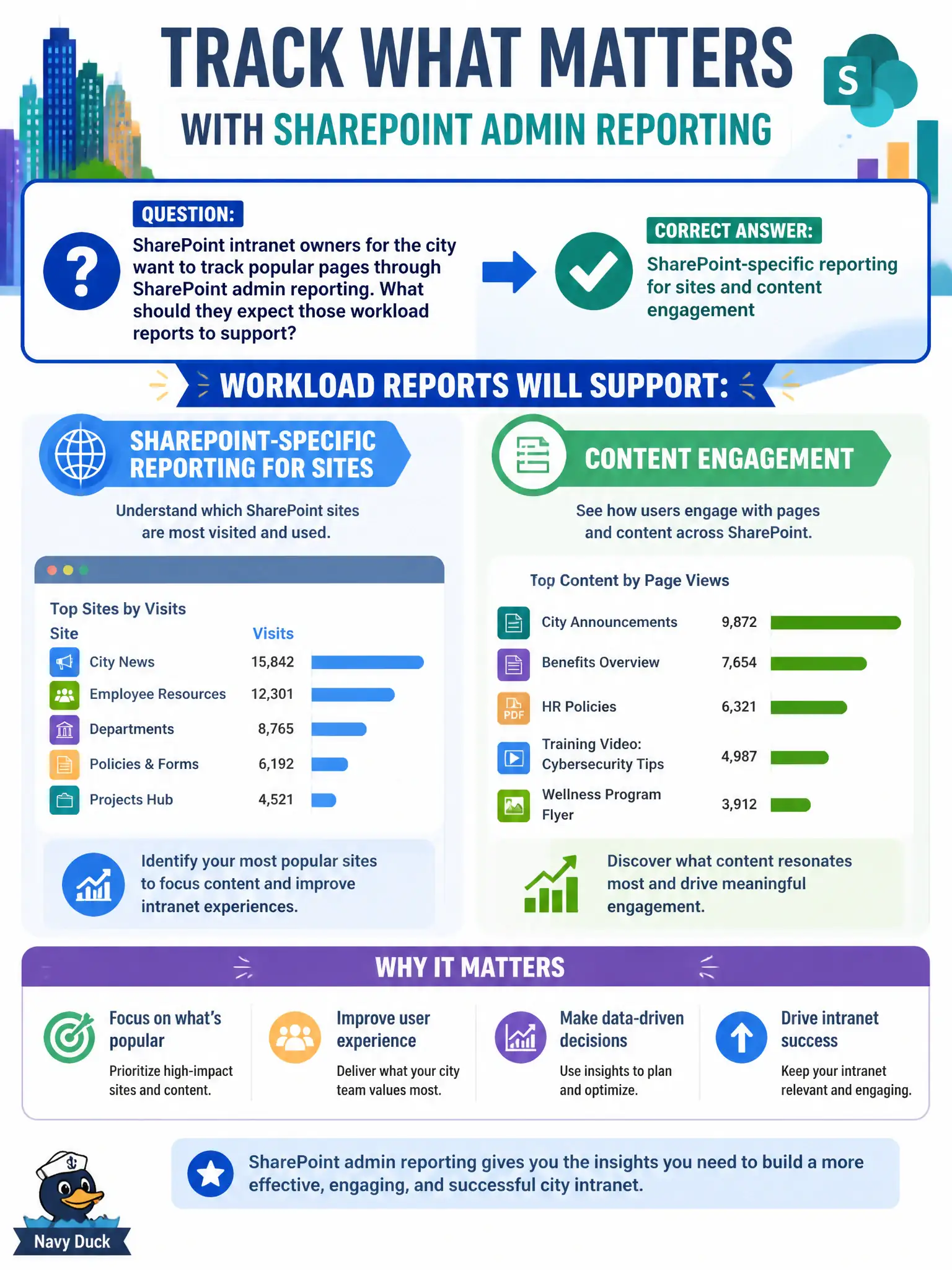
Popular-page tracking is a SharePoint engagement question, so SharePoint admin reporting is the right shelf. It won’t buy AVD hosts or rewrite your EA price sheet. Use it for sites and content engagement.
Full Explanation
SharePoint admin reporting supports SharePoint-specific reporting for sites and content engagement, which is what city intranet owners need when tracking popular pages. Those workload reports stay focused on SharePoint sites, pages, and engagement signals so municipal communications and digital workplace teams can see which intranet content residents or staff actually use. At MS-900 depth, associating popular-page tracking with SharePoint admin reporting—not with unrelated procurement or desktop virtualization tools—is the expected mapping.
Those reports do not exclusively replace all Teams meeting recordings; meeting recordings remain a Teams/Stream-related collaboration concern and are not swapped out by SharePoint page analytics. They do not automatically purchase Azure Virtual Desktop host pools; AVD procurement and capacity planning are separate Azure/virtual desktop decisions. They also do not create enterprise agreement price sheets; licensing commercials live in billing and agreement processes, not SharePoint usage analytics.
An exam caveat is that page analytics visibility can depend on site permissions, retention, and which SharePoint admin or site analytics experiences your tenant exposes. Operationally, open SharePoint admin reporting for the city intranet sites in scope, confirm popular pages and engagement metrics populate for a known news post, and share the monthly top-pages list with intranet owners so content decisions stay evidence-based.