
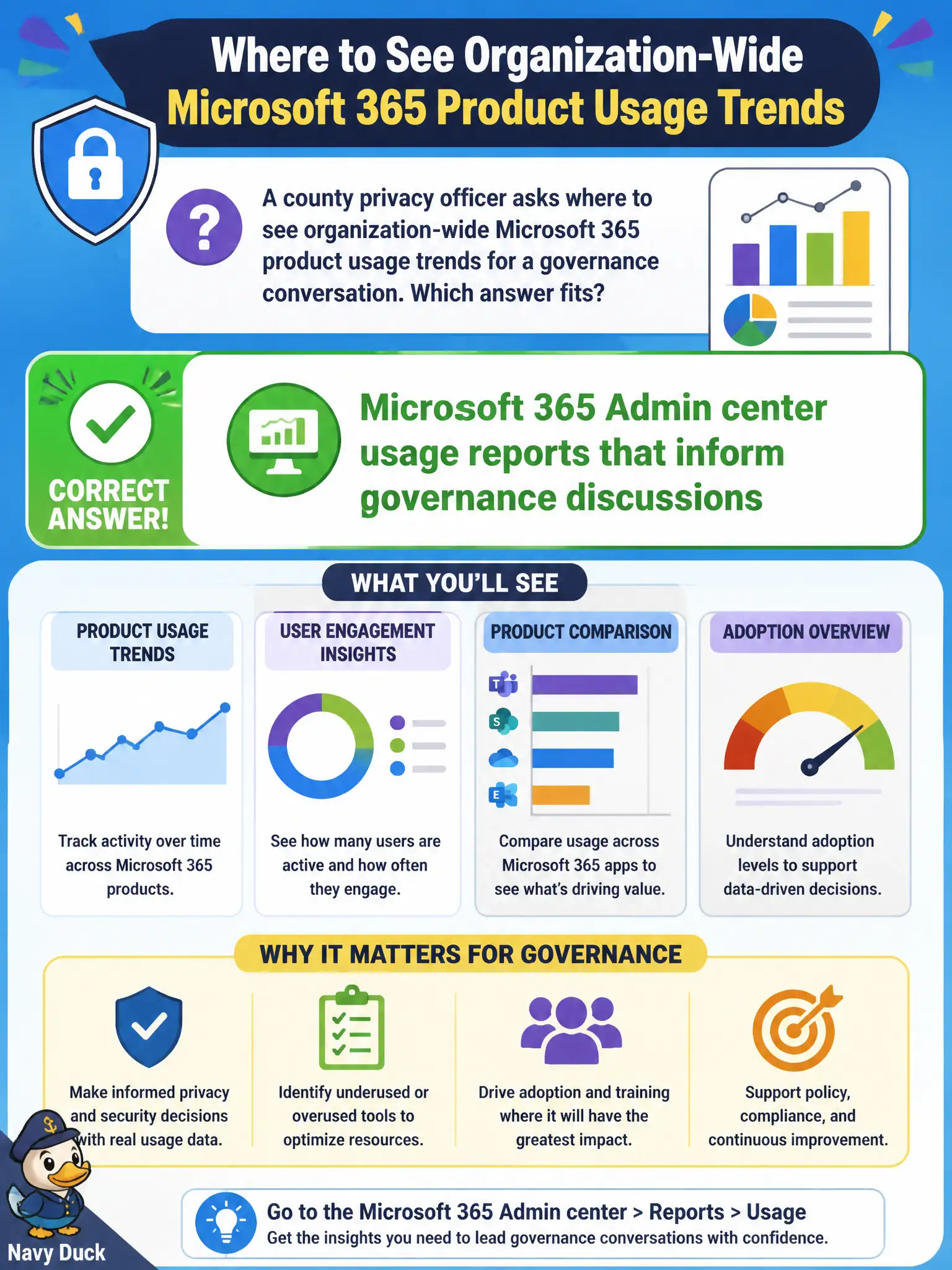
A county privacy officer asks where to see organization-wide Microsoft 365 product usage trends for a governance conversation. Which answer fits?
Select an answer to reveal the explanation.
Short Explanation
Governance chats need org-wide usage trends, and Admin center reports are built for that bird’s-eye view. Sticky Whiteboard ink and local printer queues don’t show product adoption. Start with the central usage reports.
Full Explanation
Microsoft 365 Admin center usage reports inform governance discussions by showing organization-wide Microsoft 365 product usage trends, which is what a county privacy or governance officer needs for a bird’s-eye conversation. Those reports help civic leaders see which services are adopted and where engagement is weak without relying on anecdotal laptop checks. At fundamentals depth, Admin center usage reporting is the standard answer for tenant-wide adoption visibility that supports governance.
Personal OneNote notebooks on each laptop are individual productivity stores and do not provide organization-wide product usage trends. Whiteboard temporary ink from a meeting is ephemeral collaboration content, not a governance-grade adoption dataset. Local printer queue lengths on city hall desktops measure print infrastructure congestion and say nothing about Microsoft 365 service adoption.
An exam caveat is that privacy officers may still need Purview or audit experiences for compliance investigations; usage reports support adoption and governance conversations but are not a full eDiscovery substitute. Operationally, open Admin center usage reports with an authorized admin role, capture trend views for the products under governance review, and bring those figures to the county governance meeting alongside any separate compliance findings that require Purview tooling.