
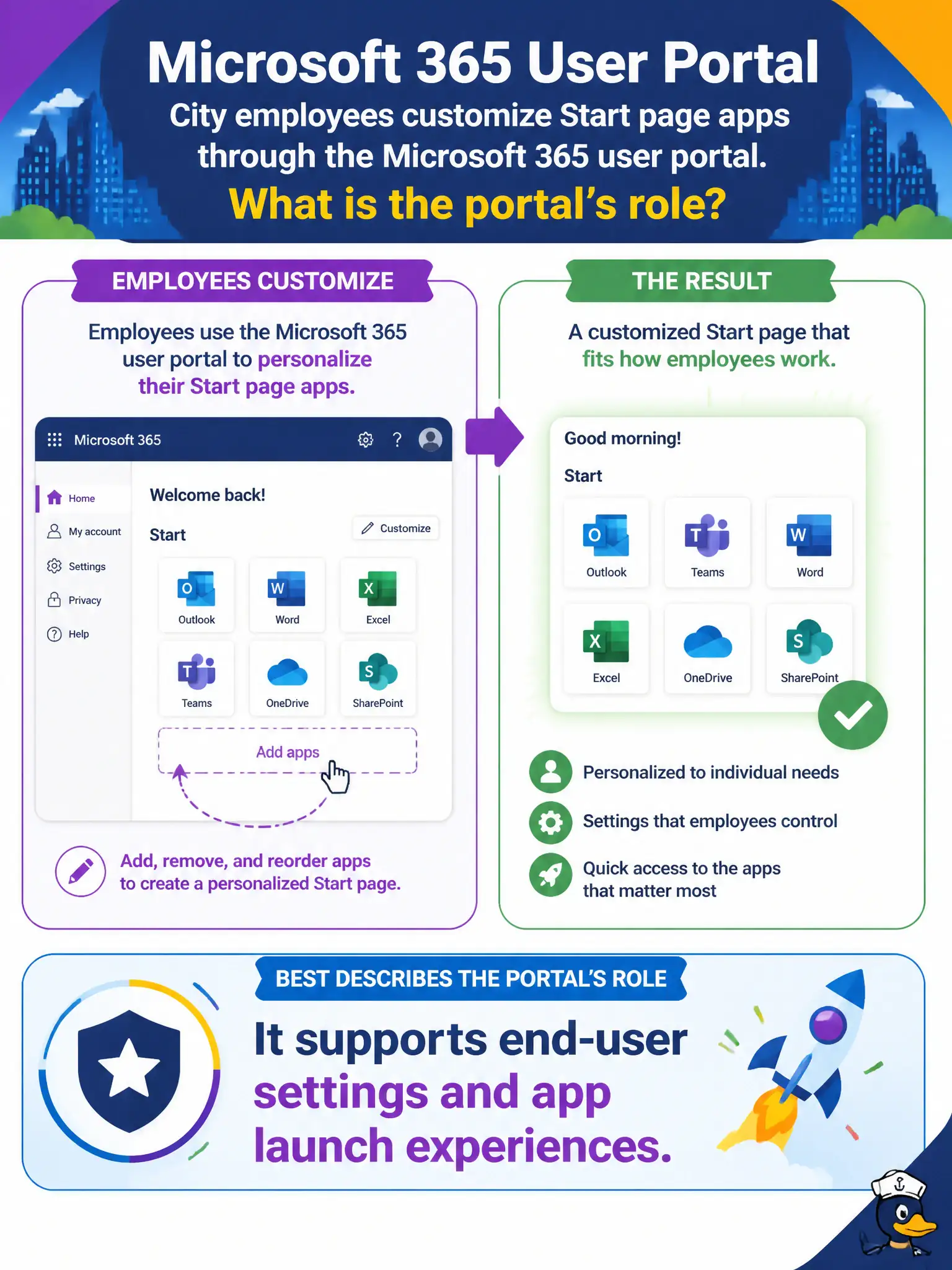
City employees customize Start page apps through the Microsoft 365 user portal. Which statement best describes that portal’s role?
Select an answer to reveal the explanation.
Short Explanation
The user portal is the employee’s personal lobby—apps on the Start page, settings that belong to them. It’s not where Global Admins rewrite Conditional Access or DLP. Keep self-service in the user portal lane.
Full Explanation
The Microsoft 365 user portal supports end-user settings and app launch experiences, which is why city employees customize Start page apps there. It is the employee-facing lobby for personal productivity configuration rather than the privileged control plane for tenant security. Understanding that role keeps municipal onboarding focused on what staff can safely change themselves.
It is not required for every Global Admin Conditional Access change; Conditional Access is configured in Entra ID / security admin experiences by privileged administrators. It is not the only place to create tenant-wide DLP policies; data loss prevention is administered through compliance/Purview experiences with appropriate roles. It does not permanently delete all SharePoint site collections by default; destructive tenant-wide site deletion is not an end-user portal behavior.
An exam caveat is that some navigation can feel similar across Microsoft 365 web experiences, but the permissions model still decides what a signed-in identity can change. Operationally, teach new hires the user portal URL on day one, walk them through pinning municipal apps on the Start page, and verify a standard employee account cannot open Conditional Access or tenant DLP configuration from that portal.