
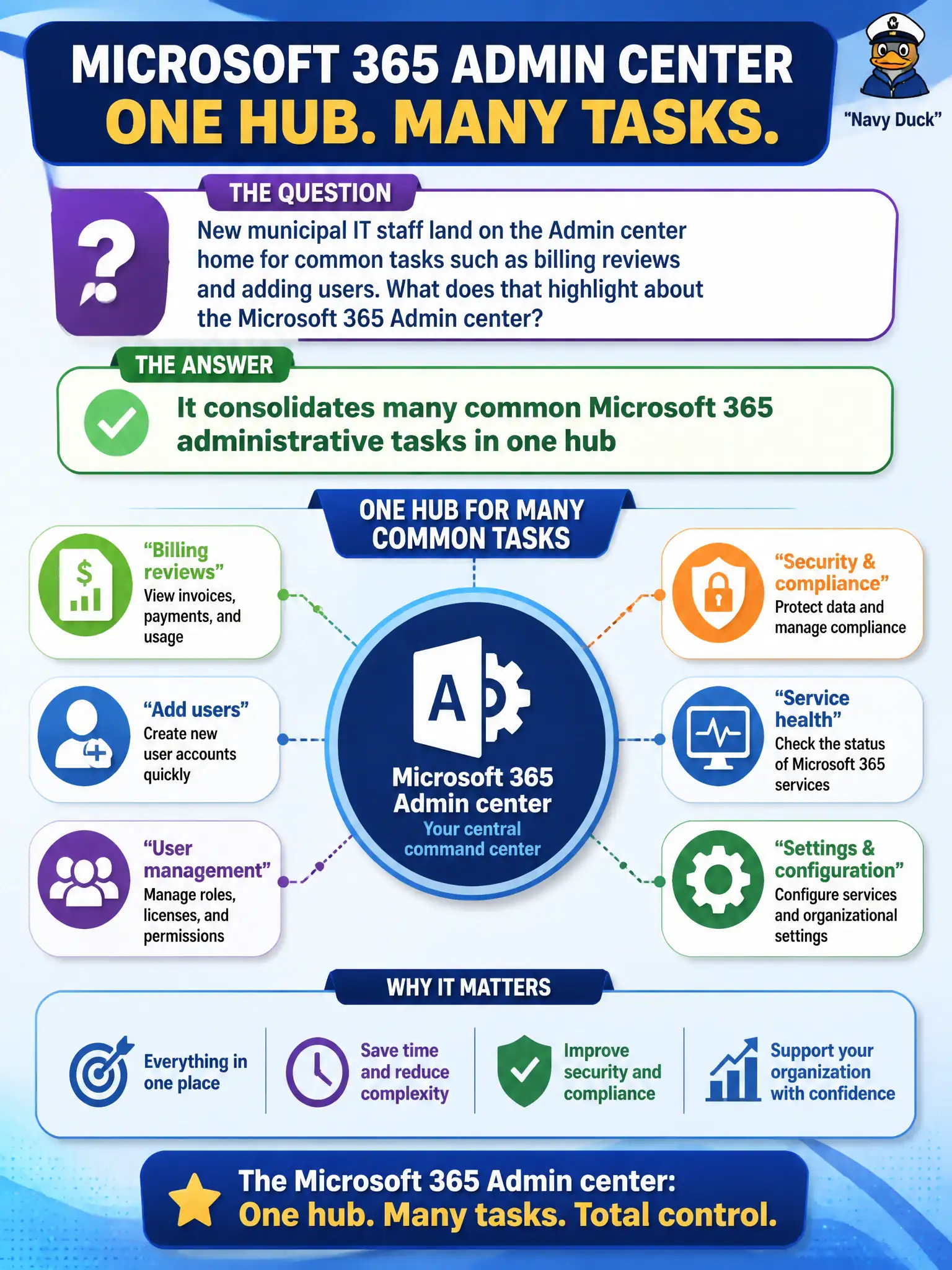
New municipal IT staff land on the Admin center home for common tasks such as billing reviews and adding users. What does that highlight about the Microsoft 365 Admin center?
Select an answer to reveal the explanation.
Short Explanation
New IT folks start at Admin center home because it’s the Swiss Army hub—users, billing, service shortcuts. One front door for common tenant admin work. It’s not a public brochure site or a full Entra replacement story.
Full Explanation
The Microsoft 365 Admin center consolidates many common Microsoft 365 administrative tasks in one hub, which is why new municipal IT staff land on Admin center home for billing reviews, adding users, and related day-one tenant operations. That consolidation reduces the need to memorize a different front door for every routine admin chore and gives civic IT a clear starting point for service health shortcuts and user management. MS-900 emphasizes this hub model so candidates recognize where ordinary tenant administration begins.
It is not merely a public marketing website; it is an authenticated admin experience with real tenant tools. It cannot be used by every citizen without role assignment—admin portals require appropriate Microsoft 365 or Entra roles. It does not replace Microsoft Entra ID for identity; Entra ID remains the cloud identity platform while the Admin center is a major operations console that works with that identity foundation.
An exam caveat is that specialized admin centers still exist for Exchange, Teams, SharePoint, and security workloads when deeper product configuration is required. Operationally, assign least-privilege admin roles to new municipal IT hires, have them complete a supervised checklist in the Microsoft 365 Admin center (locate billing, add a test user, open service health), and confirm they know when to pivot to a workload admin center for specialty tasks.