
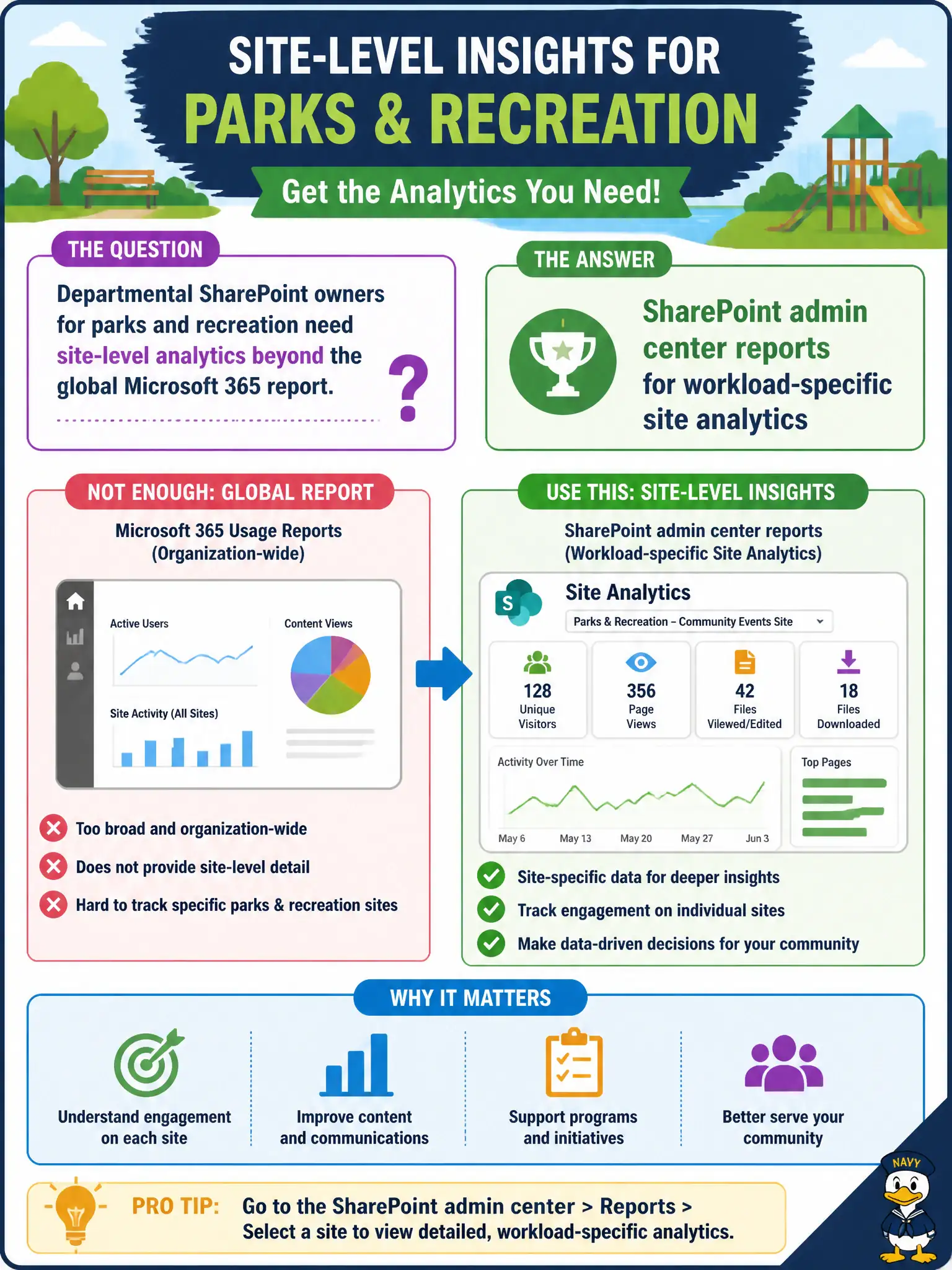
Departmental SharePoint owners for parks and recreation need site-level analytics beyond the global Microsoft 365 report. What should they use?
Select an answer to reveal the explanation.
Short Explanation
Tenant-wide charts are the city skyline; SharePoint admin reports zoom into each neighborhood site. Parks and recreation owners need that site-level lens. Theme pickers and phone porting won’t show popular pages.
Full Explanation
SharePoint admin center reports supply workload-specific site analytics when departmental SharePoint owners—such as parks and recreation—need site-level detail beyond a global Microsoft 365 rollup. Tenant-wide charts are useful for leadership skylines, but site owners managing municipal intranet neighborhoods need SharePoint-native analytics about their sites and content engagement. That layered reporting model is a recurring MS-900 theme: start broad in the Microsoft 365 Admin center, then use workload admin reports for product depth.
The Microsoft 365 user portal theme picker only changes an individual’s visual preferences and provides no site analytics for department owners. The Teams Phone number porting wizard is a telephony operations tool and does not analyze SharePoint site usage. Azure AD B2C customer identity scenarios target external consumer identity architectures; they are not the reporting path for internal municipal SharePoint site analytics.
An exam caveat is that site owners may need SharePoint admin permissions or delegated analytics access; not every site member can open admin-center reporting. Operationally, grant the parks and recreation SharePoint owners the least privilege required, open SharePoint admin center reports for their sites, confirm page or site engagement metrics appear, and compare those figures with the global Microsoft 365 usage view so both citywide and departmental stories stay aligned.