
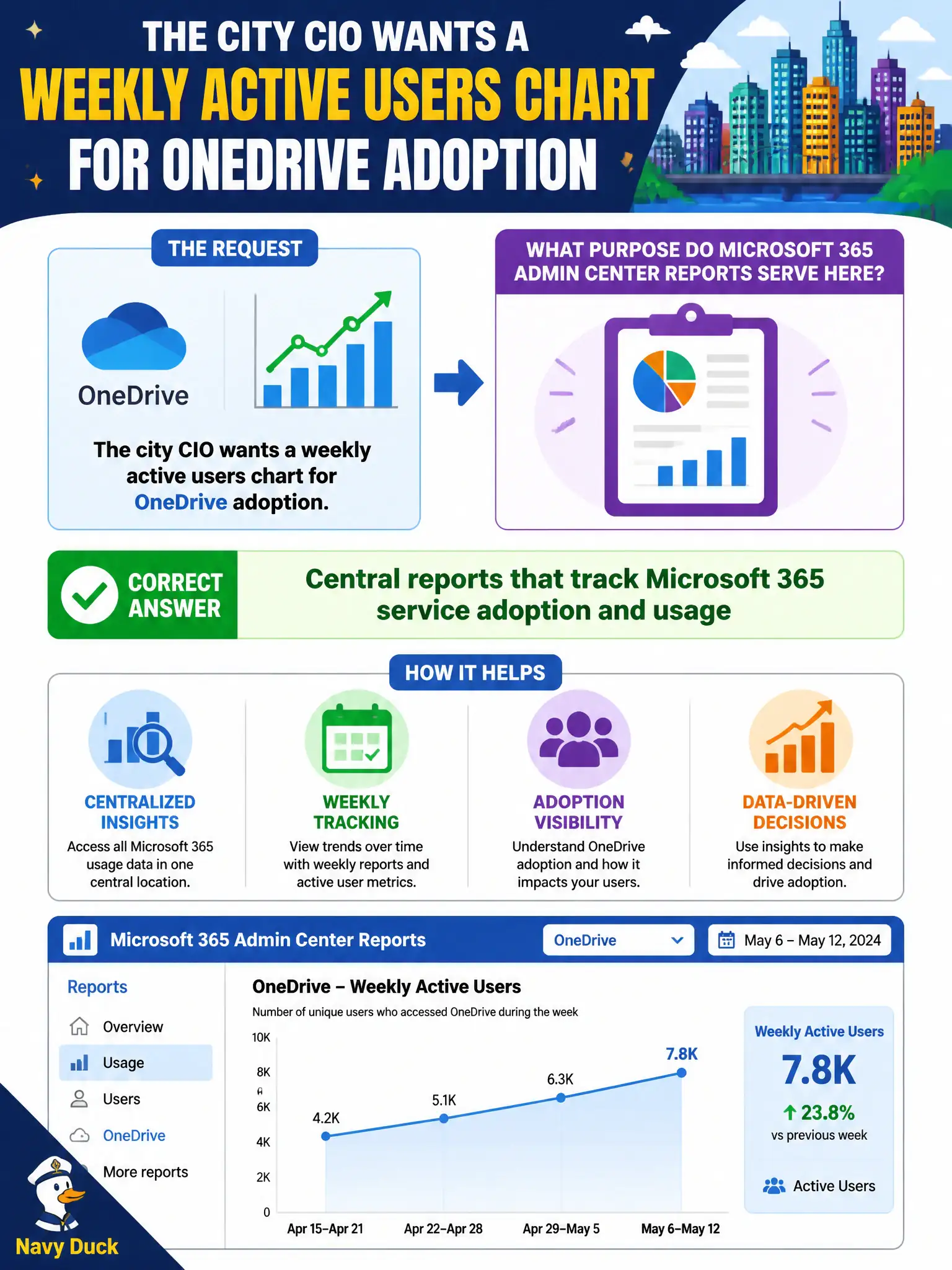
The city CIO wants a weekly active users chart for OneDrive adoption. Which purpose do Microsoft 365 Admin center reports serve here?
Select an answer to reveal the explanation.
Short Explanation
When the CIO wants ‘are people actually using OneDrive?’, Admin center usage reports are the weekly pulse check. They’re for adoption visibility, not for rewriting security policies or Autopatch rings. Charts inform; they don’t configure everything else.
Full Explanation
Microsoft 365 Admin center reports exist to provide central visibility into Microsoft 365 service adoption and usage, which is exactly what a city CIO needs for a weekly active-users chart on OneDrive. Those reports answer leadership questions about whether staff are actually using licensed services, supporting municipal governance conversations with trendable adoption data rather than anecdotes. At the describe level, candidates should associate the Admin center reporting hub with organization-wide usage questions across core workloads.
Those reports do not replace SharePoint site permissions; permissions remain a SharePoint and identity administration concern, and a usage chart never rewrites access control. Authoring Conditional Access policy JSON is an Entra ID / Conditional Access configuration task, not something a OneDrive adoption graph performs. Deploying Windows Autopatch rings is an update-management activity and cannot be driven from a usage report alone.
An exam caveat is scope: Admin center adoption reports inform decisions, but implementing security, permissions, or patching still requires the dedicated admin surfaces for those controls. Operationally, open Microsoft 365 Admin center usage reports, select OneDrive active users for the CIO’s weekly window, confirm the chart refreshes, and archive the weekly figure so the digital workplace team can show adoption movement over time to city leadership.