
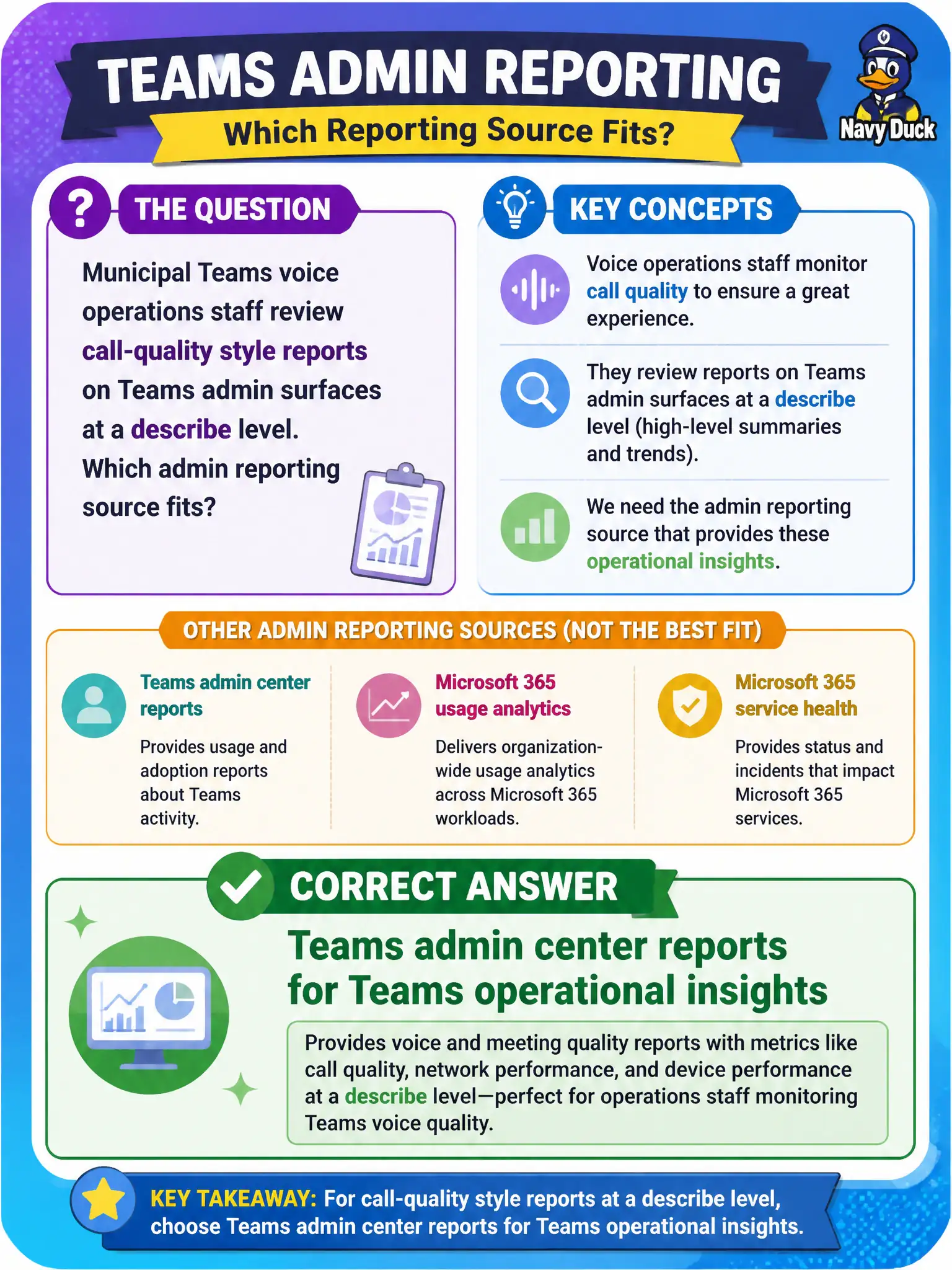
Municipal Teams voice operations staff review call-quality style reports on Teams admin surfaces at a describe level. Which admin reporting source fits?
Select an answer to reveal the explanation.
Short Explanation
Voice ops live in Teams world, so they pull Teams admin center reports—not a USB spreadsheet or Bookings template. Those reports give operational insight for the Teams workload. Keep the tool matched to the service.
Full Explanation
Teams admin center reports provide Teams operational insights, which is the appropriate describe-level source when municipal Teams voice operations staff review call-quality style and related Teams operational reporting. Voice and Teams operations live inside the Teams administrative world, so staff should pull Teams admin reporting rather than improvised offline files. That keeps civic collaboration operations grounded in the product console Microsoft expects administrators to use for Teams.
Excel desktop PivotTables stored only on a USB drive are not an authoritative Teams admin reporting source and create version-control and data-protection risks for city operations. Bookings calendar templates schedule appointments and do not expose Teams voice or call-quality operational data. Microsoft Stream classic channel quotas address older video hosting limits and are not the Teams admin operational reporting plane for voice quality.
An exam caveat is that deep call-quality troubleshooting may involve additional Teams analytics experiences, but fundamentals questions that ask where Teams operational reports live still point to the Teams admin center. Operationally, sign in with a Teams administrator role, open Teams admin center reports relevant to usage or call quality, confirm the municipal voice cohort appears in the data, and store a controlled export in an approved SharePoint location instead of removable media.