
A city help desk must explain why IT uses the Admin center while employees use a different portal. Which distinction is correct?
Select an answer to reveal the explanation.
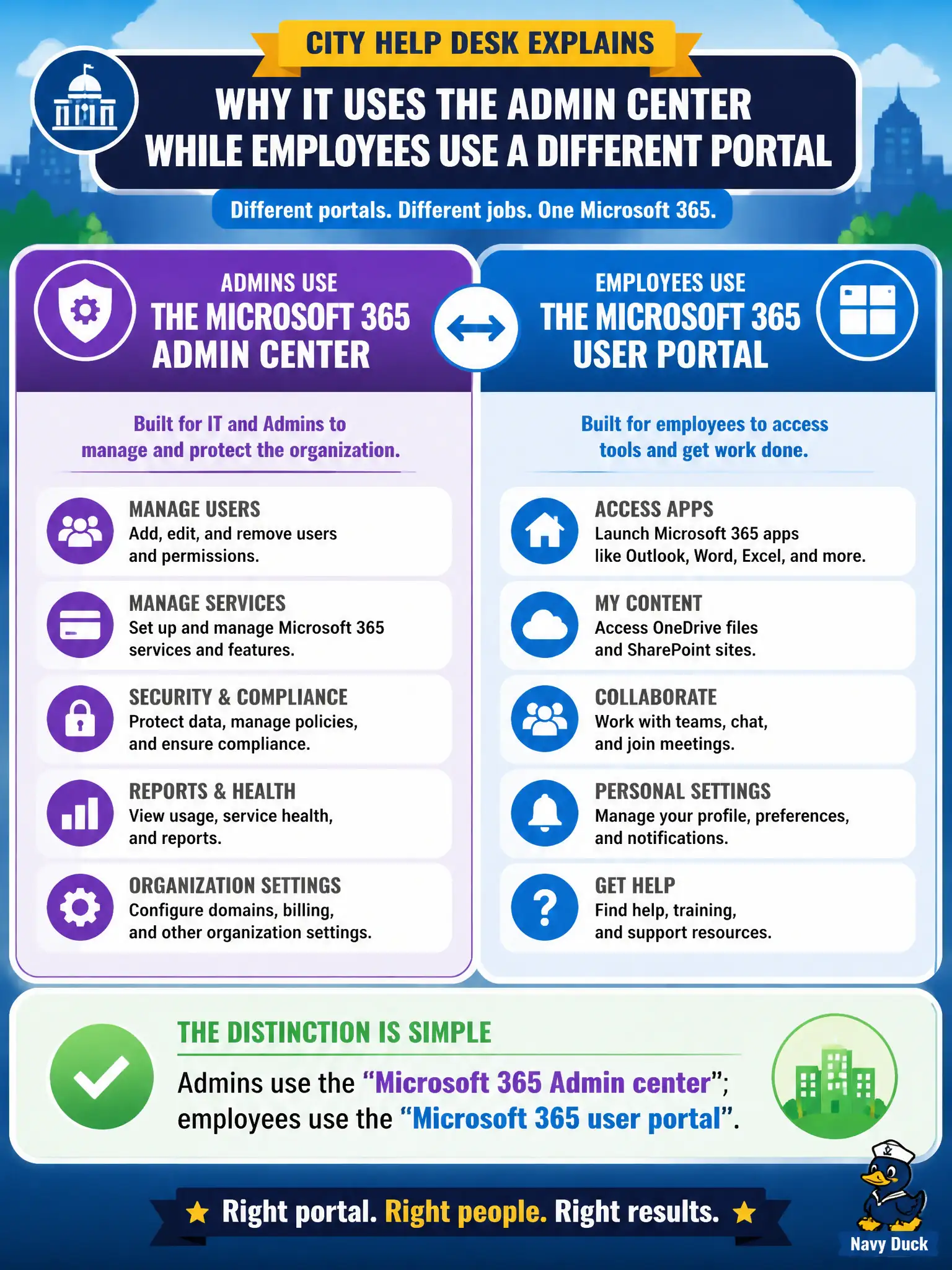
Short Explanation
Same campus, two doors: IT walks into the Admin center; staff use the user portal for their own stuff. Mixing those up is how clerks end up staring at billing they can’t open. Keep the roles separate.
Full Explanation
Microsoft 365 intentionally separates administrative and end-user experiences: admins use the Microsoft 365 Admin center for tenant operations, while employees use the Microsoft 365 user portal for personal self-service. That distinction helps a city help desk explain why IT staff open billing, user management, and service shortcuts in one place while clerks change themes or launch apps somewhere else. Teaching the two-door model reduces confused tickets and accidental privilege assumptions in municipal onboarding.
Employees must not be told to use the Admin center for ordinary theme changes or billing; theme changes belong in the user portal, and billing is an admin-role task, not an employee self-service action. The portals are not identical Global Admin consoles—only privileged roles should operate in the Admin center, and the user portal is not a Global Admin workspace. SharePoint Online hosts many collaboration sites and some admin experiences for SharePoint, but it does not host every Microsoft 365 admin task across identity, billing, and all workloads.
A common exam trap is assuming one URL serves every audience. MS-900 expects you to map the audience and the task to the correct portal. Operationally, publish a short help-desk job aid that lists Admin center tasks for IT roles and user-portal tasks for staff, then spot-check that a standard municipal employee account cannot open tenant billing while still reaching the user portal for apps and theme settings.