
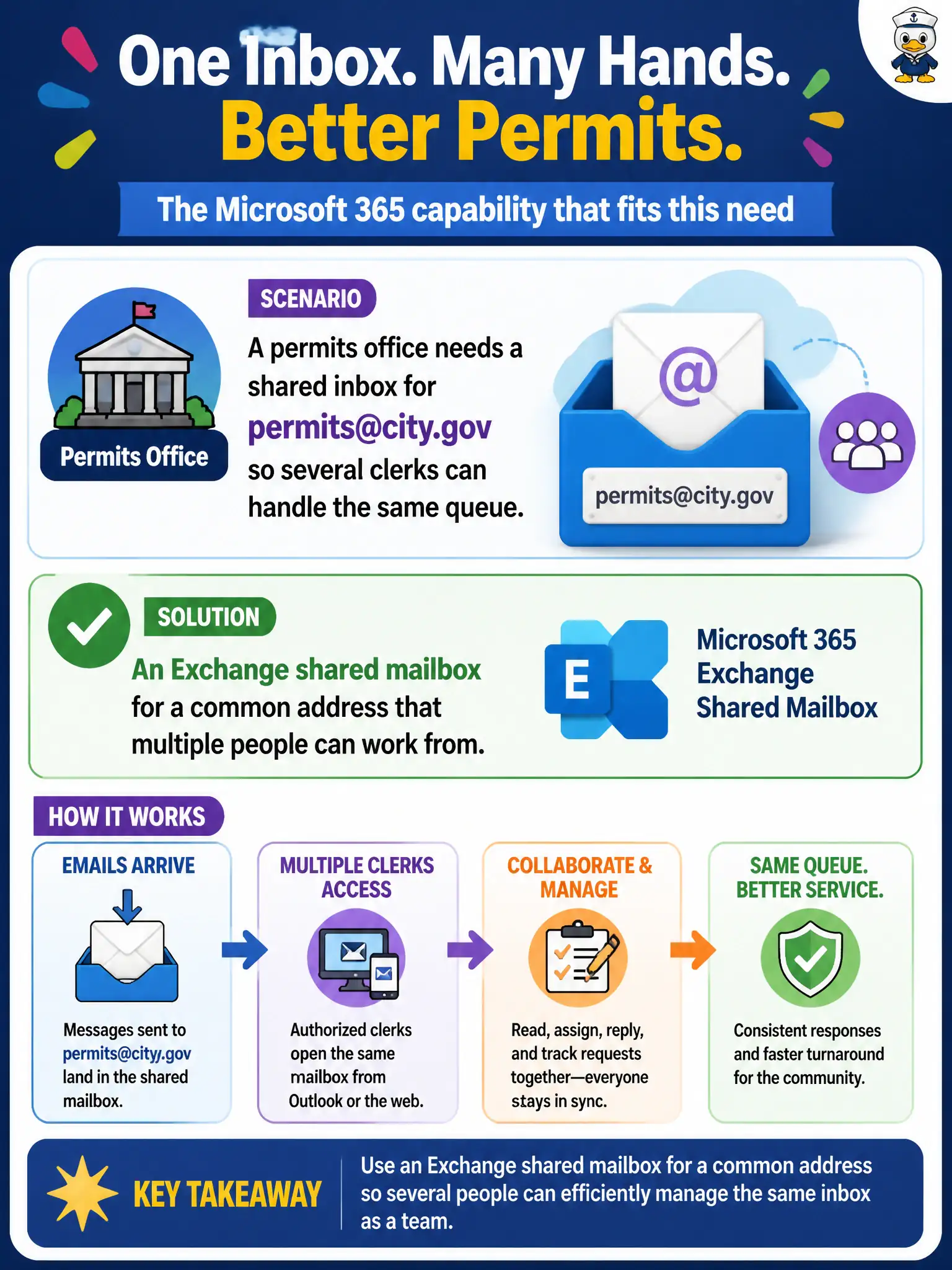
A permits office needs a shared inbox for [email protected] so several clerks can handle the same queue. Which Microsoft 365 capability fits that organizational email pattern?
Select an answer to reveal the explanation.
Short Explanation
A shared counter for permits mail is still email, not a chat room pretending to be a post office. Exchange shared mailboxes give a common address several clerks can work. Teams is great collaboration—but it is not a drop-in substitute for that shared inbox pattern.
Full Explanation
A permits office that needs a shared inbox for [email protected] so several clerks can handle the same queue should use an Exchange shared mailbox for a common address that multiple people can work from. Shared mailboxes are the organizational email pattern for a common address without forcing every message through one personal mailbox. Residents still write to one well-known address; clerks collaborate on the queue.
A Teams channel chat alone fails as a full replacement for shared email inboxes when the public still emails a common address—chat complements but does not erase shared mailbox scenarios. Windows Autopilot profile assignment fails as a mailbox routing engine because Autopilot provisions devices. Endpoint Analytics boot-score reports fail as primary mail delivery because analytics measure endpoint experience, not mail routing.
Exam caveat: Teams does not universally retire shared mailboxes. When the stem asks for a common address multiple clerks work from, Exchange shared mailbox is the fundamentals answer.
Operational check: provision permits@ as a shared mailbox, grant clerks access, publish the address on the permitting site, define SLAs and folder conventions, and use Teams for internal coordination without pretending chat replaces the public email entry point.