
Night operators keep a Teams channel tab pinned to SharePoint pages that hold SOPs for after-hours incidents. What does that setup show about Teams as a hub?
Select an answer to reveal the explanation.
Short Explanation
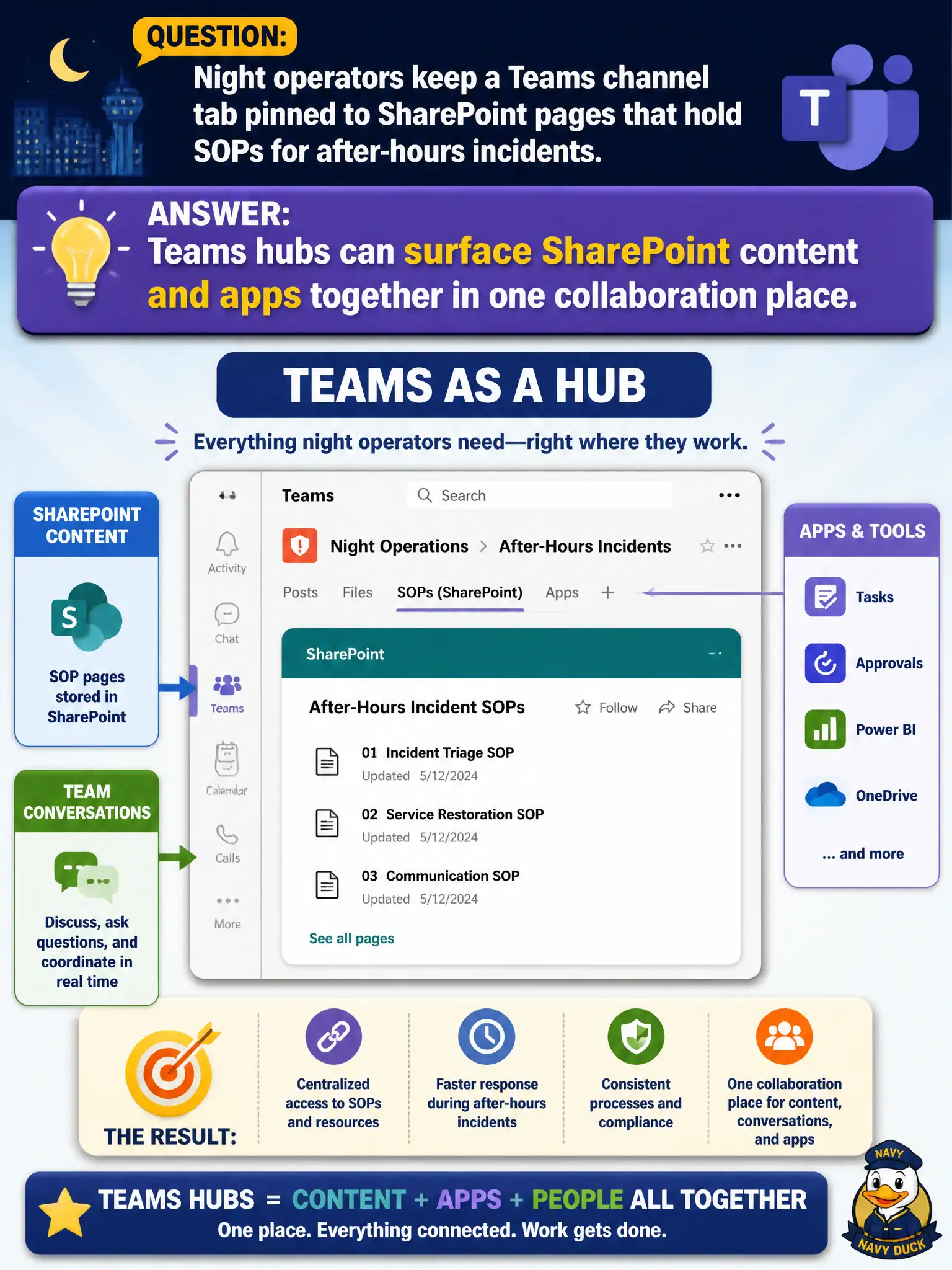
The night crew wants one dashboard, not a scavenger hunt across five bookmarks. Teams as a hub pins SharePoint SOP pages right in the channel. Content and chat live together—that's the collaboration fabric story.
Full Explanation
Night operators keeping a Teams channel tab pinned to SharePoint pages that hold SOPs for after-hours incidents shows that Teams hubs can surface SharePoint content and apps together in one collaboration place. Operators stay in the channel during an incident and open SOP pages without hunting a separate intranet path under stress. That hub pattern is a core Teams collaboration teaching point.
Claiming SharePoint pages can never be opened from Teams and must stay in a separate portal only fails because tabs and links routinely surface SharePoint content in Teams. Claiming SOP pages require Azure Virtual Desktop multi-session pools before Teams can display them invents a false virtualization prerequisite. Claiming channel tabs only support PowerPoint and block all SharePoint content is simply incorrect.
Exam caveat: Teams as a hub does not delete SharePoint; it surfaces it. Keep SOPs authoritative in SharePoint while making them reachable from the ops channel.
Operational check: pin SOP SharePoint pages as channel tabs, verify night-shift permissions, test under incident-like time pressure, keep page ownership clear for updates, and document that AVD is unrelated to whether Teams can display SharePoint content.