
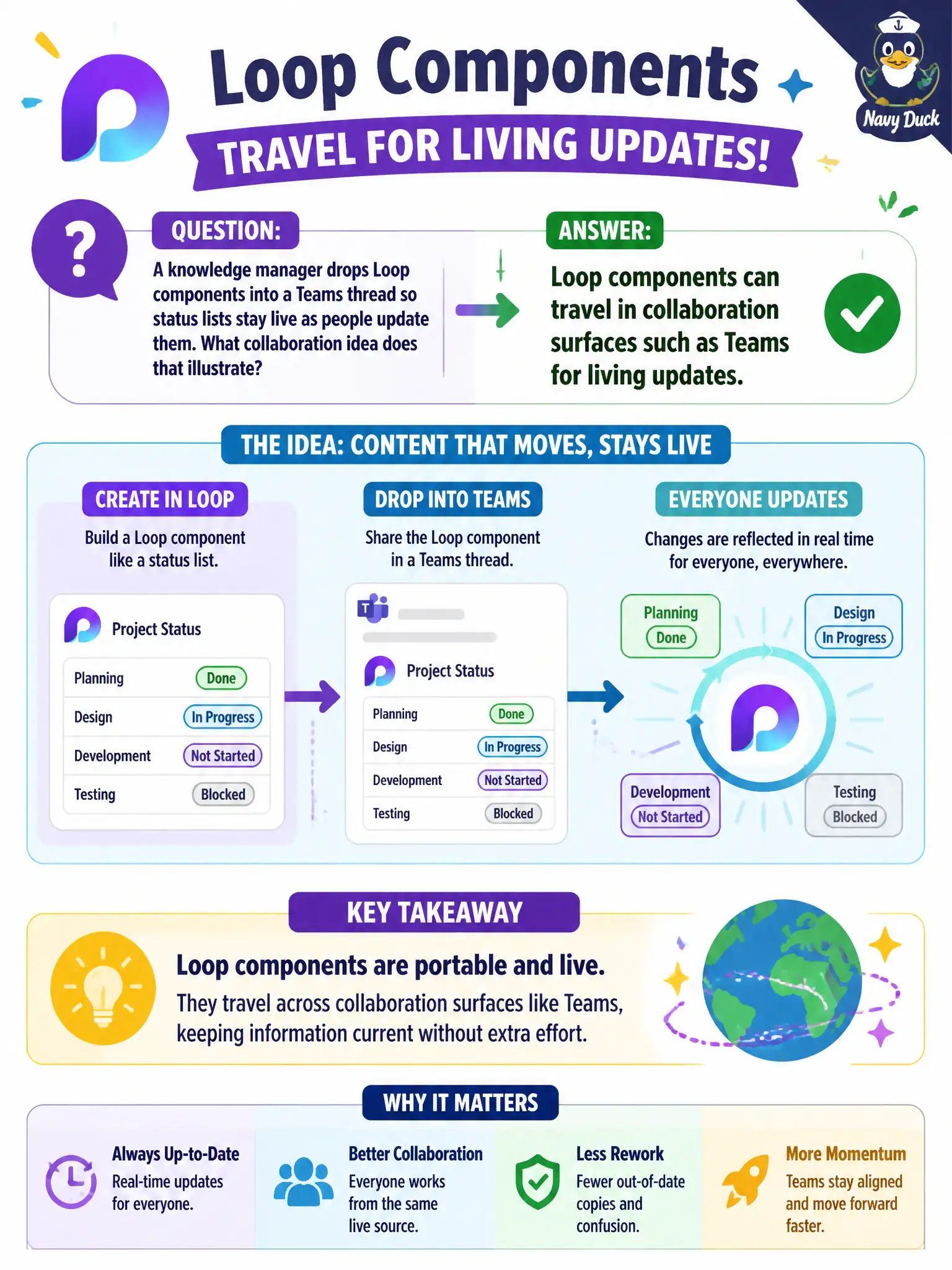
A knowledge manager drops Loop components into a Teams thread so status lists stay live as people update them. What collaboration idea does that illustrate?
Select an answer to reveal the explanation.
Short Explanation
A living sticky note that updates wherever it was pasted beats ten stale screenshots. Loop components ride along in Teams threads so status stays current as people edit. That's Loop as a collaboration companion—not a Cloud PC host-pool setting.
Full Explanation
A knowledge manager dropping Loop components into a Teams thread so status lists stay live as people update them illustrates that Loop components can travel in collaboration surfaces such as Teams for living updates. Instead of pasting a stale table that dies in the thread, a Loop component remains the same living artifact as collaborators edit—useful for municipal status lists, checklists, and lightweight trackers inside conversation.
Claiming Loop components can only exist inside Windows 365 Cloud PC host pools fails because Loop is a collaboration content pattern, not a Cloud PC-only feature. Claiming Loop permanently replaces Exchange Online shared mailboxes for all email fails because living components do not retire shared inboxes. Claiming Loop is an on-premises-only file-server protocol unrelated to Teams fails because the scenario places Loop in Teams collaboration.
Exam caveat: Loop complements Teams collaboration; it does not replace Exchange mailboxes or redefine Windows 365. Use Loop when the stem emphasizes living components in collaboration surfaces.
Operational check: introduce Loop components for status lists in pilot Teams threads, train staff to edit the component rather than reply with new static tables, decide when a full Planner/List is still better for heavy tracking, and keep mailbox and Cloud PC topics out of the Loop enablement guide.