
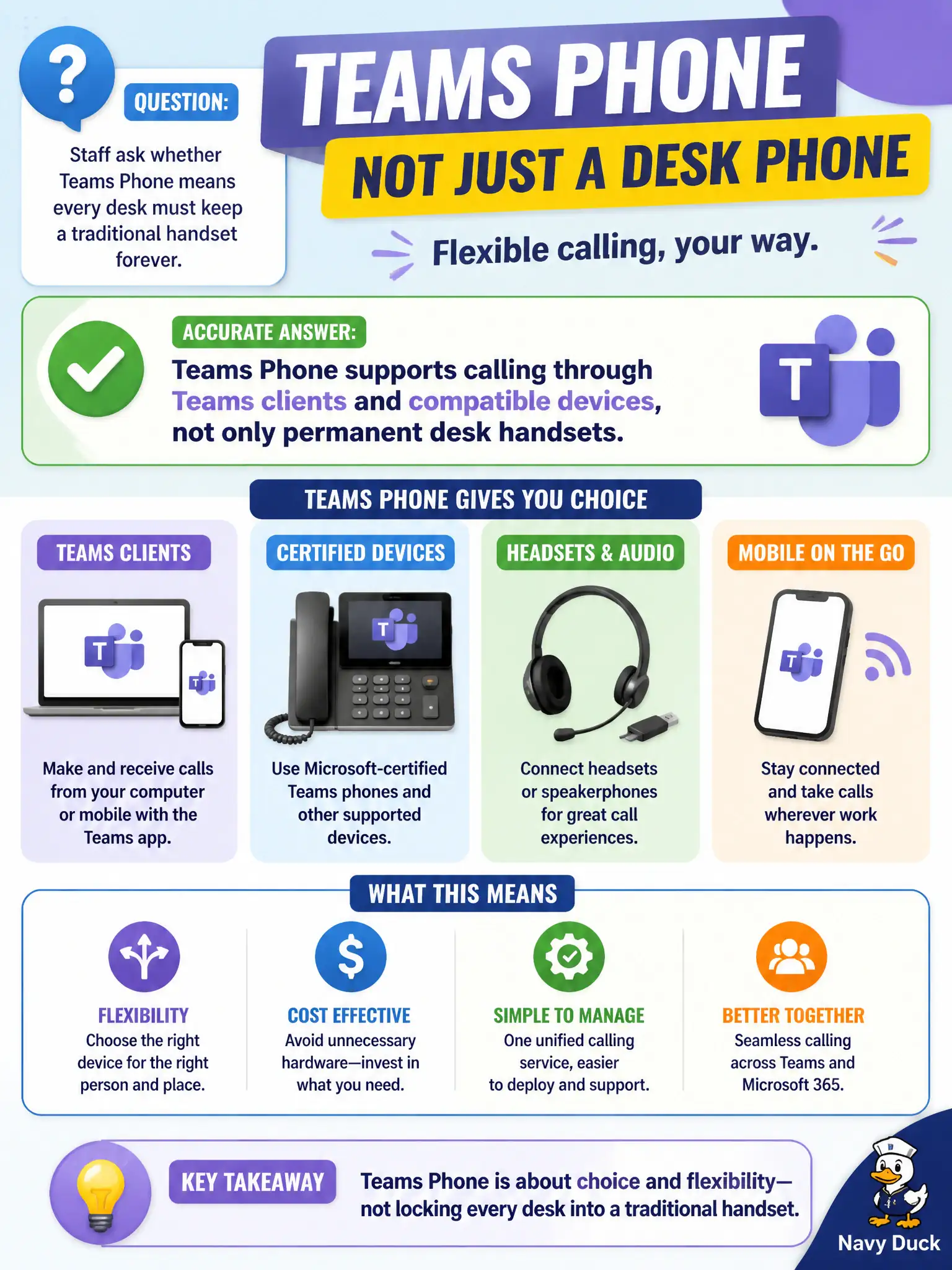
Staff ask whether Teams Phone means every desk must keep a traditional handset forever. What is accurate at Microsoft 365 fundamentals depth?
Select an answer to reveal the explanation.
Short Explanation
The phone can live in the app on the laptop, not only in a plastic brick on the desk. Teams Phone covers calling through Teams clients and compatible devices. Softphone-style use is in the conceptual picture—handsets forever is not the rule.
Full Explanation
Staff asking whether Teams Phone means every desk must keep a traditional handset forever should learn that Teams Phone supports calling through Teams clients and compatible devices, not only permanent desk handsets. Softphone clients on PCs and mobile, plus compatible IP devices where needed, are part of the cloud telephony story. Municipal offices can modernize calling without mandating a hardware handset at every seat.
Claiming Teams Phone can place calls only after every user installs Configuration Manager fails because ConfigMgr is endpoint management, not a universal Teams Phone prerequisite. Claiming Teams Phone is exclusively an Azure Blob static-website feature fails completely—blob static websites are not telephony. Claiming Teams Phone forbids softphone clients and requires hardware handsets for every user contradicts the softphone-capable model.
Exam caveat: compatible devices remain optional tools, not proof that softphones are banned. “Supports clients and compatible devices” is the balanced fundamentals statement.
Operational check: decide which roles need softphone-only versus physical devices, validate headset standards, update facilities plans so desk phone refreshes are role-based, and educate staff that ConfigMgr and Azure Blob are unrelated gates for placing Teams calls.