
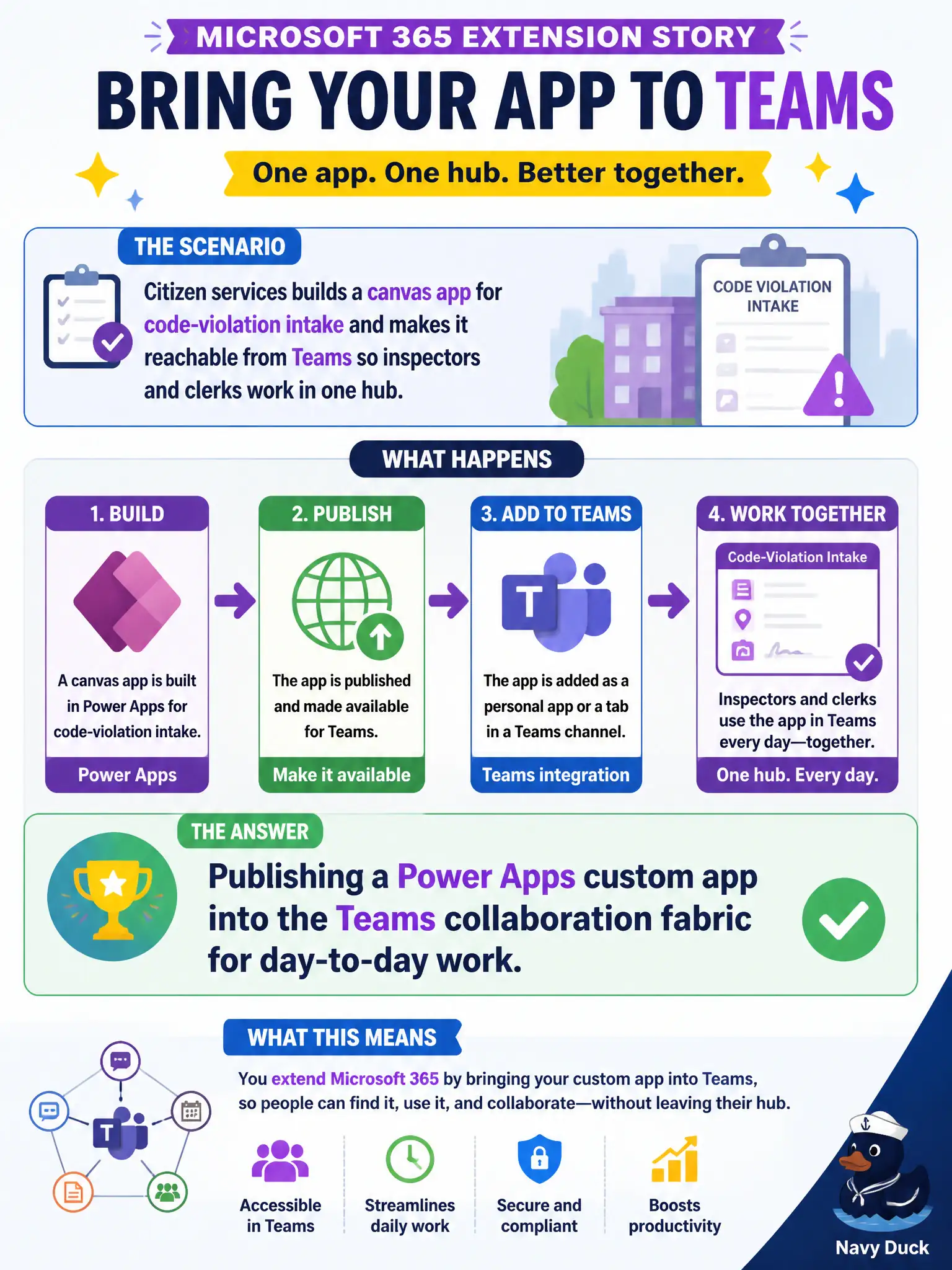
Citizen services builds a canvas app for code-violation intake and makes it reachable from Teams so inspectors and clerks work in one hub. Which Microsoft 365 extension story does that describe?
Select an answer to reveal the explanation.
Short Explanation
Think of Teams as city hall's front desk and Power Apps as a custom form counter you bolt onto that desk. Inspectors open the code-violation app without leaving the hub they already live in. That's extending Teams with Power Apps—not inventing a new identity stack or tweaking Azure storage.
Full Explanation
Citizen services building a canvas app for code-violation intake and making it reachable from Teams describes publishing a Power Apps custom app into the Teams collaboration fabric for day-to-day work. Inspectors and clerks stay in one hub for chat, files, and the intake form, which reduces tool sprawl and missed submissions. That is the low-code extension story at fundamentals depth: custom business apps meeting workers inside Teams.
Replacing Entra ID with a custom identity platform built only inside the canvas app fails because Power Apps does not replace the city’s identity directory. Using Azure Blob Storage redundancy settings as the only collaboration surface fails because LRS/GRS choices are storage architecture, not the Teams-embedded app experience. Configuring Windows Autopatch rings so devices auto-update the canvas designer fails because update rings service Windows quality/feature updates; they are not how you publish intake apps into Teams.
Exam caveat: Power Apps into Teams is about embedding custom apps in collaboration flow. It does not rewrite identity, Azure redundancy design, or Autopatch.
Operational check: publish the canvas app to the citizen-services Team, validate inspector and clerk permissions, test mobile Teams usage in the field, confirm data lands in the approved backend, and keep identity and patching workstreams separate from the app-publishing checklist.