
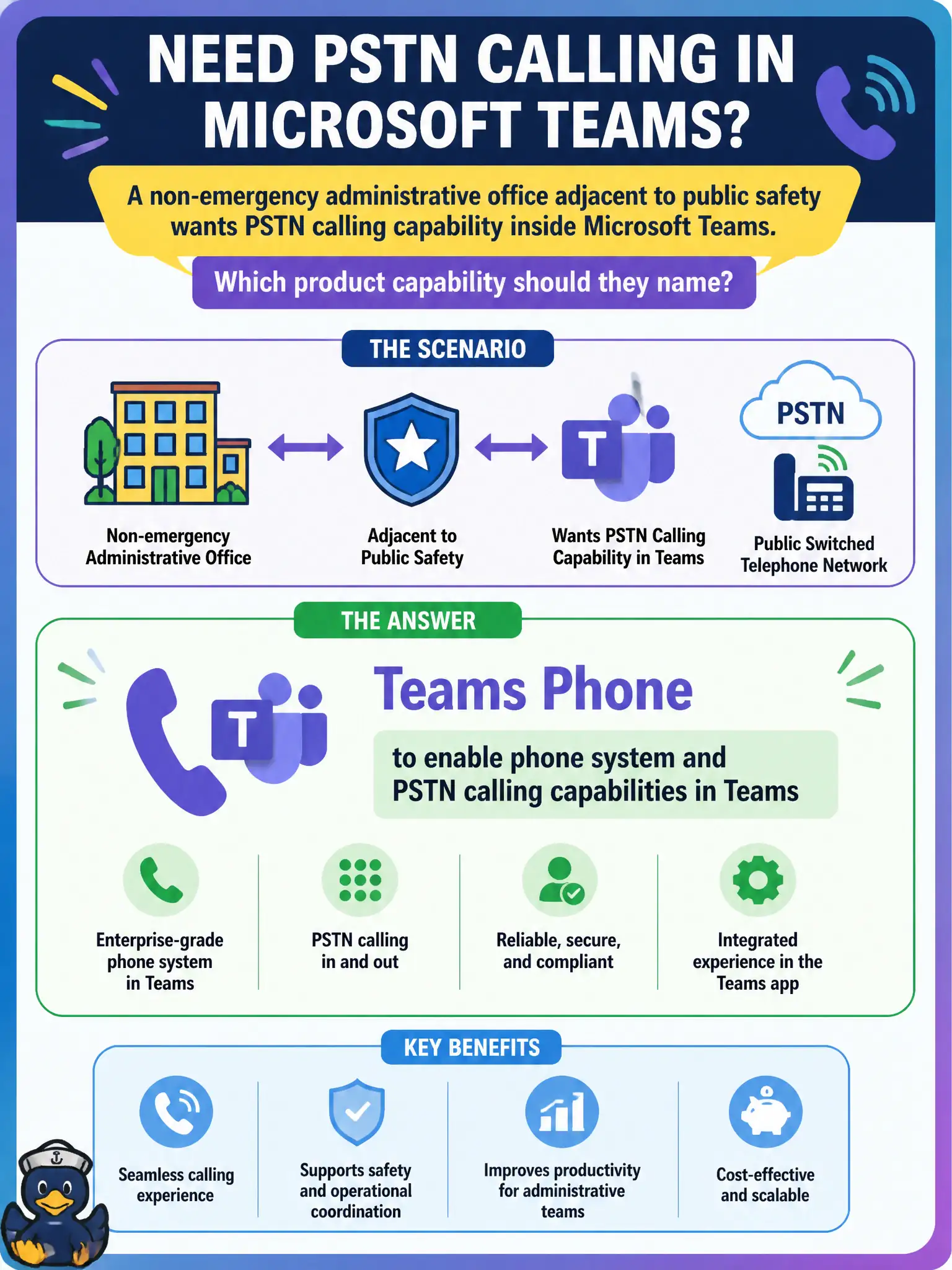
A non-emergency administrative office adjacent to public safety wants PSTN calling capability inside Microsoft Teams. Which product capability should they name?
Select an answer to reveal the explanation.
Short Explanation
Need real phone numbers and calling inside Teams? That is Teams Phone. Forms, OneNote, and SharePoint do not dial the public telephone network.
Full Explanation
A non-emergency administrative office adjacent to public safety that wants PSTN calling capability inside Microsoft Teams should name Teams Phone to enable phone system and PSTN calling capabilities in Teams. Softphone calling, call control, and related telephony features belong to Teams Phone—not to forms, notebooks, or document libraries. Adjacency to public safety does not change the product name; the stem still asks for PSTN calling inside Teams.
Microsoft Forms quizzes fail as the mechanism for outbound PSTN dialing because quizzes collect answers; they do not provide telephone numbers and call control. OneNote notebooks fail as a replacement for telephone numbers and call control because notebooks store notes. SharePoint document sets fail as the city’s softphone client because document sets organize files; they do not terminate PSTN calls.
Exam caveat: Teams Phone is the telephony capability even for administrative offices. Do not assume only emergency call centers use Teams Phone, and do not pick productivity apps that merely sound collaborative.
Operational check: confirm the office needs place-and-receive PSTN calling in Teams, engage voice architecture for calling plans or operator connectivity at a planning level, validate licensing, train staff that Forms/OneNote/SharePoint are not the phone system, and update the service catalog so voice tickets route to the Teams Phone queue.