
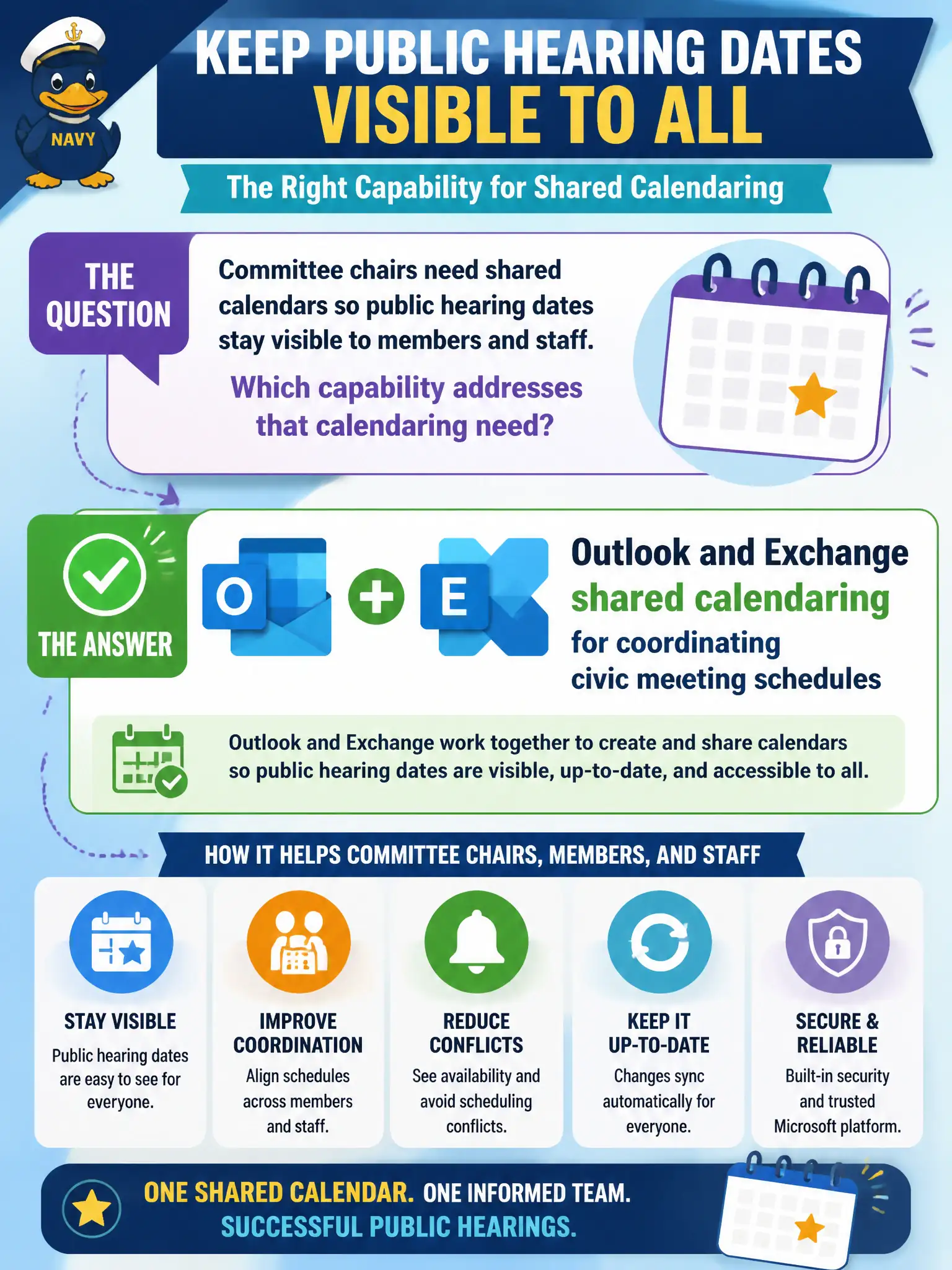
Committee chairs need shared calendars so public hearing dates stay visible to members and staff. Which capability addresses that calendaring need?
Select an answer to reveal the explanation.
Short Explanation
Shared hearing calendars live in Outlook/Exchange—the same place chairs already schedule. Defender, Cloud PCs, and dial-plan Lists are not the civic calendar tool.
Full Explanation
Committee chairs who need shared calendars so public hearing dates stay visible to members and staff should rely on Outlook and Exchange shared calendaring for coordinating civic meeting schedules. Shared calendars, calendar permissions, and Exchange-backed scheduling keep hearing dates, briefings, and related holds visible without inventing a non-calendar product as a fake substitute. For municipal governance, predictable shared calendars reduce missed hearings and conflicting bookings.
Microsoft Defender for Endpoint fails because endpoint security and threat protection are not a calendar publishing service. Windows 365 Cloud PCs fail as a substitute for shared hearing calendars—personalized cloud desktops do not replace calendaring. Microsoft Lists formatted only as a phone dial plan with no date views fails because that misuses Lists and ignores Exchange/Outlook shared calendaring entirely.
Exam caveat: other tools can display dates, but when the stem asks for shared calendaring of civic meetings, Exchange and Outlook are the fundamentals answer. Do not drift into security, Cloud PC, or dial-plan distractors.
Operational check: create or permission a shared hearings calendar, grant chairs and clerks appropriate view/edit rights, publish the calendar to stakeholders, overlay major blackout dates, and keep Defender, Windows 365, and dial-plan discussions in separate workstreams from scheduling design.