
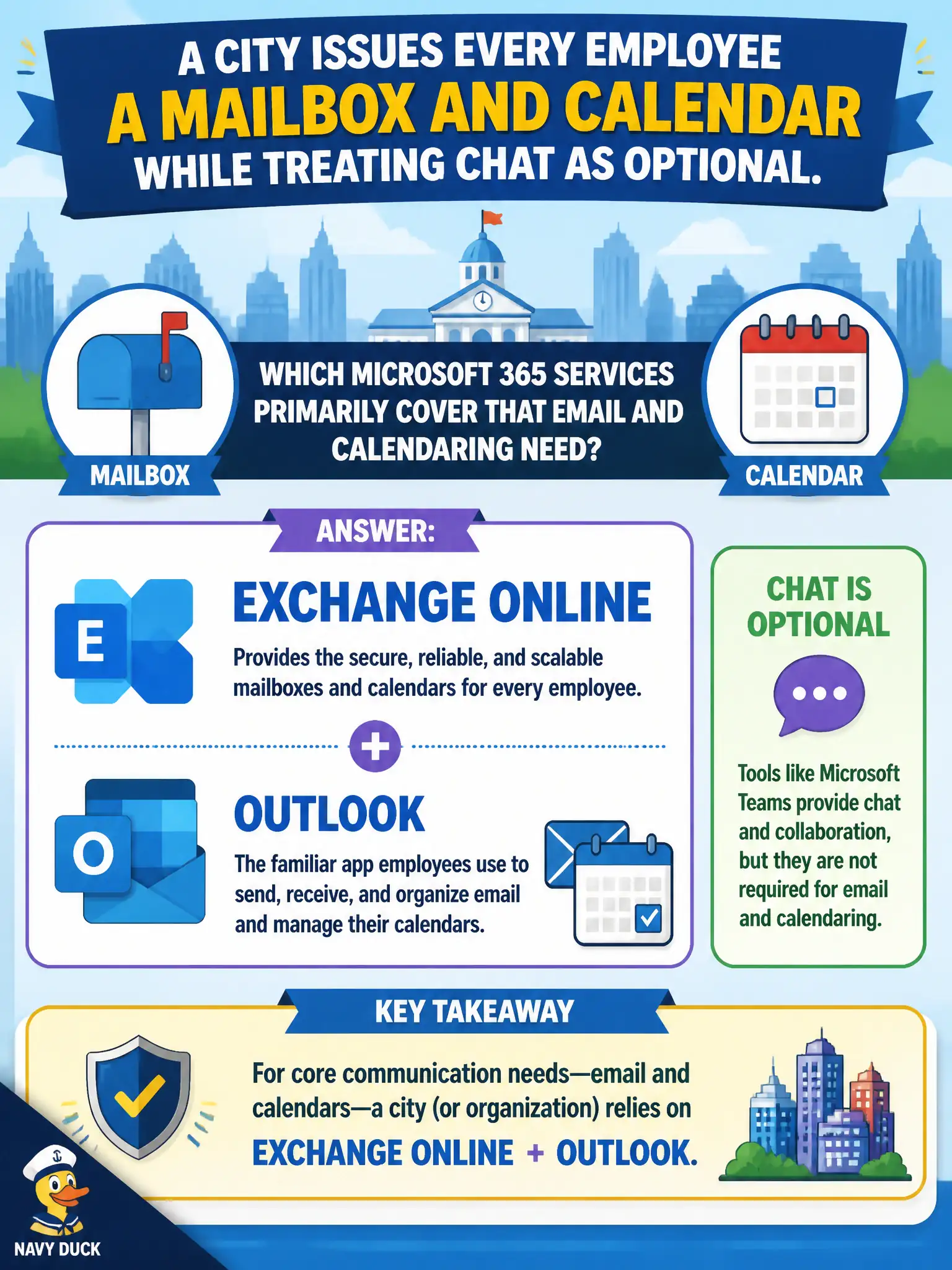
A city issues every employee a mailbox and calendar while treating chat as optional. Which Microsoft 365 services primarily cover that email and calendaring need?
Select an answer to reveal the explanation.
Short Explanation
Mailbox plus calendar is Exchange and Outlook 101—chat can wait. Whiteboard, Planner, and Viva Insights are great tools, but they are not the city’s email system of record.
Full Explanation
When a city issues every employee a mailbox and calendar while treating chat as optional, the Microsoft 365 services that primarily cover that email and calendaring need are Exchange Online with Outlook as core communication services. Official correspondence, external email to residents and vendors, and organizational calendaring still run through mailboxes even when Teams chat is available as an optional collaboration mode. MS-900 consistently treats Exchange/Outlook as foundational communication—not as something Teams silently deletes.
Microsoft Whiteboard canvases fail as the system of record for official email because canvases support visual collaboration, not mail transport or mailbox delivery. Microsoft Planner buckets fail as a replacement for every employee mailbox because task tracking is not email. Microsoft Viva Insights alone fails because insights without mailboxes and calendaring cannot satisfy the communication services the stem requires.
Exam caveat: optional chat does not erase mailboxes. “Primary cover” for email and calendaring still points to Exchange Online and Outlook even in Teams-heavy tenants. Do not pick engagement or canvas tools when the stem explicitly asks for mailbox and calendar services.
Operational check: provision mailboxes and calendars as standard employee services, publish guidance on when email is required versus when Teams chat is optional, ensure external partners retain a reliable email path, and brief leadership that Viva Insights or Planner never substitute for Exchange mailboxes.