
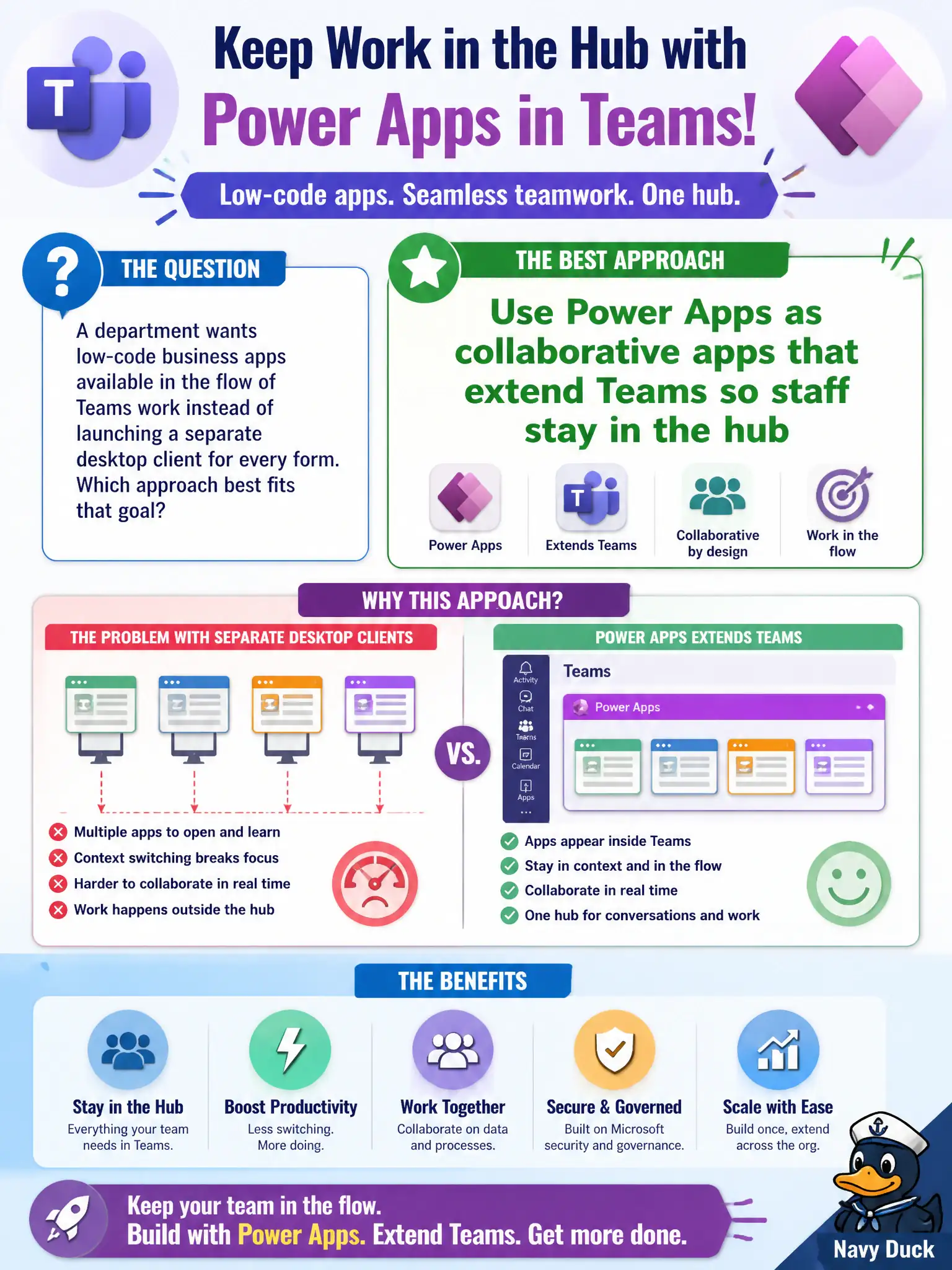
A department wants low-code business apps available in the flow of Teams work instead of launching a separate desktop client for every form. Which approach best fits that goal?
Select an answer to reveal the explanation.
Short Explanation
Keep the forms where the work already happens—Power Apps inside Teams. Staff stay in the same hub instead of hunting a separate desktop client. USB kiosks, OneDrive-only workflows, and voicemail trees fight that goal.
Full Explanation
Departments that want low-code business apps in the flow of Teams work—not a separate desktop client for every form—should use Power Apps as collaborative apps that extend Teams so staff stay in the hub. The pedagogical point is meeting users where collaboration already happens and reducing tool sprawl for intake and lightweight line-of-business forms.
Requiring every form only on disconnected USB kiosks fails because it rejects Teams-embedded work and invents an offline-only constraint the stem does not ask for. Replacing Teams entirely with personal OneDrive sync fails because sync is not a departmental app hub. Hosting all intake only as PSTN voicemail trees through Teams Phone fails because voice trees are not low-code form apps in the Teams collaboration fabric.
Exam caveat: Power Apps extending Teams is about collaborative app delivery, not about deleting Phone, OneDrive, or every other Microsoft 365 capability.
Operational check: inventory forms still trapped in thick clients, prioritize high-volume intake for Power Apps in Teams, pilot with one department, gather usability feedback, and keep voicemail and personal sync in their proper lanes rather than as fake substitutes for in-hub apps.