
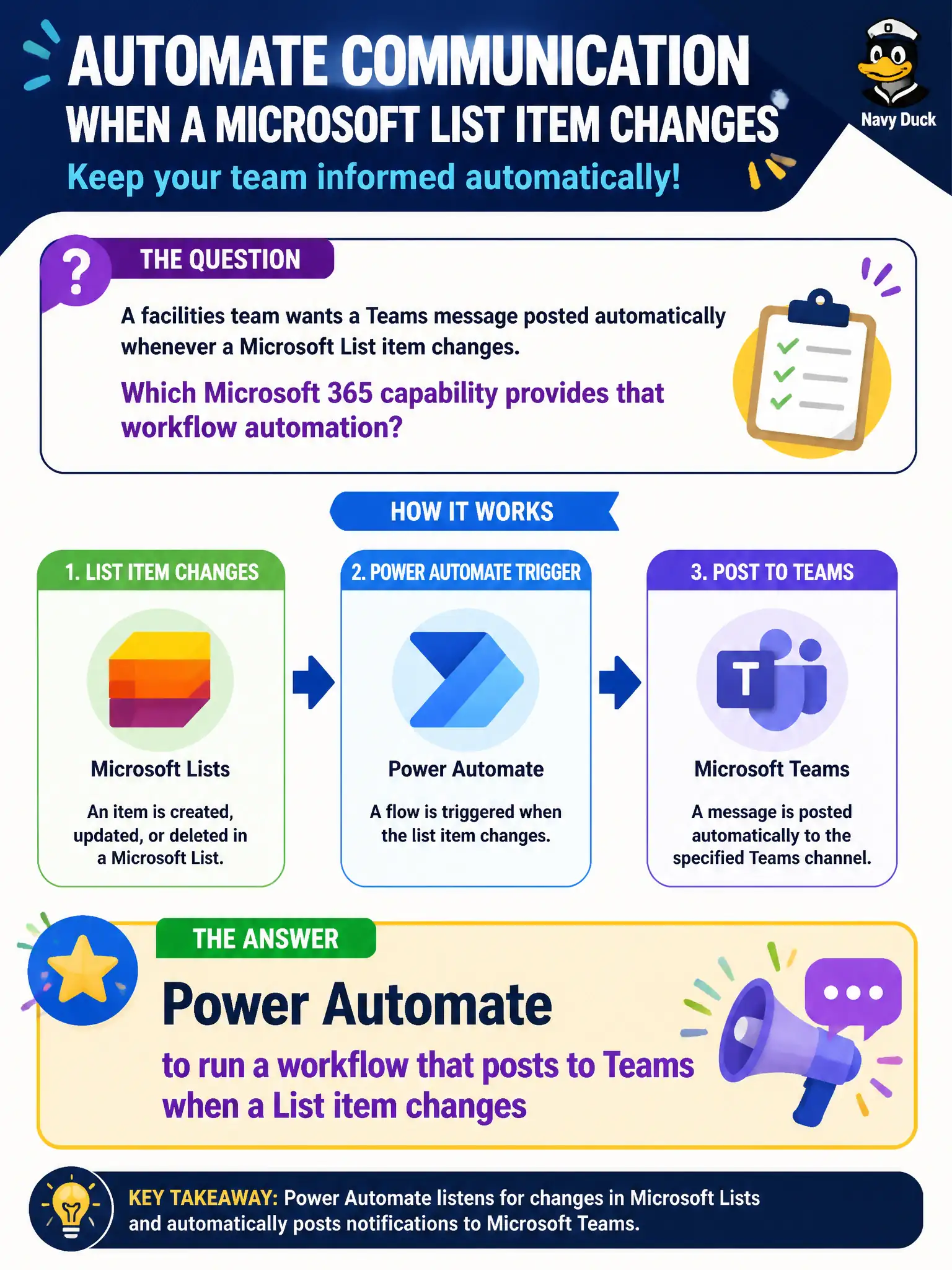
A facilities team wants a Teams message posted automatically whenever a Microsoft List item changes. Which Microsoft 365 capability provides that workflow automation?
Select an answer to reveal the explanation.
Short Explanation
When a List row flips, Power Automate is the messenger that taps the Teams channel for you. Personal vaults, Bookings pages, and solo To Do lists do not own that cross-app automation story.
Full Explanation
Facilities teams that want a Teams message posted automatically whenever a Microsoft List item changes need workflow automation: Power Automate running a flow that posts to Teams on List create or modify events. That pattern turns list-driven operational data—work orders, asset status, inspection flags—into channel awareness so crews see changes without polling the list all day. At fundamentals depth, List change → Teams post is a classic Power Automate collaboration extension.
OneDrive personal vault encryption fails as the notification path because vault features protect personal files; they do not watch List rows or post channel alerts. Microsoft Bookings appointment pages fail because booking pages schedule appointments; they are not List-triggered Teams workflows. Microsoft To Do personal tasks fail because personal task lists do not automate departmental List-to-Teams notifications for a facilities crew.
Exam caveat: naming Power Automate is enough at MS-900 describe depth; you are not required to draw every connector. Do not confuse personal productivity (To Do) or scheduling (Bookings) with cross-app workflow automation into Teams.
Operational check: create or identify the facilities List, build a Power Automate flow on item changes, post a concise Teams message with key fields and a deep link, filter noisy columns that would spam the channel, assign a flow owner, and document how staff should respond when the automated post appears.