
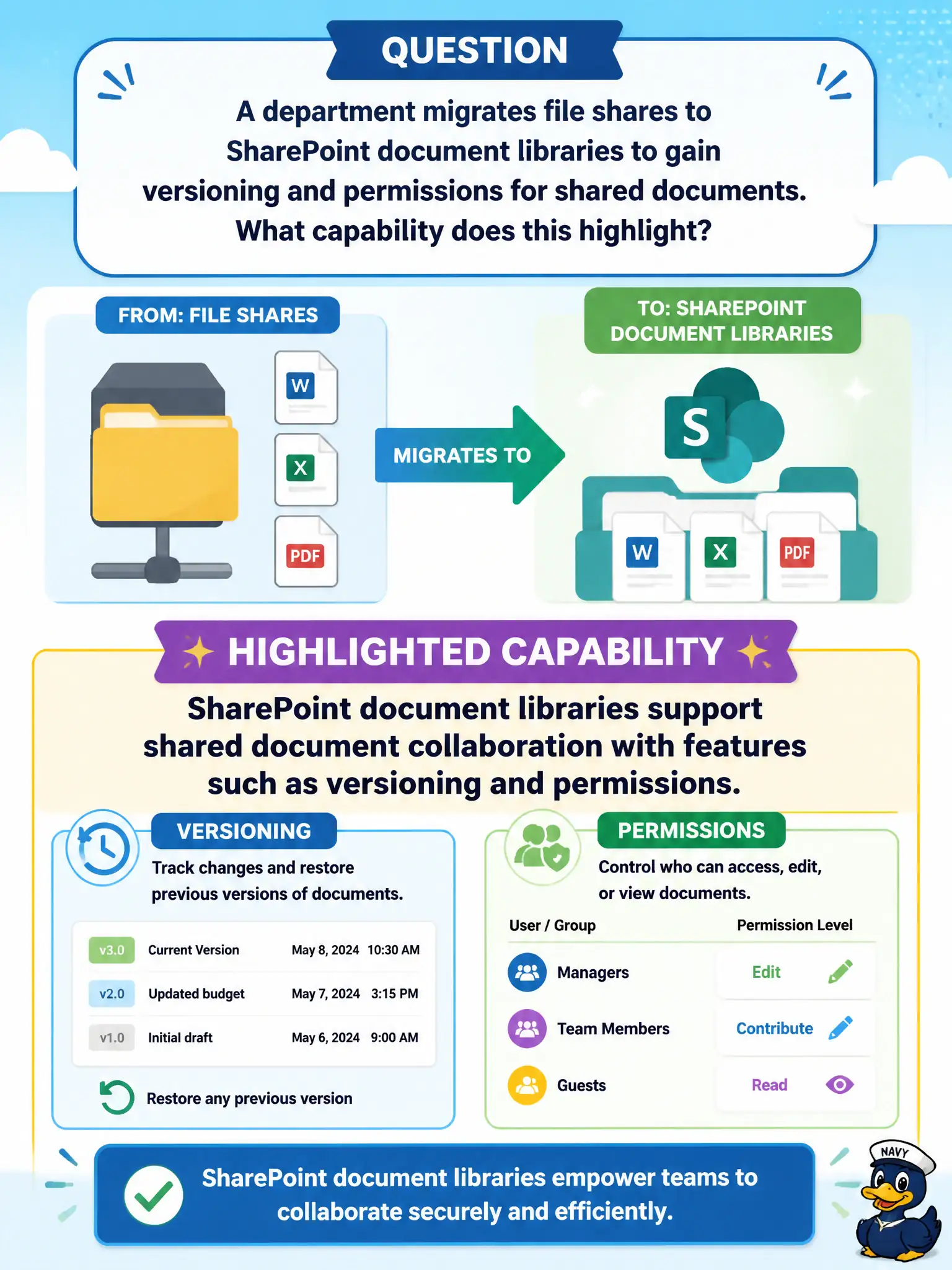
A department migrates file shares to SharePoint document libraries to gain versioning and permissions for shared documents. What capability does this highlight?
Select an answer to reveal the explanation.
Short Explanation
Moving file shares into SharePoint libraries is like upgrading from a hallway cabinet to a library with checkout history and locks. Versioning and permissions come along for collaborative documents. That is SharePoint content collaboration in plain language.
Full Explanation
SharePoint document libraries support shared document collaboration with features such as versioning and permissions—highlighted when a department migrates file shares to SharePoint to gain those controls. That capability is a core reason municipalities move shared files into SharePoint.
Claiming SharePoint libraries remove all version history and disable permissions fails. Claiming file-share migration is only possible by deleting Microsoft 365 fails. Claiming versioning exists only in Bookings and never in SharePoint fails product facts.
Exam caveat: migration without information architecture recreates file-share chaos in the cloud. Operational check: design library structure and permissions first, migrate in waves, verify version history on sample files, and retire write access to the old file share after validation. Record the choice in the municipal service catalog so help-desk scripts stay consistent. Record the choice in the municipal service catalog so help-desk scripts stay consistent. Record the choice in the municipal service catalog so help-desk scripts stay consistent. Record the choice in the municipal service catalog so help-desk scripts stay consistent. Record the choice in the municipal service catalog so help-desk scripts stay consistent.