
Staff confuse OneDrive with a backup USB drive kept in a desk drawer. How should OneDrive be explained?
Select an answer to reveal the explanation.
Short Explanation
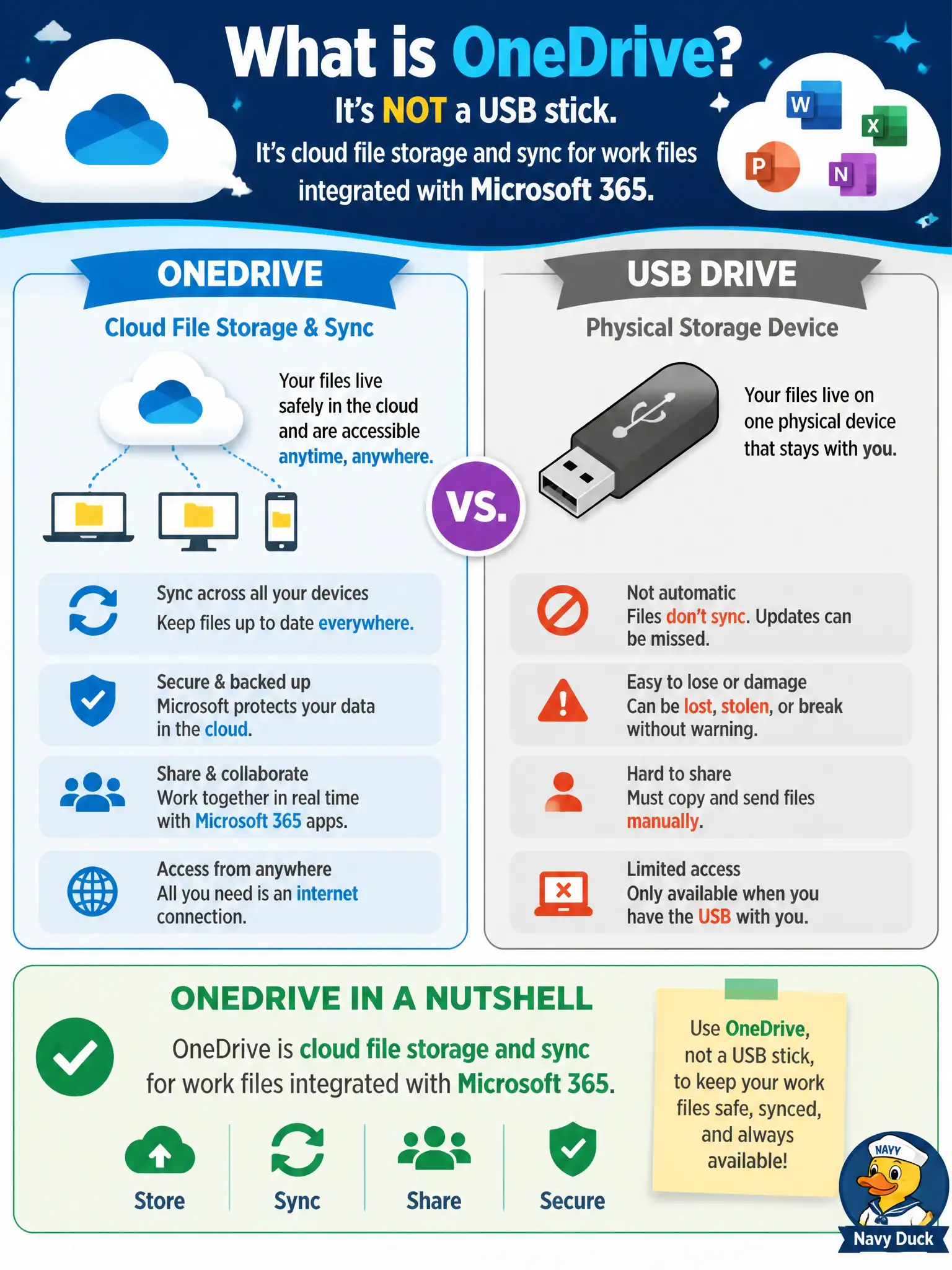
A USB stick lives in a drawer; OneDrive lives in the Microsoft 365 cloud and syncs to devices. Same idea of “my files,” totally different delivery. Teach staff it is cloud personal work storage, not plastic flash memory.
Full Explanation
OneDrive is cloud file storage and sync for work files integrated with Microsoft 365—not a physical USB stick in a desk drawer. Staff who confuse the brand with hardware need the cloud sync and collaboration explanation tied to their work identity.
Claiming OneDrive is only a hardware flash drive Microsoft ships in every laptop fails. Claiming OneDrive cannot sync files and exists solely as a printer queue fails. Claiming OneDrive replaces Entra ID as the city’s only identity directory fails conceptually.
Exam caveat: sync clients can cache files locally—lost devices still need encryption and wipe capability. Operational check: show staff the OneDrive cloud icon and web portal, confirm sync status, and contrast it with unmanaged USB use banned by policy. Record the choice in the municipal service catalog so help-desk scripts stay consistent. Record the choice in the municipal service catalog so help-desk scripts stay consistent. Record the choice in the municipal service catalog so help-desk scripts stay consistent. Record the choice in the municipal service catalog so help-desk scripts stay consistent. Record the choice in the municipal service catalog so help-desk scripts stay consistent.