
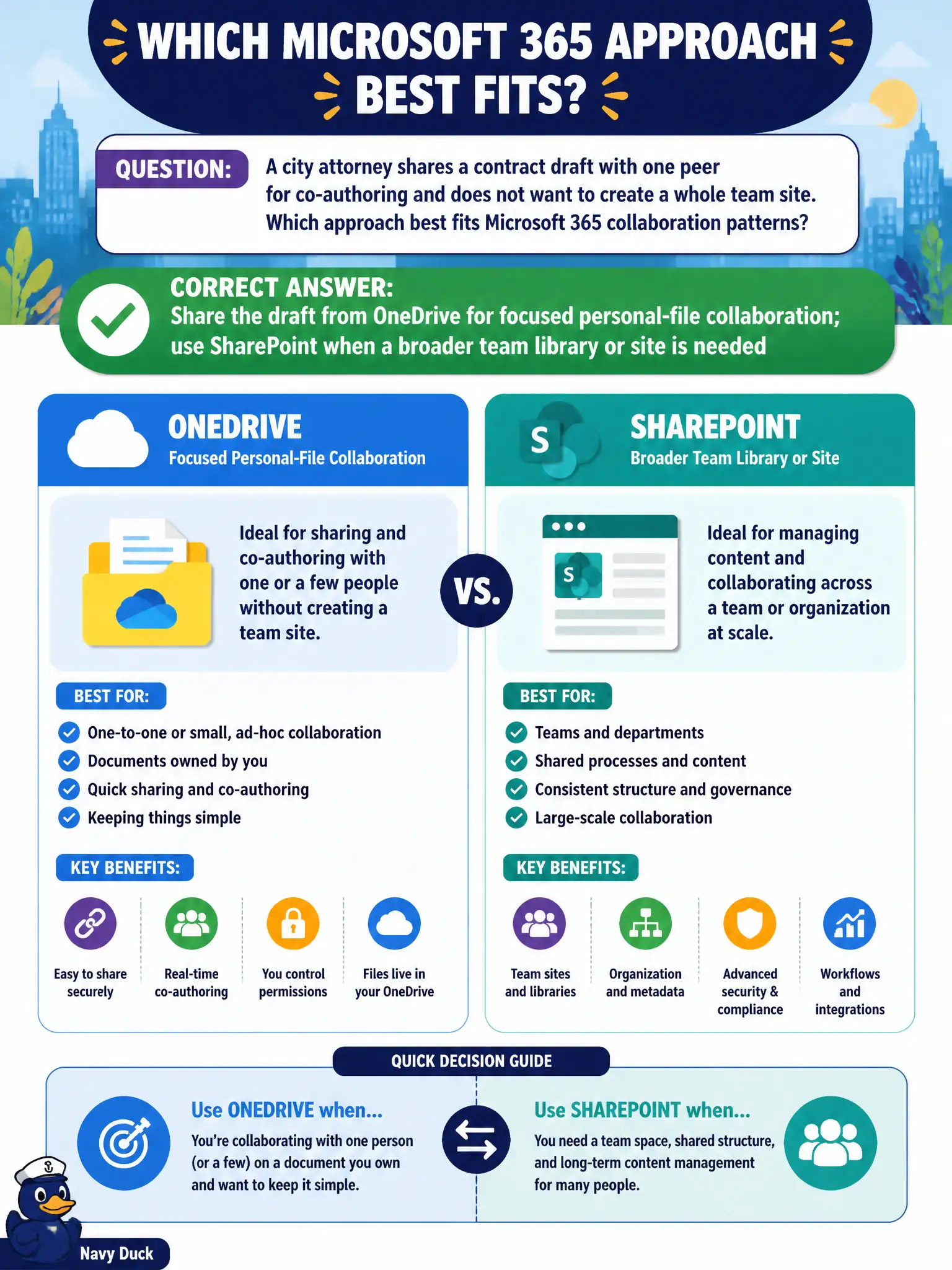
A city attorney shares a contract draft with one peer for co-authoring and does not want to create a whole team site. Which approach best fits Microsoft 365 collaboration patterns?
Select an answer to reveal the explanation.
Short Explanation
For a one-to-one contract polish, OneDrive sharing is the light touch — no need to build a whole team campus. SharePoint shines when the whole group needs a library and site. Match sharing breadth to the tool.
Full Explanation
Microsoft 365 collaboration patterns distinguish personal-file sharing from team sites: share a contract draft from OneDrive for focused two-person co-authoring, and use SharePoint when a broader team library or site is needed. A city attorney sharing with one peer should not be forced to stand up an intranet for every pairwise edit.
Always creating a full SharePoint intranet site for every two-person session fails proportionality. Emailing the only copy as an unprotected USB file fails cloud sharing security and versioning. Storing the contract exclusively in Stream as a video fails document collaboration patterns.
Exam caveat: OneDrive sharing links still need correct expiration and identity requirements for legal documents. Operational check: share the draft from OneDrive to the named peer with edit rights, enable version history, and move the final executed contract into the matter’s SharePoint library. Record the choice in the municipal service catalog so help-desk scripts stay consistent. Record the choice in the municipal service catalog so help-desk scripts stay consistent. Record the choice in the municipal service catalog so help-desk scripts stay consistent. Record the choice in the municipal service catalog so help-desk scripts stay consistent.