
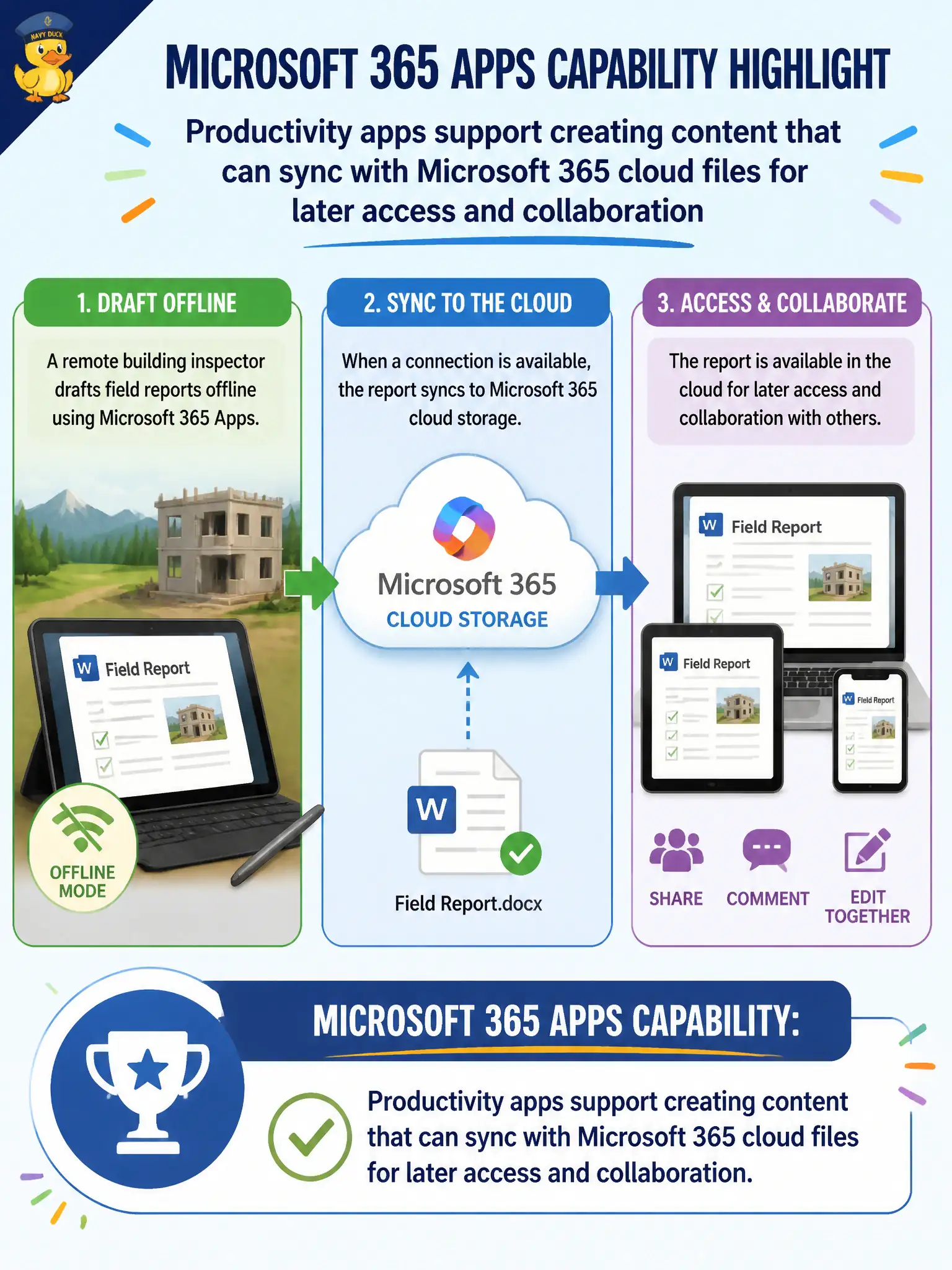
A remote building inspector drafts field reports offline and later syncs them into Microsoft 365 cloud storage. What Microsoft 365 Apps capability does this highlight?
Select an answer to reveal the explanation.
Short Explanation
Inspectors still type when the signal drops — then the files catch up to the cloud when connectivity returns. That offline-to-sync story is everyday modern productivity with Microsoft 365 Apps and cloud files. It is about creating content that lives with the tenant, not about deep device admin labs.
Full Explanation
Microsoft 365 Apps support creating content that can sync with Microsoft 365 cloud files for later access and collaboration—exactly what a remote building inspector does by drafting offline and later syncing field reports. Offline create plus cloud sync is a core productivity benefit for field civic work.
Claiming Microsoft 365 Apps only work when permanently disconnected from any cloud account fails the sync story. Claiming offline drafts are impossible and every keystroke needs an on-premises mainframe fails modern Apps capability. Claiming field reports must be carved into stone tablets fails entirely.
Exam caveat: offline drafts on unmanaged devices can create records and disclosure risk—prefer managed devices and known sync locations. Operational check: configure OneDrive Known Folder Move or approved libraries, test offline Word draft then sync, and confirm the report appears for supervisors after reconnect. Record the choice in the municipal service catalog so help-desk scripts stay consistent. Record the choice in the municipal service catalog so help-desk scripts stay consistent. Record the choice in the municipal service catalog so help-desk scripts stay consistent. Record the choice in the municipal service catalog so help-desk scripts stay consistent.