
A new hire asks what “Microsoft 365 Apps” means in everyday city work. Which answer best names the core productivity set?
Select an answer to reveal the explanation.
Short Explanation
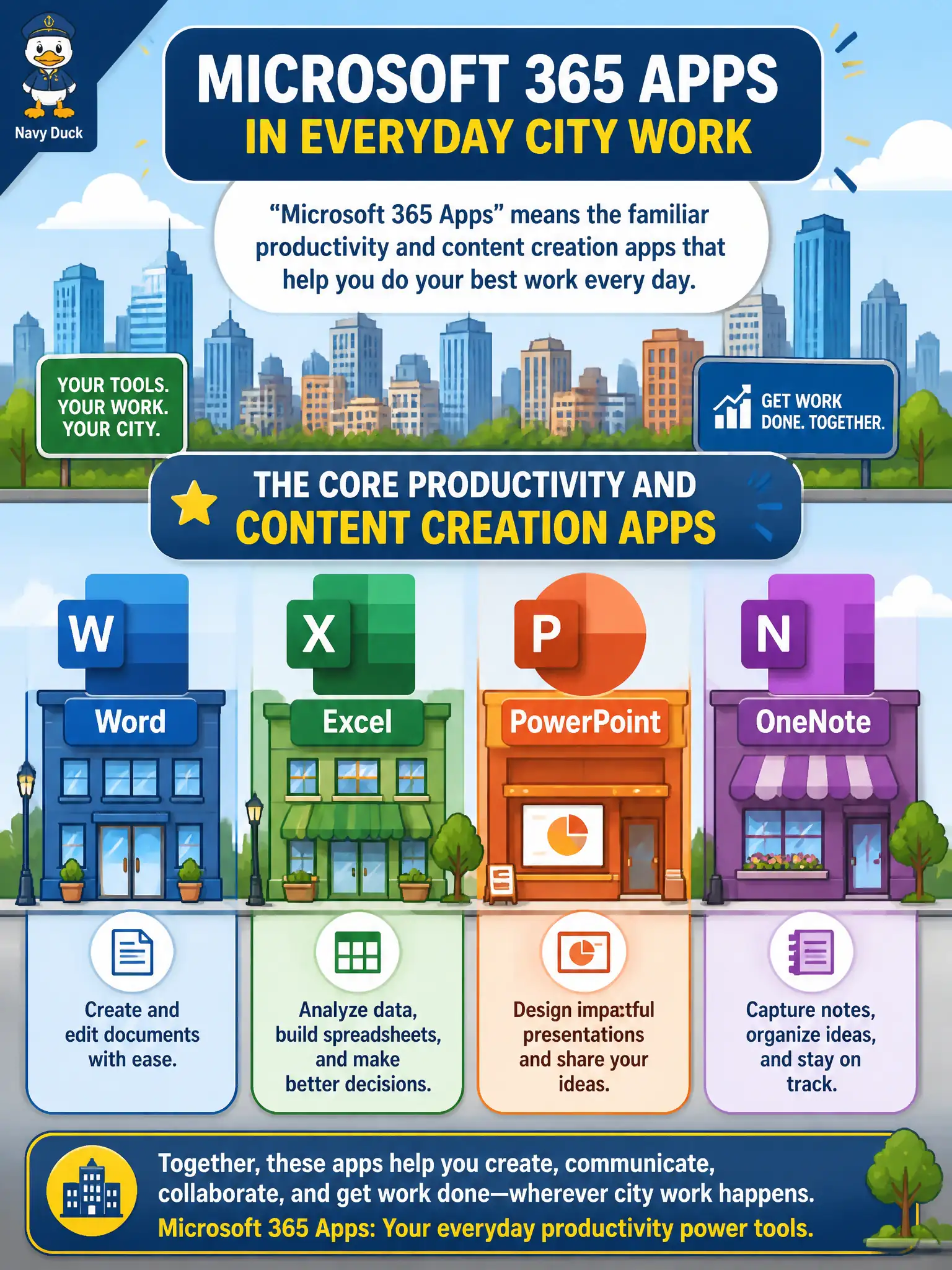
When someone says Microsoft 365 Apps, picture the familiar desktop and web creators — Word, Excel, PowerPoint, and OneNote — the everyday writing and spreadsheet crew. It is not a phone-number catalog or a VM catalog. Those core apps are the productivity backbone on the skills list.
Full Explanation
“Microsoft 365 Apps” in everyday city work refers to the core productivity and content creation applications such as Word, Excel, PowerPoint, and OneNote. That naming helps a new hire locate document, spreadsheet, presentation, and notebook tools in the suite.
Saying Microsoft 365 Apps means only Teams Phone numbers without document editors fails. Saying it means only Azure Virtual Machines sold as desktop applications fails. Saying it means only printer drivers and fax gateways in the admin center fails product definition.
Exam caveat: “Apps” naming can also include other clients depending on context, but fundamentals emphasize the core Office productivity set. Operational check: ensure new-hire onboarding lists Word, Excel, PowerPoint, and OneNote install/web access steps, and verify licenses assign those apps before day-one work. Record the choice in the municipal service catalog so help-desk scripts stay consistent. Record the choice in the municipal service catalog so help-desk scripts stay consistent. Record the choice in the municipal service catalog so help-desk scripts stay consistent. Record the choice in the municipal service catalog so help-desk scripts stay consistent.