
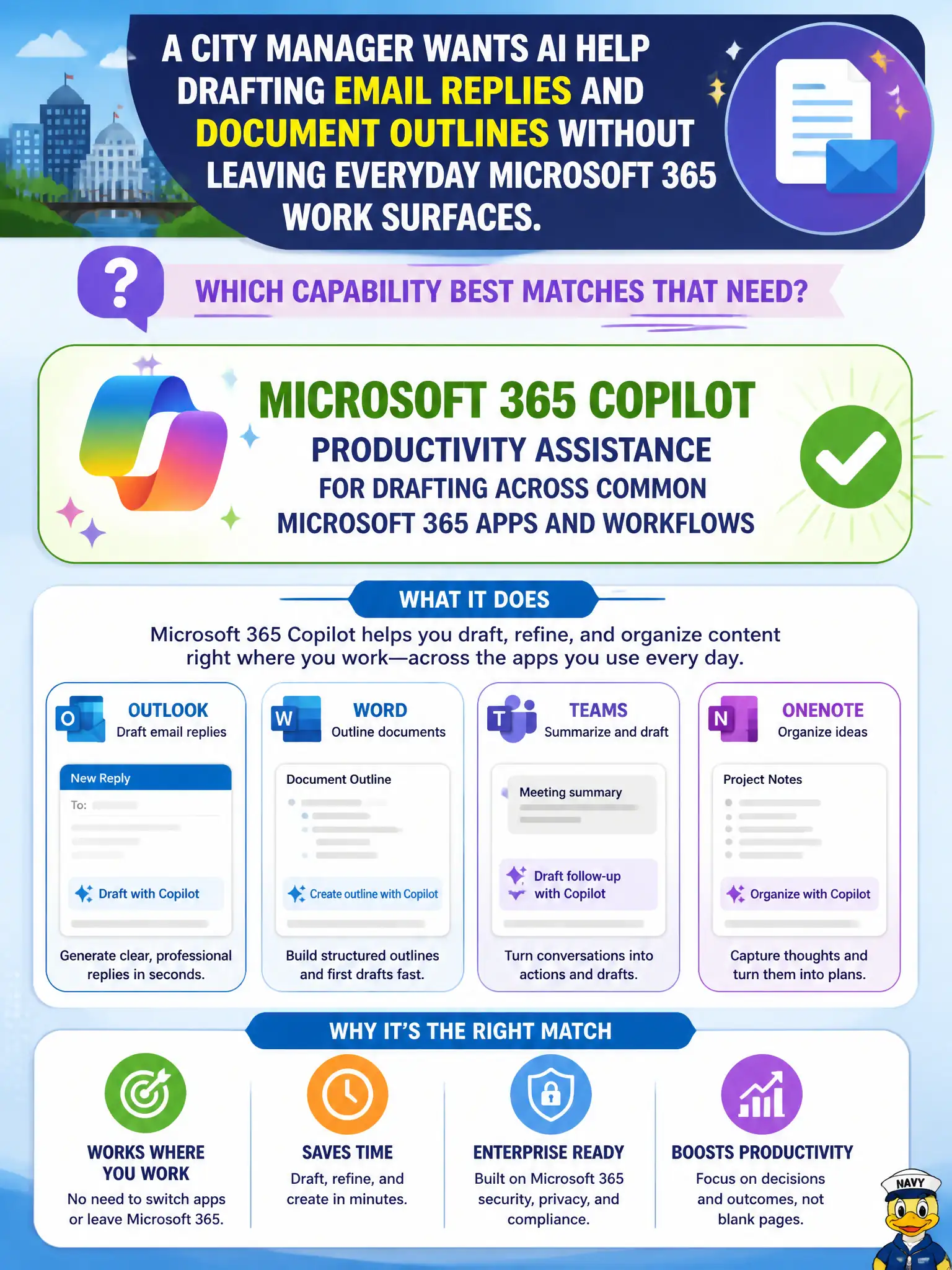
A city manager wants AI help drafting email replies and document outlines without leaving everyday Microsoft 365 work surfaces. Which capability best matches that need?
Select an answer to reveal the explanation.
Short Explanation
Copilot is the in-app drafting buddy that helps shape replies and outlines where staff already work. It is not Autopilot for PCs and not a swap-out of Exchange. Keep the manager in Word, Outlook, and friends — with Copilot speeding the first draft.
Full Explanation
Microsoft 365 Copilot productivity assistance drafts across common Microsoft 365 apps and workflows, matching a city manager who wants AI help with email replies and document outlines without leaving everyday work surfaces. That in-suite assistance is the capability to name.
Replacing Exchange Online with a consumer-only search engine fails municipal mail requirements. Turning off all Microsoft 365 Apps so AI runs only on personal devices fails enterprise governance. Using Windows Autopilot alone to write email replies fails because Autopilot enrolls devices; it does not draft managerial correspondence.
Exam caveat: drafted replies can sound authoritative while being factually wrong—managers must edit before send, especially on public commitments. Operational check: enable Copilot for licensed managers, require review before sending external mail, and log example quality issues to improve prompts and training. Record the choice in the municipal service catalog so help-desk scripts stay consistent. Record the choice in the municipal service catalog so help-desk scripts stay consistent. Record the choice in the municipal service catalog so help-desk scripts stay consistent. Record the choice in the municipal service catalog so help-desk scripts stay consistent.