
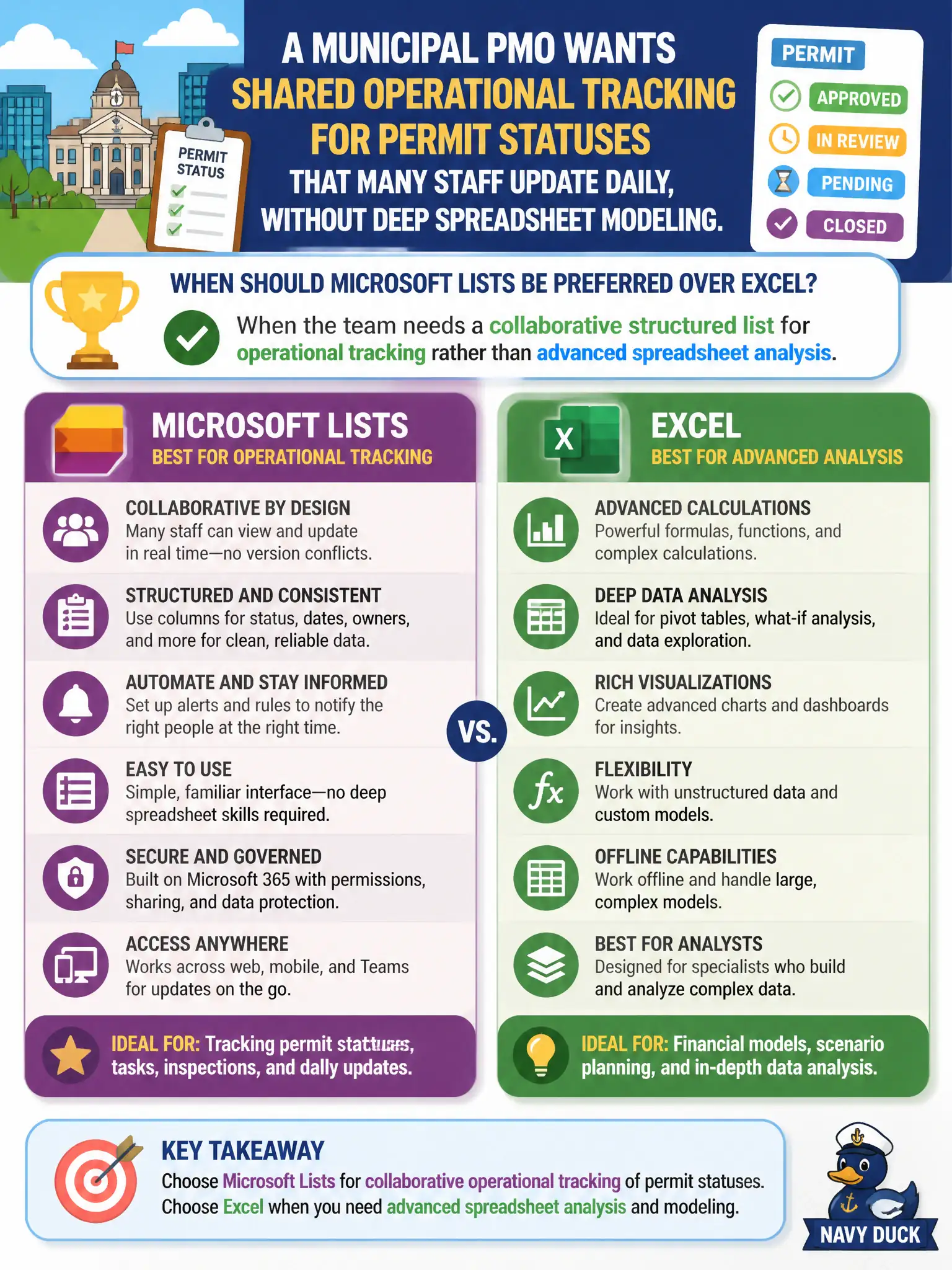
A municipal PMO wants shared operational tracking for permit statuses that many staff update daily, without deep spreadsheet modeling. When should Microsoft Lists be preferred over Excel?
Select an answer to reveal the explanation.
Short Explanation
Picture a shared whiteboard of permit rows everyone can update — that is Lists territory. Excel is the power tool when you need heavy math and analysis. For day-to-day operational tracking across the city, Lists keeps the structured list simple and collaborative.
Full Explanation
Microsoft Lists should be preferred over Excel when a municipal PMO needs a collaborative structured list for operational tracking—such as permit statuses many staff update daily—rather than advanced spreadsheet analysis. Lists emphasizes shared views and lightweight structured tracking without deep modeling.
Preferring Lists when every calculation requires complex pivot tables, array formulas, and financial models fails; that workload still belongs in Excel. Preferring Lists only for permanently offline workbooks fails cloud collaboration intent. Preferring Lists whenever desktop-only macros are required fails because macros point back to Excel desktop scenarios.
Exam caveat: Lists can still become messy without column discipline and status definitions across permitting staff. Operational check: define status vocabulary, create the Lists permit tracker, permission reviewers, add a Teams tab, and migrate away from the emailed spreadsheet as the system of record. Record the choice in the municipal service catalog so help-desk scripts stay consistent. Record the choice in the municipal service catalog so help-desk scripts stay consistent. Record the choice in the municipal service catalog so help-desk scripts stay consistent.